Google Chrome is a well-known web browser that plays an essential role in streamlining our daily activities. With its widespread popularity, it assists us in various ways, including searching for specific content. However, we may need to record our favorite audio from Chrome if we do not have permission or authorization to download it. To help you out, we've compiled a list of the top ten best Chrome audio recorders, which you can find below.
Part 1: How We Selected These Chrome Audio Recorders
To find the best Chrome audio recorders, we evaluated each tool based on several important factors, including recording quality, ease of use, compatibility, features, and overall user experience.
The main criteria we used include:
- Audio Recording Quality: We checked whether each tool can capture clear and high-quality system audio without noticeable distortion or sound loss.
- Recording Stability: Reliable performance is essential, especially for long recordings such as online courses, webinars, and live streams.
- Ease of Use: We considered how simple it is to set up, start recording, and export audio files, especially for beginners.
- Output Formats: We evaluated support for popular audio formats such as MP3, WAV, AAC, and other commonly used formats.
- Browser Compatibility: We considered whether the tools work well with Chrome and other mainstream browsers, like Safari, Edge, Firefox, and more.
Based on these factors, we selected the 10 Chrome audio capture tools below to help you find the right solution for recording browser audio efficiently.
Part 2: 10 Best Chrome Audio Recorders and Capture Tools
1. AVAide Screen Recorder
Best For: Users who need stable Chrome audio recording for videos, online courses, meetings, and content creation.
AVAide Screen Recorder is a desktop-based recording tool that captures Chrome audio, system sound, microphone input, and screen activity. Unlike browser extensions, it records audio directly from the computer system, making it suitable for longer recordings with better stability.

Key Features of AVAide Recorder for Chrome Audio:
- Capture Chrome tab audio and system sound in the original quality.
- Allow you to record audio and video simultaneously.
- Export recordings in popular formats, like MP3, AC3, AAC, FLAC, etc.
- Work as a screen recorder for Chrome, Safari, Firefox, and more browsers.
- Well manage your recordings and let you share them with social media.
- Pros
- It supports high-quality audio recording.
- It has no browser extension limitations.
- You can do screen and audio recording together.
- Cons
- It requires installation.
2. Chrome Audio Capture
Best For: Users who need a quick way to record audio from Chrome websites.
Chrome Audio Capture is a popular Chrome extension designed to record audio directly from browser tabs. It can capture sound from websites such as YouTube, Vimeo, and other online platforms. Users can save recordings as MP3 or WAV files without installing desktop software.
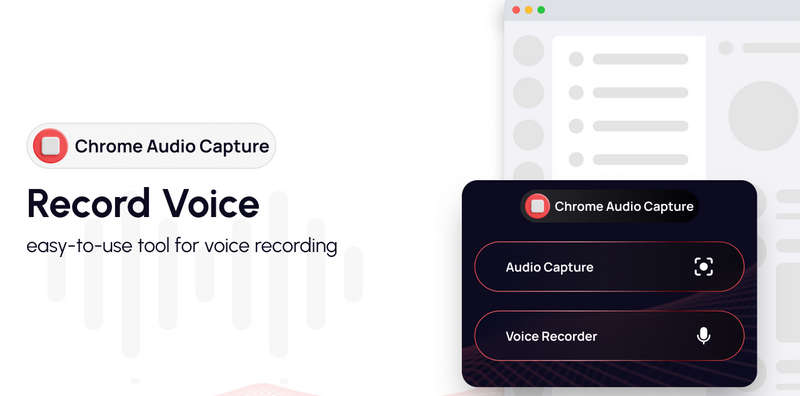
Key Features of Chrome Audio Capture:
- Record audio from Chrome tabs with customization options.
- Support recording multiple tabs.
- Save files as MP3 or WAV with high quality.
- Support simple one-click recording.
- Pros
- Easy to install and use.
- Works directly in Chrome.
- No desktop software required.
- Cons
- Recording time is limited.
- Output formats are limited.
3. Screencastify
Best For: Teachers, students, and users who need screen and audio recording together.
Screencastify is a Chrome extension mainly designed for screen recording, but this Chrome audio capture tool can also capture browser audio and microphone sound. It is commonly used by teachers, students, and content creators to record tutorials and presentations.
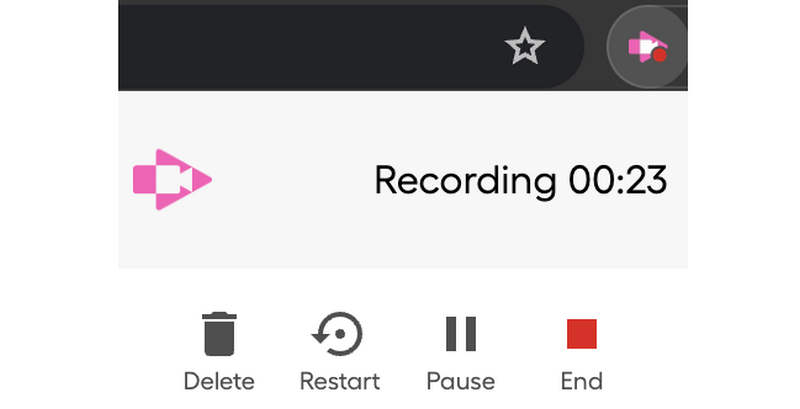
Key Features of Screencastify:
- Record browser tabs and screens seamlessly without lag.
- Capture system audio and microphone in the best quality.
- Add annotations to recordings for video capture.
- Export and share videos easily in MP3, WAV, FLAC, and more formats.
- Pros
- Works directly inside Chrome.
- Suitable for education and presentations.
- Easy sharing options.
- Cons
- Free version has recording limits.
- Mainly focused on video recording.
4. Loom
Best For: Business users and creators who need quick screen and audio recording.
Loom audio recorder for Chrome is a popular screen recording tool that works with Chrome through a browser extension. This Chrome audio capture platform allows users to record their screen, webcam, and browser audio. It is widely used for workplace communication, tutorials, and product demonstrations.
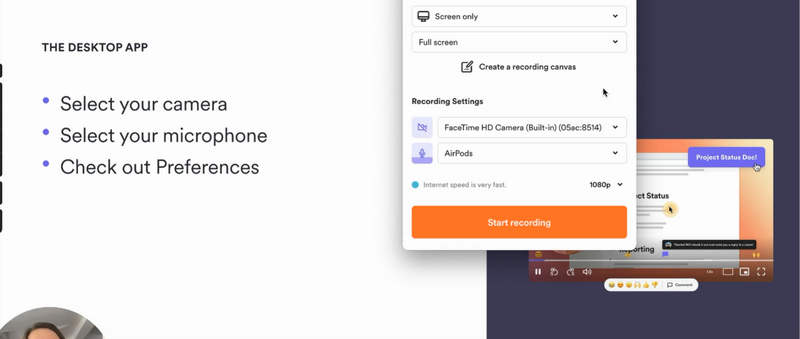
Key Features of Loom:
- Record Chrome tabs and desktop screens.
- Capture microphone and system sound.
- Add comments and share recordings online.
- Support stable and effective cloud storage.
- Pros
- Very simple recording process.
- Good for teamwork and communication.
- Supports browser-based recording.
- Cons
- More focused on video than audio only.
- Some features require a subscription.
5. Nimbus Capture
Best For: Users who want a simple Chrome recording tool with extra features.
Nimbus Capture is a Chrome audio recorder extension that allows users to record screens, browser tabs, and audio. It also provides basic editing tools, making it useful for creating tutorials and instructional videos. This Chrome sound recorder tool is very easy-to-use, and you can try it if you only need to do a fast and fluent audio recording on your Chrome, Edge, Safari, and more browsers.
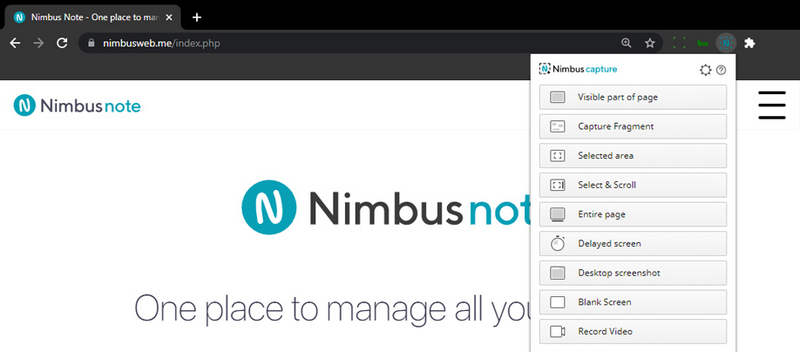
Key Features of Nimbus Capture:
- Capture Chrome tab audio with the original audio quality.
- Allow you to record screen and webcam.
- Add simple editing effects and annotations to your video recordings.
- Save and share your audio and video recordings easily.
- Pros
- Multiple recording modes.
- Easy for beginners.
- Includes editing tools.
- Cons
- Audio-only recording options are limited.
- Some features require payment.
6. Apowersoft Free Online Audio Recorder
Best For: Users who want an online Chrome audio recorder without installing software.
Apowersoft Free Online Audio Recorder is a web-based audio recording tool that can capture system sound and microphone input. It supports recording streaming audio, online radio, music websites, and other browser content. This online audio recorder for Chrome provides a simple interface with an easy workflow. Even if you are a beginner, you can quickly record your desired audio from Vimeo, YouTube, X, and other online platforms.
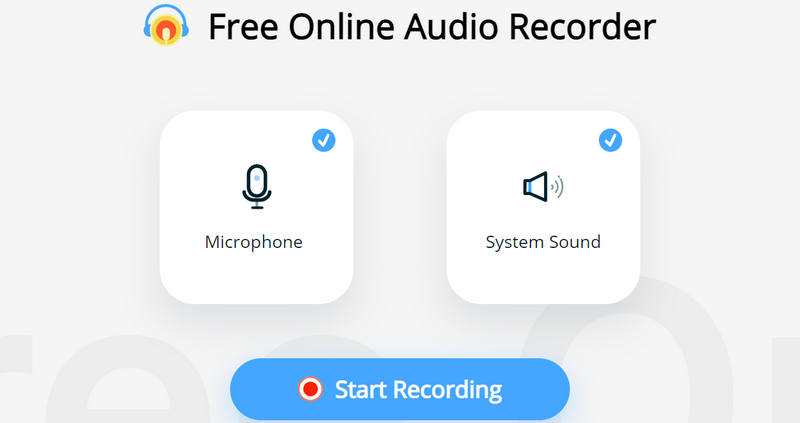
Key Features of Apowersoft Free Online Audio Recorder:
- Record Chrome audio online without installation.
- Capture system sound and microphone seamlessly.
- Support MP3, AAC, FLAC, and other formats.
- Pros
- Supports multiple audio formats.
- Easy to operate.
- Works on different platforms.
- Cons
- Requires browser permission settings.
- Performance depends on network connection.
7. Reverb Recorder
Best For: Quick audio recording with an online management platform.
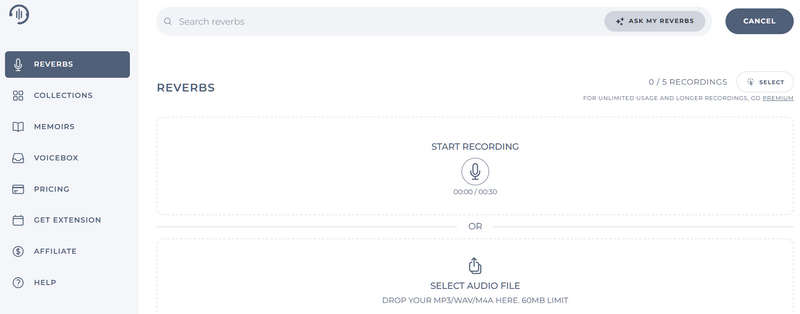
This recording tool is here to close our list of Chrome audio recorders. Your voice notes can be recorded and shared online. Aside from that, it can generate links for you to embed on Twitter or websites and in emails, forums, and other places. You can easily incorporate the recorded audio into your posts if you're a blogger.
- Pros
- Recording tool that is simple to use.
- Chrome works well with it.
- Obtain a link for sharing and embedding recorded audio.
- Cons
- With a restricted output format.
8. Joyoshare Audio Recorder
Best For: Stable audio recording with decent audio quality.
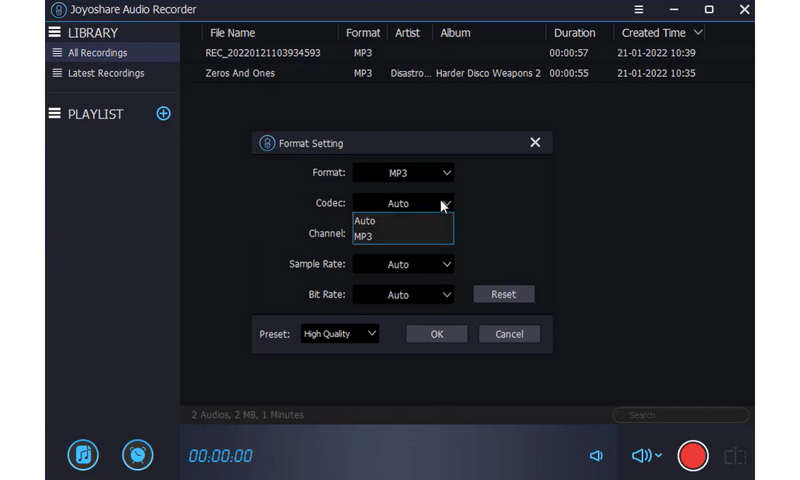
This desktop-only audio recorder allows you to record high-quality audio from Chrome. Aside from streaming audio, its advanced sound capturing technology will enable you to capture possible audio desktop activity. It also includes full support for system and microphone audio, exported as MP3, AAC, WAV, M4A, M4B, and FLAC. Using the built-in task scheduler, you can even create a recording assignment in advance.
- Pros
- Support for 16 different audio output formats.
- Split the recording and delete the mute automatically.
- ID3 tag detection, recognition, and correction for captured audio.
- Cons
- Recording times are limited.
9. Vocaroo
Best For: Users who need quick voice recording and sharing.
Vocaroo is a simple online voice recorder for Chrome that lets users record audio directly from a browser. It is commonly used for quick voice messages and short recordings. It has a simple and clear interface that lets you directly record your voice and system audio. However, there are no customization options; you can only one-click record all audio from your computer, including your Chrome browser, and then you can directly share the audio recordings.
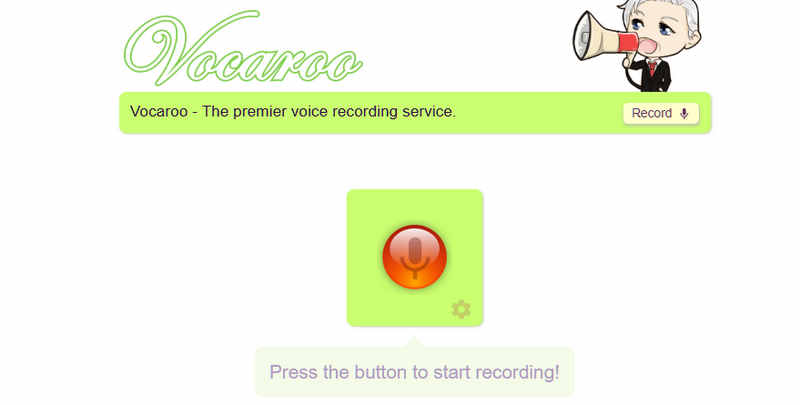
Key Features of Vocaroo:
- Record system audio and your voice online for free.
- Generate shareable links directly after recording.
- Provide a simple user interface with a simple workflow.
- It has no account required or on-screen ads.
- Pros
- Extremely easy to use.
- Fast recording process.
- Free service and usage.
- Cons
- Limited recording features and options.
- Not suitable for long audio recording.
10. Rev Online Voice Recorder
Best For: Record Chrome audio and your voice with high bitrate.
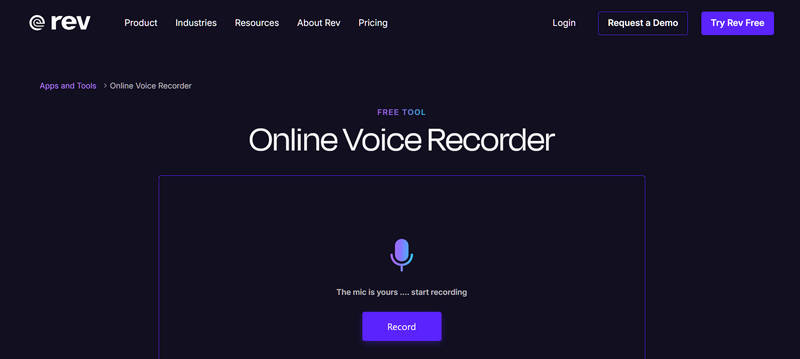
This is a free Chrome extension that allows you to record audio. Your audio and recordings can be saved in MP3 format. You can download your audio inaccessible MP3 form after recording it with this cloud audio recorder, which is entirely secure. Moreover, It also provides free mobile phone applications that allow you to easily record your business calls in high-quality mode and edit those file recordings within the app itself.
- Pros
- It gives you complete access to your recordings.
- It offers absolute security and safety to its users.
- Cons
- It occasionally fails.
- It must be challenging to use at times.
Part 3: FAQs about Chrome Audio Capture
Is it legal to record on Chrome?
Absolutely! Recording on Chrome is unquestionably legal if your content is educational, personal, and not commercial. If you reproduce the audio files as if they were your creation, you will be breaking the law.
Is there an audio recorder on Google?
No, Google does not permit the recording of internal audio. There are several reasons for this, one of which is your safety. Another issue is copyright; people will not download music or other audio; instead, they will record it and use it. However, Google has enabled this component as needed in the most recent version of Android.
Where does Chrome audio Capture save its recordings?
Chrome Audio Capture enables you to record any audio in a currently playing tab. Multiple tabs can be captured at the same time. Captured files will be downloaded to the Chrome Downloads folder and saved as.wav or.mp3 files.
Each of the above Chrome audio capture tools has been handpicked and listed here because of its outstanding features. You can benefit from its stress-relieving function regardless of which one you choose. AVAide Screen Recorder, in particular, is one of the most recommended and best audio recording software of all time. Go ahead and give it a shot!
ABOUT THE AUTHOR

Capture screen activities with audio, online meetings, gameplay videos, music, webcam, etc.

 Secure Download
Video & Audio Recorder Review
- AirShou Screen Recorder Review
- Best Open Source Screen Recorder
- Action Screen Recorder Review
- Best Free Screen Recorder
- Best Screen Recorder for Chrome
- Best GIF Recorder
- Best Webcam Recorder
- Best Screen Recorder for Windows
- Best Screen Recorders for Android
- Review of Chrome Audio Capture
- Best Audio Recording Software
- Best Voice Recorder for Android
- Top 8 Terrific Online Screen Recorders of the Year
- 7 Excellent Free Screen Recorders with No Watermark
- A List of 8 Astonishing Desktop Recorders of the Year
- 12 Hot Picks of Screen Recorders for Mac [Online & Offline]
- 8 Best Game Recorders to Utilize on Windows and Mac
- 10 Most Preeminent MP3 Recorders on Windows and Mac
- 5 Best Call Recording Apps for Android Worth Using
- 6 Best Voice Recorder Apps for iPhone & Android