Need an easy way to turn your clips into a movie? Not sure what to look for in a movie maker? Having trouble picking the right one? We got you! This post reviews 12 movie makers fairly and in detail. By the end, you can spot the movie maker that best fits your project.
Part 1: What to Look for in a Movie Maker
Choosing a movie maker is easier when you know what matters. Here are the key things to check:
1. Ease of Use
Choose a tool that is simple to use. A clean layout is helpful for beginners. Clear buttons make editing easier. You should also be able to learn the basic tools quickly.
2. Features
Look at the editing tools the movie maker has. Basic tools like trimming and transitions are useful. Effects can also make your videos more exciting. Some movie makers even have helpful AI tools.
3. Platform
Think about where you want to edit your videos. Some tools work on computers. Others let you edit videos online through a browser. Mobile apps are also useful for quick edits.
4. Price
Check the price before choosing a tool. Some movie makers are free to use. Others have both free and paid plans. Paid plans may give you access to more editing tools.
5. Output Quality
Good quality makes your movie look better. Check for 1080p or 4K support. Also, check social media sizes. This helps when sharing your video online.
6. Watermarks
Free tools may add a watermark. Check this before exporting your movie. A watermark can cover part of your video. Some paid plans can remove it.
7. AI Capabilities
AI can make editing much easier. Look for auto-captions and background removal. Some tools can turn text into videos.
Part 2: How We Test These Movie Makers
We use a modern computer and a stable internet connection for testing. We work with video clips, photos, and music. We also use common video formats, such as MP4. Each tool is tested with 1080p videos to see how well it works. We try the main editing tools and export options. If AI tools are available, we test them, too. This helps us see how each movie maker works during normal use.
Part 3: The Best Video Makers - Comprehensive Reviews
- Best Video Makers
- CapCut
- AVAide Video Converter
- DaVinci Resolve
- CyberLink PowerDirector 365
- InVideo AI
- Canva Video Maker
- Synthesia
- Clipchamp
- iMovie
- Adobe Premiere Pro
- Kapwing
- Kdenlive
| Ease of Use | Platforms | Movie-Making Tools | Pricing | Best for |
| ★★★★★ 5/5 | Windows, Mac, online, and mobile. | Templates, effects, captions, music. | Free and a plan that starts at $19.99. | Fast social media video editing. |
| ★★★★★ 5/5 | Windows and Mac. | MV maker, themes, trim, crop, filters, titles, music, effects, etc. | Free and a plan that starts at $18.00. | All-in-one movie making with easy editing, fun themes, and flexible video tools. |
| ★★★☆☆ 3/5 | Windows, Mac, and Linux. | Editing, color, audio, effects. | Free and a paid plan that costs $295. | Detailed video projects with advanced editing needs. |
| ★★★★☆ 4/5 | Windows and Mac. | Templates, effects, transitions, titles. | Starts at $54.99. | Fast editing with AI-powered tools. |
| ★★★★★ 5/5 | Web and mobile. | Templates, stock media, text editing. | Starts at $17. | AI-assisted video creation and fast content production. |
| ★★★★★ 5/5 | Windows, Mac, web, and mobile. | Templates, text, music, transitions. | Free and a paid plan that starts at $5. | Branded videos, social posts, and simple creative projects. |
| ★★★★☆ 4/5 | Web only. | Scenes, scripts, avatars, voice. | Starts at $59. | Training, business, presentation, and learning videos. |
| ★★★★★ 5/5 | Windows and web. | Templates, text, transitions, stock media. | Free and a paid plan that costs $11.99. | Beginners, screen recordings, and everyday video editing. |
| ★★★★★ 5/5 | Mac, iPhone, and iPad. | Trailers, themes, titles, music. | It is completely free. | Apple users who want simple movie creation. |
| ★★★☆☆ 3/5 | Windows, Mac, and iPhone. | Advanced editing, effects, and audio. | Starts at $22.99. | Detailed video editing and professional projects. |
| ★★★★★ 5/5 | Web only. | Templates, subtitles, effects, and collaboration. | Free to start. | Online editing and team-based video projects. |
| ★★★★★ 5/5 | Linux, Windows, Mac, and BSD. | Multi-track editing, effects, transitions. | It is completely free. | Free and flexible desktop video editing. |
1. CapCut
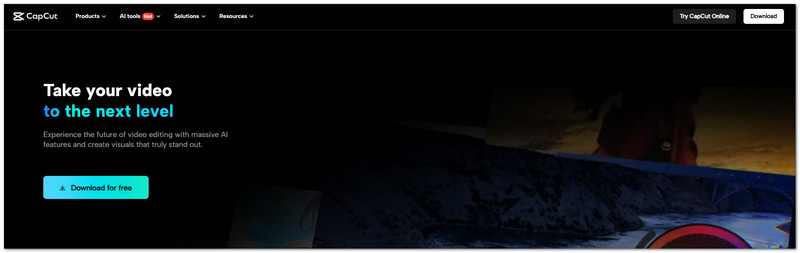
Fast cuts, quick captions, and ready-made effects make this AI CapCut video maker easy to use. CapCut also adds AI tools, keyframes, color controls, and smart reframing for creators who want more control.
Rating: 4.3/5 from Product Hunt.
Key Features:
- Automatic caption generation.
- AI video and writing tools.
- Smart aspect ratio adjustment.
Testing Result: MP4 clips, photos, and music are easy to add to a 1080p project. Its effects, captions, and AI tools also make quick edits more fun.
Pros
Strong automatic captions.
Frequent template updates.
Cons
Less suited for long videos.
Limited audio mixing layers.
2. AVAide Video Converter
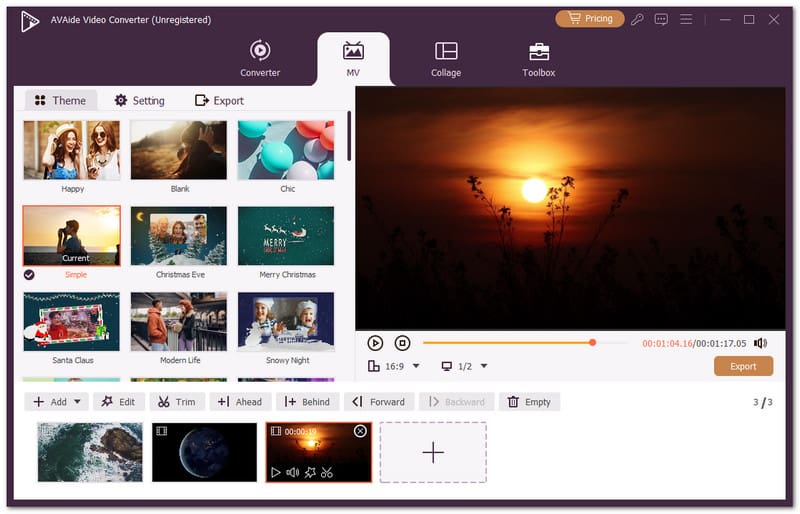
A great video maker should make your clips feel like a single, cohesive story. AVAide Video Converter does this with its built-in MV feature. Add as many clips as you want and set their order.

FREE DOWNLOAD For Windows 7 or later
 Secure Download
FREE DOWNLOAD For Mac OS X 10.13 or later
Secure DownloadYou can choose a theme for a fun, movie-style. You can trim, crop, rotate, add effects, filters, watermarks, titles, and background music. It also supports many video formats so that you can work with almost any video file.
Rating: 4.8/5 stars on its official page.
Key Features:
- Supports over 1,000 video formats.
- Produces crisp 4K, 5K, and 8K videos.
- Enhance video quality with smart AI tools.
- Uses NVIDIA, AMD, and Intel hardware power.
Testing Result: It performed well in our movie-making tests. It handled MP4 clips, photos, and music smoothly. 1080p videos were easy to edit and export. Its MV feature made it easy to arrange clips and add themes, music, titles, and effects. The export process was also smooth, making it a strong all-in-one movie maker.
Pros
Combines video conversion and editing in one place.
Offers 51 themes, 42 filters, 45 templates, and a variety of aspect ratios.
Cons
The trial version comes with some limits.
3. DaVinci Resolve
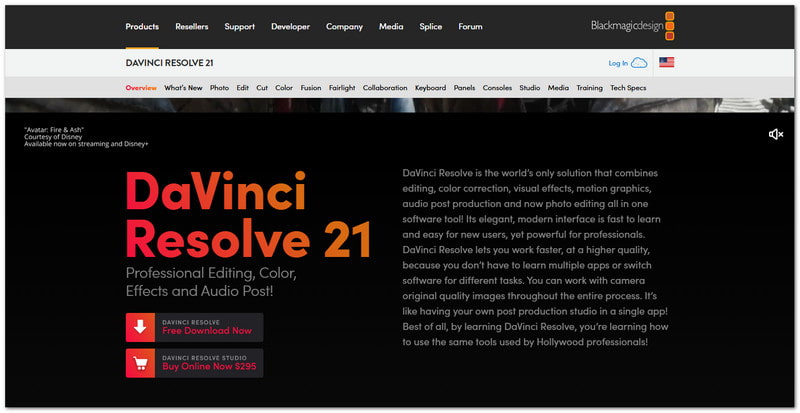
One workspace can handle the whole post-production job. DaVinci Resolve is a powerful movie maker for Windows, Mac, and Linux. It brings editing, color work, visual effects, motion graphics, and audio together. Its AI tools also speed up tasks that would take longer by hand.
Rating: 4.5/5 from TechRadar.
Key Features:
- Advanced color correction.
- Fairlight audio tools.
- AI-powered editing tools.
Testing Result: It offers a more advanced editing setup. 1080p clips play well with photos and music. Its timeline, audio tools, color controls, and export options give you more control over each video.
Pros
Powerful free version.
Strong GPU performance.
Cons
Steep learning curve.
Needs powerful hardware.
4. CyberLink PowerDirector 365
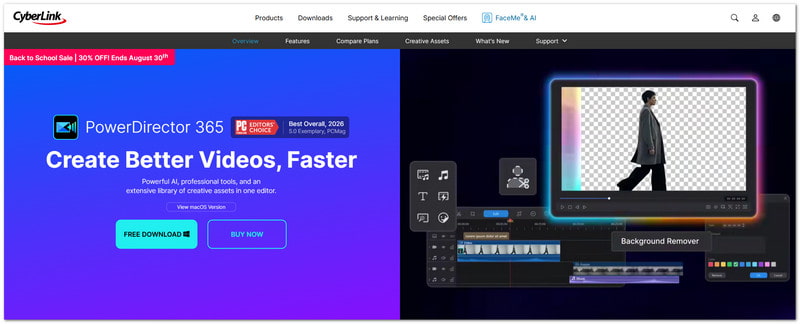
Need speed without giving up detailed editing? PowerDirector 365 is a powerful movie-making editing software that combines a full timeline with AI tools. It can build rough cuts, remove objects, clean audio, create captions, and reframe videos for different platforms.
Rating: 4.3/5 from Capterra.
Key Features:
- AI-assisted video editing.
- Object and background removal.
- Automatic captions and text-to-speech.
Testing Result: It keeps common editing tasks easy to handle. MP4 clips, photos, and music fit well into 1080p projects. AI tools add extra help with captions, audio, and other video tasks.
Pros
Fast video rendering.
Large effects library.
Cons
The Mac version has fewer features.
Frequent upgrade prompts.
5. InVideo AI
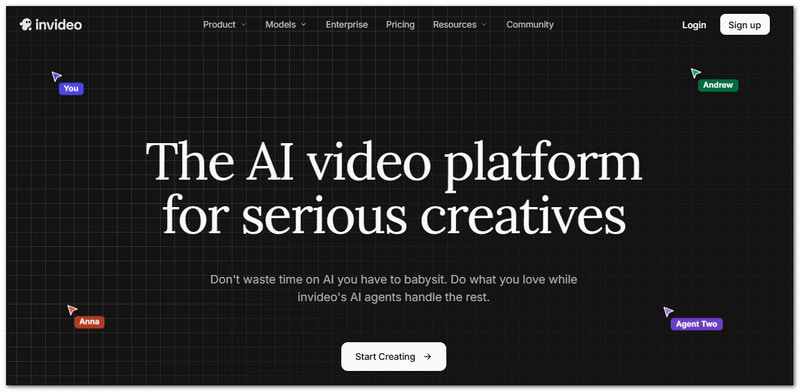
InVideo AI works as an AI movie maker, turning a simple idea into a full video project. It can create scripts, clips, images, voiceovers, and scenes. Its AI agents can also help manage shots, characters, locations, and other parts of production.
Rating: 4.3/5 from G2.
Key Features:
- AI video creation from text.
- Built-in voiceovers and avatars.
- Multi-shot editing and storyboarding.
Testing Result: You can start with an idea or script instead of building every scene by hand. It can bring together clips, images, music, voiceovers, and other video assets.
Pros
Creates multiple video assets from a single prompt.
Includes scripts, clips, and voiceovers.
Cons
Credit use can add up.
Advanced plans are costly.
6. Canva Video Maker

Canva Video Maker makes video editing feel more like simple design work. Its timeline supports multiple layers. You can also add music to Canva videos, along with stock footage, captions, animations, and AI-generated clips.
Rating: 4.7/5 from Capterra.
Key Features:
- Multi-layer video timeline.
- AI video and animation tools.
- Large stock media library.
Testing Result: It makes a 1080p project feel more like a simple design task. Clips, photos, and music are easy to place. Templates, stock media, and AI tools can also speed up the creative work.
Pros
Easy drag-and-drop editing.
Many ready-made assets.
Cons
Limited advanced timeline control.
Audio tools are less precise.
7. Synthesia
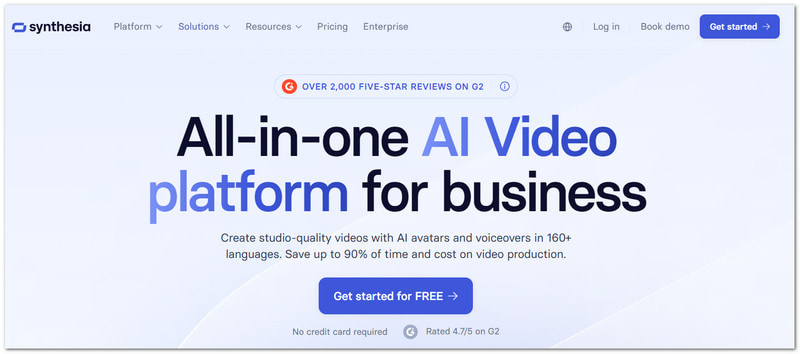
Synthesia works as an AI video maker that removes much of the usual video setup. You can type a script and let an AI avatar deliver it. It also supports more than 160 languages. Documents and ideas can be turned into complete AI videos.
Rating: 4.6/5 on G2.
Key Features:
- AI avatars with voiceovers.
- AI video creation from documents.
- Real-time team collaboration.
Testing Result: It focuses on AI-made videos rather than normal timeline editing. A script can be turned into a video with an AI avatar and voice. It's many language choices also make it easy to create video versions for different viewers.
Pros
Wide language support.
Strong business video tools.
Cons
Higher pricing.
Some avatars may look stiff.
8. Clipchamp
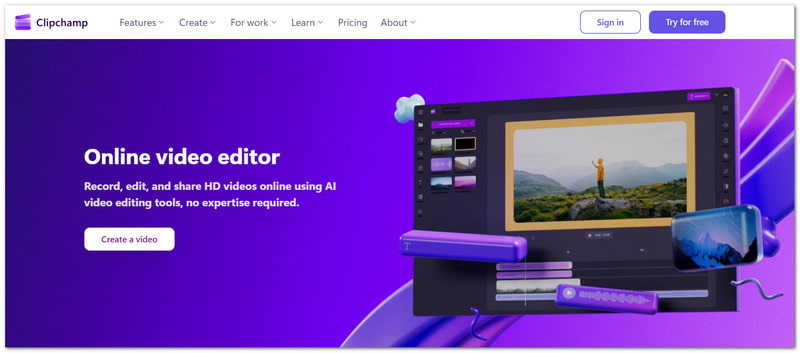
Microsoft Clipchamp keeps video editing inside a simple browser-based workspace. It makes it a handy movie maker for Windows 11 and 10. It offers AI voiceovers and captions. You can also capture your display, webcam, and voice. Its stock library adds ready-to-use media.
Rating: 4.3/5 from Capterra.
Key Features:
- AI voiceover generator.
- AI subtitle generator.
- Royalty-free stock media.
Testing Result: The editor feels clean and simple to use. MP4 clips, photos, and music work well in 1080p projects. Its captioning, voiceover, screen recording, and export tools provide useful options for editing and saving videos.
Pros
Useful AI audio tools.
Easy screen recording.
Cons
Large files can render slowly.
The free plan has some limits.
9. iMovie
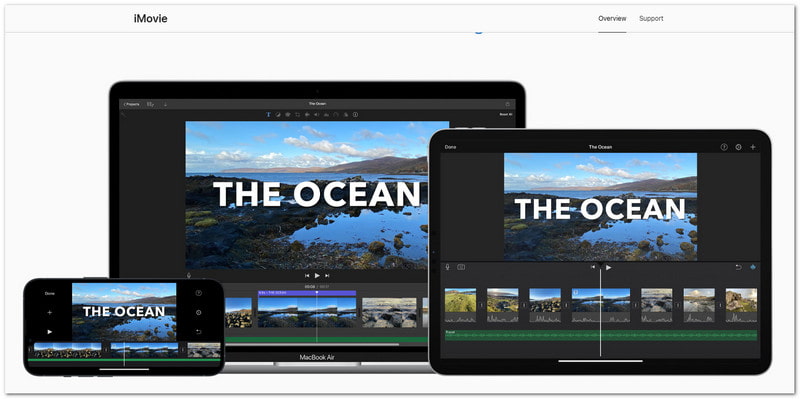
For Apple users, an easy-to-use video maker can simplify the video creation process. Magic Movie can build an edit for you. Storyboards can guide each scene. It also supports 4K video, green screen, split screen, and cinematic effects.
Rating: 4.5/5 from Software Advice.
Key Features:
- Magic Movie automatic editing.
- Storyboard-based video creation.
- 4K video support.
Testing Result: You can add clips, photos, and music to a 1080p project with ease. Magic Movie can also build a quick edit from your selected footage.
Cons
Limited to Apple devices.
Fewer advanced editing controls.
10. Adobe Premiere Pro
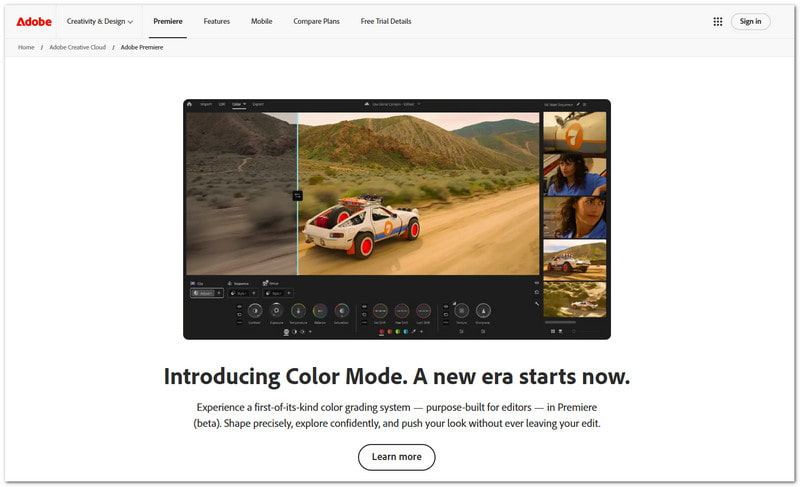
When you need more control over every part of a video, this editor gives you plenty of tools. It supports detailed cuts, sound work, color grading, AI masking, clip search, and even AI-generated extensions.
Rating: 4.7/5 from Capterra.
Key Features:
- AI-powered Media Intelligence.
- Professional color grading tools.
- AI audio and masking tools.
Testing Result: It gives you strong control over a 1080p project. Clips, photos, and music can be arranged with care. Its editing, audio, color, export, and AI tools handle more detailed work.
Pros
Powerful AI tools.
Advanced color and audio controls.
Cons
Steeper learning curve.
Subscription-based pricing.
11. Kapwing
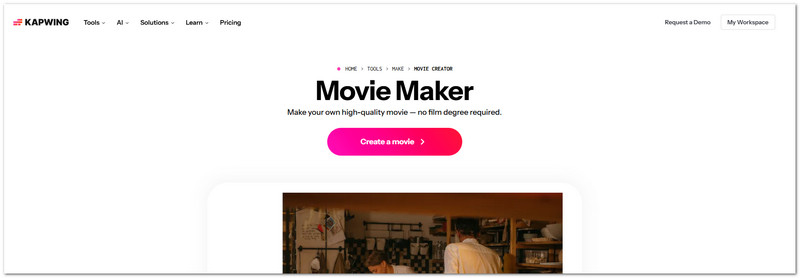
Teamwork becomes easier when editing occurs in a single shared online space. This free online AI video maker can help you cut clips, add subtitles, clean up audio, crop videos, and use overlays. Others can also review and edit the same project with you.
Rating: 4.4/5 on Software Advice.
Key Features:
- Automatic subtitle generation.
- An AI tool for cleaning audio.
- Video resizing and background removal.
Testing Result: Most editing tasks can be done right in the browser. MP4 clips, photos, and music can be placed into a 1080p project. Subtitles, audio tools, resizing, and AI features make the workflow more useful.
Pros
Strong teamwork features.
Many AI-powered tools.
Cons
Large exports can be slow.
Needs a stable internet connection.
12. Kdenlive
A free video maker can still give you plenty of control. This open-source editor supports multiple tracks and lets you adjust the workspace to your needs. It also runs across several desktop operating systems.
Rating: 4.3/5 on TechJockey.
Key Features:
- Multi-track video editing.
- Open-source editing tools.
- Customizable workspace.
Testing Result: It offers a flexible workspace for basic video editing. MP4 clips, pictures, and audio can be placed across several tracks. Its timeline and export tools give you good control without adding a paid plan.
Pros
Completely free to use.
No watermark.
Cons
It can crash during heavy work.
Audio tools are more basic.
Part 4: Specialized Video Makers for Different Purposes
Not every video needs the same tools. Some are made for music. Others work best for photos, cartoons, or movie trailers. Here are quick picks for each type.
1. Music & Lyric Video Makers
Best picks: CapCut and Canva Video Maker.
You can add lyrics, music, text, and fun effects. Both are great music and lyric video makers for creative music videos.
2. Cartoon & Animation Video Makers
Best picks: Canva Video Maker and Adobe Premiere Pro.
You can create animated scenes with text, images, and effects. These tools work well as a cartoon and animation video maker for fun stories and cartoons.
3. Photo Video Makers
Best picks: AVAide Video Converter.
This photo video maker turns photos and clips into a movie with its MV feature. You can add themes, music, titles, filters, and effects.
4. Movie Trailer Makers
Best picks: AVAide Video Converter and CapCut.
You can add titles, music, effects, and templates using these movie trailer makers. You can create short videos with a movie-like feel.
5. LEGO Movie Makers
Best picks: AVAide Video Converter and iMovie.
These tools work well as a LEGO movie maker. You can turn LEGO clips into a fun movie. You can add music, titles, effects, and transitions.
Part 5: FAQs about Best Movie Makers
What video format is best for a finished movie?
MP4 is a good choice for most movies. It works well on many devices, apps, and websites.
Can I add subtitles to my movie?
Yes. You can add subtitles or captions. They also make videos easier to follow.
How long should a movie be?
There is no fixed length. Keep it long enough to tell the story. Remove clips that do not add value.
You have now explored the 12 video maker options. We hope you find the one that fits your needs. Check the factors in Part 1 to make your choice easier. There is no doubt that AVAide Video Converter is a great pick for easy movie-making and editing.
ABOUT THE AUTHOR

Your complete video toolbox that supports 350+ formats for conversion in lossless quality.