Many Mac users are surprised to discover that macOS does not support Blu-ray playback. Even if you connect a Blu-ray drive to your Mac, the system cannot play the movie directly. To watch Blu-ray movies on a Mac, you need good Blu-ray player software for your Mac to get the best experience. This article identifies a top list and reviews each player so that you can make the best decision.
Part 1: Top 6 Blu-ray Players for Mac
Most commercial Blu-ray movies are protected by AACS encryption. Blu-ray playback software must access AACS keys stored in system libraries to decrypt the movie. However, macOS uses a sandbox security model, which restricts how applications access protected system resources. This is why Blu-ray playback is difficult on Mac.
Top 1: AVAide Blu-ray Player for Mac
Commercial Blu-ray discs are encrypted and copyright protected. Only a part of media players can bypass the encryption and read all content. AVAide Blu-ray Player for Mac is one of the best Blu-ray players on Mac that can open almost all Blu-ray discs.
Key Features:
- Open almost all Blu-ray discs, ISO, and folders on Mac.
- Support encrypted Blu-ray, DVDs, and digital videos.
- Include custom options and video effects.
- Create playlists to manage and play videos.
- Completely control the Blu-ray playback.
- Support for Intel and Apple Silicon.
- Pros
- This Mac Blu-ray player is easy to use.
- It includes a wide range of custom options and useful tools.
- It supports almost all video formats including Blu-ray.
- The software keeps the original video quality.
- Cons
- You have to install the Blu-ray player on your hard disk.
Top 2: VLC
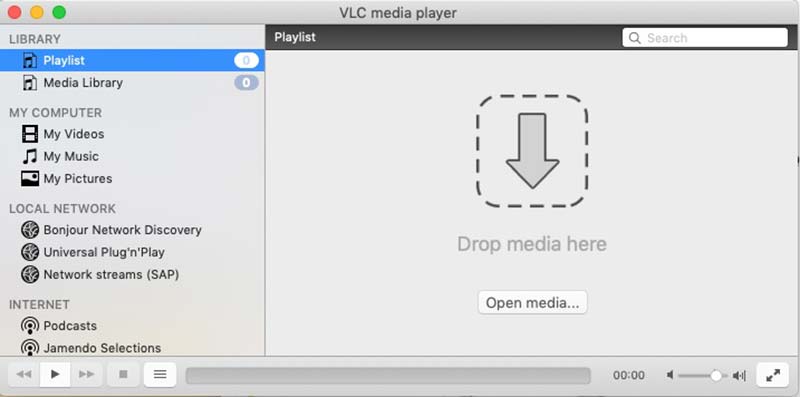
VLC Media Player is a popular free and open-source media player that supports many video and audio formats. Many users wonder can VLC play Blu-ray on Mac. In fact, VLC can play unencrypted Blu-ray discs, but commercial Blu-ray movies usually require additional AACS libraries.
Key Features:
- Play unencrypted Blu-ray, DVDs, and videos.
- Download online videos.
- Include a huge package of codecs.
- Offer basic and advanced playback controls.
- Native Apple Silicon support since VLC 3.0.18.
- Pros
- This Blu-ray player for Mac is completely free of charge.
- It is highly customizable.
- It can be expandable with plugins.
- Cons
- VLC can only play unencrypted Blu-ray discs because it cannot decode AACS or BD+ encryption without extra libraries.
Top 3: Macgo
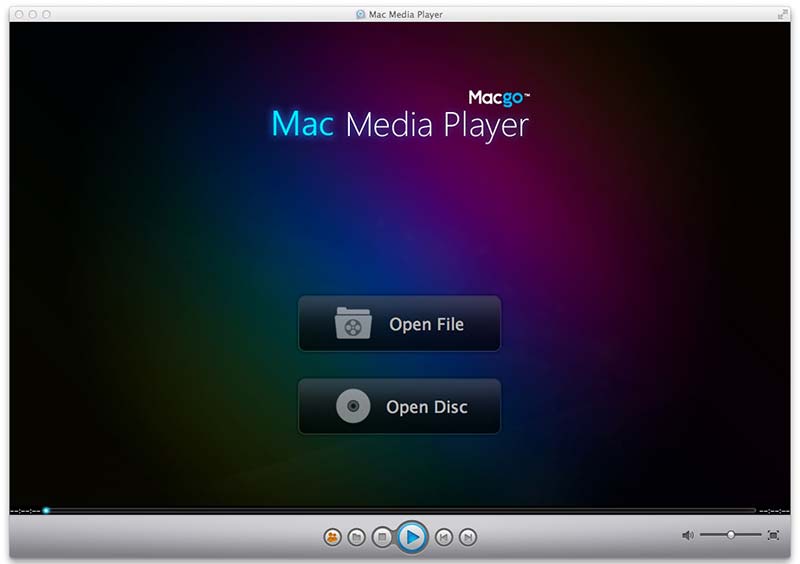
Macgo is one of the best Blu-ray players for Mac. It provides a free version with basic features and a pro version with full features, which costs $39.95 per license. According to the research, the pro version plays Blu-ray discs smoothly.
Key Features:
- Control over audio and video settings.
- Come with customizable skins.
- Offer flexible plans.
- Play commercial Blu-ray discs.
- Runs on Apple Silicon via Rosetta translation.
- Pros
- It is a versatile Blu-ray player software for Mac and PCs.
- The built-in BluFast MX gives Mac users a seamless experience.
- The video quality is good.
- Cons
- The free version cannot play 4K-resolution videos.
- It does not support 3D content.
Top 4: Elmedia Player
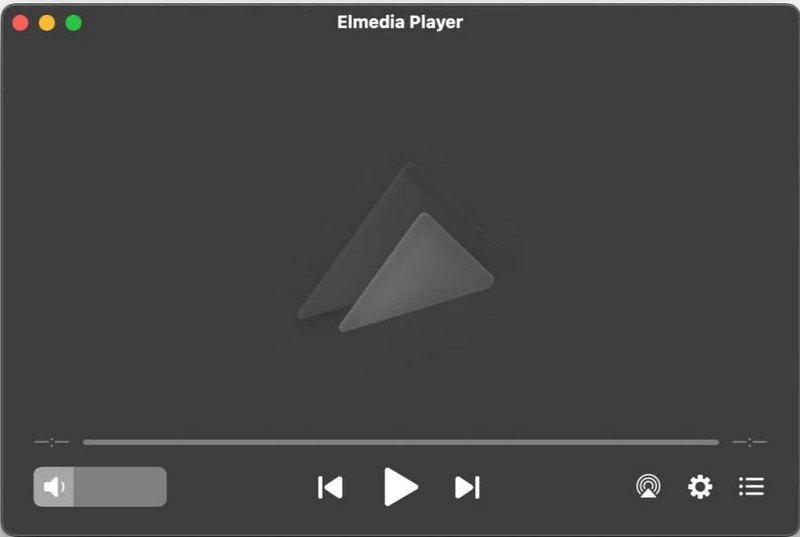
Elmedia Player is a popular Blu-ray player designed specifically for macOS. With its modern design and built-in streaming features, Elmedia Player is a convenient choice for Mac users who want a versatile media player.
Key Features:
- Play Blu-Ray on your Mac without extra codecs or additional software.
- Stream the video to Apple TV, Smart TVs, or DLNA-enabled devices.
- Provide full control to custom settings.
- Offer audio-video sync function and video deinterlacing.
- Support for Intel and Apple Silicon.
- Pros
- Play Blu-ray disc with 4K resolution.
- Provide lots of video and audio customization settings.
- Support for creating personalized playlists.
- Cons
- Screen recording is not supported.
Top 5: DVDFab Ultra HD Player
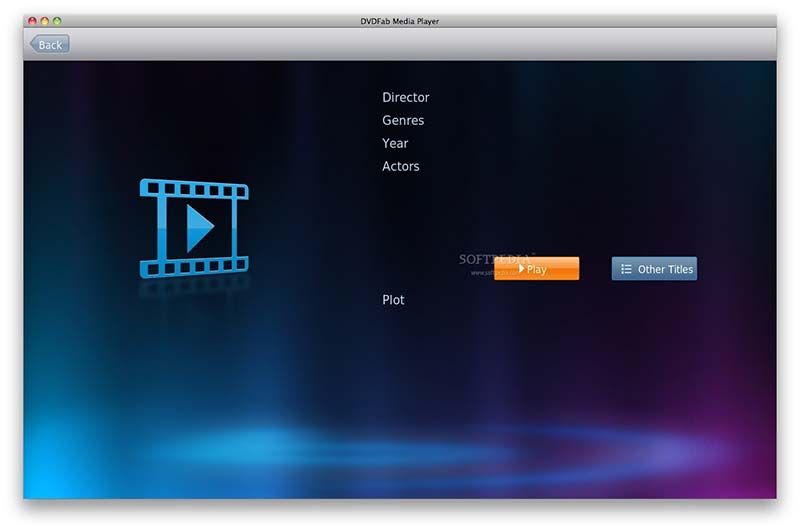
DVDFab Player makes it possible to play all kinds of media files on your desktop from online videos to Blu-ray discs. You just need to open your movies, sit back, and enjoy them at any time. That makes it popular among average people.
Key Features:
- Play Blu-ray discs on Mac with 4K quality.
- Easy to navigate and control.
- Manage videos with playlists.
- Support PC and TV playback modes.
- Optimized for Apple Silicon Macs.
- Pros
- It offers great color, contrast, and sharpness of videos.
- It can play Blu-ray discs, ISO images, and folders.
- This player supports both 2D and 3D content.
- Cons
- The free version is limited.
Top 6: Leawo Blu-ray Player
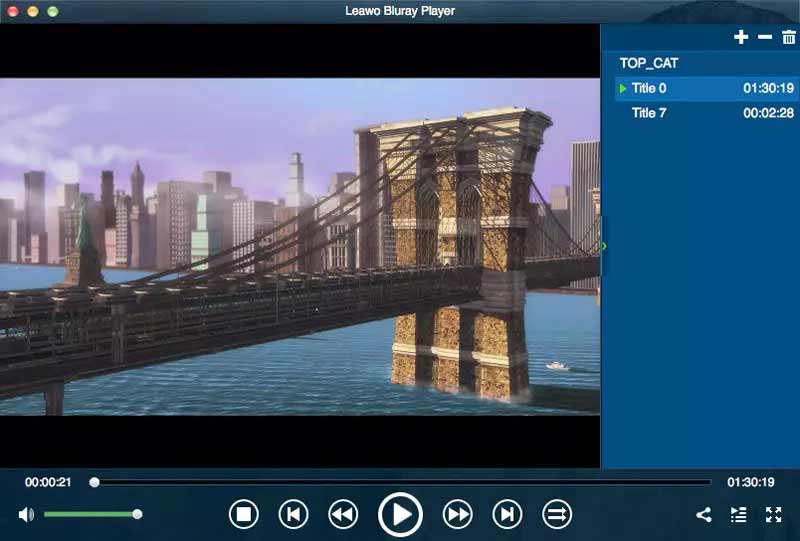
Leawo Blu-ray Player is both a media player and Blu-ray player available on Mac and PCs. The decent viewing experience makes it one of the best player software on market. Unlike other players, it only supports an annual subscription, which costs $68.16.
Key Features:
- Create playlists to play videos continuously.
- Manage Blu-ray and digital videos.
- Output audio to external devices via HDMI.
- Load Blu-ray discs in 20 seconds.
- Works on Apple Silicon via Rosetta translation.
- Pros
- This player uses little system resources.
- The interface is intuitive and easy to navigate.
- It can remove region code from Blu-ray.
- Cons
- It lacks standard disc playback, like 3D Blu-ray.
Part 2: How to Choose an External Blu-ray Drive for Mac
Before installing Blu-ray player for Mac, users must first make sure they have a compatible Blu-ray drive. Since modern Macs no longer include an optical drive, you will need an external Blu-ray drive to read Blu-ray discs.
Why a DVD Drive Cannot Play Blu-ray?
A standard DVD drive cannot read Blu-ray discs because Blu-ray uses a different laser technology. The Blu-ray laser has a much shorter wavelength, allowing it to read the higher data density on Blu-ray discs. Therefore, a regular DVD drive simply cannot detect Blu-ray content.
What Type of Blu-ray Drive Works with Mac?
When selecting a Blu-ray drive, focus on these technical and physical criteria:
- Look for an external Blu-ray drive with a USB-C cable or use a USB 3.0/3.2 interface.
- Choose a drive that is self-powered or includes a Y-cable for stable power supply.
- Make sure the drive is compatible with macOS 10.13 or later.
- Choose a drive that supports BDXL if you plan to store large amounts of data.
Part 3: How to Play Blu-ray on Mac
As mentioned previously, playing a Blu-ray disc may be not as straightforward as digital videos, although you have the best Blu-ray player on Mac. Therefore, we use AVAide Blu-ray Player for Mac as an example to show you the basic workflow.
Step 1Install Blu-ray player on Mac
Download the best Blu-ray player on your Mac and install it. It is compatible with Mac OS X macOS 10.12 or later. Then launch it from your desktop or the Applications folder.

FREE DOWNLOAD For Windows 7 or later
 Secure Download
FREE DOWNLOAD For Mac OS X 10.13 or later
Secure DownloadStep 2Open Blu-ray
Insert a Blu-ray disc into your drive. Click the Open Disc button in the home interface, and then select the main movie file to load it.
Step 3Control the playback
A few seconds later, the movie will play automatically after loading. Then you will get a quick control bar at the bottom. Here you can play forward and backward, pause the playback, make a screenshot at an important frame, or create a playlist. If you want to get the advanced controls, go to the menu bar at the top of the window. The top menu bar also enables you to adjust video quality, audio channel, and more.

Part 4: FAQs about Blu-ray Player for Mac
Why VLC cannot play my Blu-ray movies?
Firstly, check the version of your VLC, and only the V3.0 and above can play Blu-ray discs. Plus, commercial Blu-ray disc playback requires a library for BD+ decoding. If your system does not have it, VLC cannot decode the movie. The last main reason is VLC cannot decrypt your Blu-ray disc and you have to try another player.
Does Mac have a Blu-ray player application?
No. QuickTime Player is the built-in media player on Mac. It can play popular video files, like M4V, MOV, MP4, and more, but it won't open Blu-ray movies. Therefore, you have to use a third-party Blu-ray player or rip the movie and then play it using QuickTime.
Do I need a 4K Blu-ray player to watch 4K Blu-rays on MacBook Air?
Yes. If you want to play a 4K Blu-ray movie, you will need a 4K Blu-ray player for MacBook Air that supports Ultra HD Blu-ray playback. It can enhance your viewing experience when watching standard Blu-ray discs on high-resolution displays.
Now, you should understand the best Blu-ray players for Mac and the benefits and shortcomings of each player. You can follow our review and introduction to get the most appropriate player, such as AVAide Blu-ray Player for Mac, to get a better viewing experience. If you have better recommendations or other questions, please feel free to leave your message below this post and we will reply to it quickly.
ABOUT THE AUTHOR

Full-featured multimedia player to play Blu-rays, DVDs, 4K UHDs, and other video/audio files.