InShot is super popular for mobile short-video editing, but there's no official desktop for PC users. Does that mean you can't use InShot for PC or there are no ultimate alternatives? The answer is absolutely "no". This guide collects the best options, so whether you're editing on a laptop or a desktop, you can create high-quality more efficiently and effortlessly.
Part 1: Is There InShot for PC
Let's get straight to the point: there's no official InShot desktop app for Windows 10/11 or Mac. InShot was built exclusively for mobile devices (iOS and Android), so you won't find a direct "InShot for PC download" on any app stores.
But there's no need to worry - this doesn't mean you have to give up InShot's powerful tools when editing on your computer. You can either use a simple workaround to access the app on desktop, or explore a video editor like in Shot for PC. Both options let you enjoy a smooth editing experience on your computer.
Part 2: How to Use InShot on PC
InShot is a top pick for mobile video editing, but its desktop compatibility always frustrated many users. Is InShot available for PC? However, without an official desktop version, you can still use InShot on your PC. It is easy to follow and don't require any technical skills!
Run InShot via an Android Emulator
An Android emulator is like a "virtual phone" on your PC - it lets you run mobile apps right on your desktop. BlueStacks is the most popular one, and it can help you work InShot on PC, here is a step-by-step guide:
Step 1Download bluestacks from its official website, stay away from random third-party links!
Step 2Install it, then sign in with your Google account.
Step 3Search for "InShot", and click Install.
Step 4Once installed, launch InShot - now you can drag and drop PC files into it, edit with all your favorite tools, and export videos as usual.
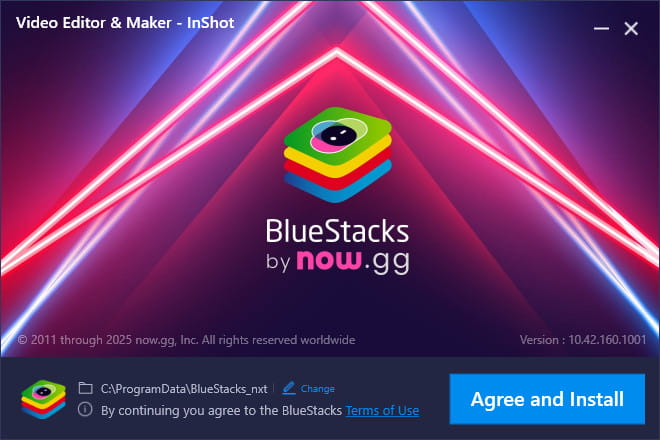
It's a great choice if you really love InShot's features and don't want to discover new software. But it also has a few drawbacks to note:
- Minor lags and longer response time on low-end PCs
- Takes up additional storage space.
- Clunky mouse and keyboard operation.
- Poor compatibility of full-screen display.
Minimum System requirements for BlueStacks 5:
- OS: Microsoft Windows 7 and above, MacOS 11 (Big Sur) or above.
- Processor: Intel, AMD or Apple Silicon Processor.
- RAM: At least 4GB.
- HDD: 10GB Free Disk Space.
- You must be an Administrator on your PC. Up to date graphics drivers from Microsoft or the chipset vendor.
Part 3: 5 InShot for PC Alternatives
Desktop video editors are designed specifically for computers, so they run faster, more stable and smoothly than emulators. They handle large video files better and are less likely to lag or crash. At the same time, they offer many advanced features, such as multi-track timelines, AI tools, and quick HD or 4K exports. Best of all, you won't have to worry about slow speeds or compatibility problems.
We tested all the tools below and evaluated them based on the following criteria: ease of use, feature completeness, free value, and performance. Each tool has its own strengths and is best suited for different use cases. Here are 5 useful InShot for PC Alternatives:
1. AVAide Video Converter
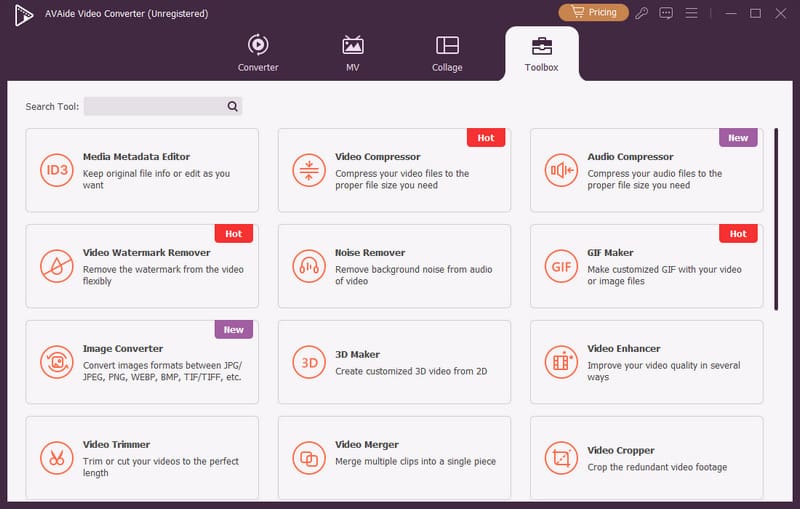
AVAide Video Converter matches every feature of InShot - making it the top choice among video editors of InShot alternatives for PC. It comes with powerful and easy tools and it can work on both Windows and Mac! You can cut footage, merge multiple clips, add cool effects or subtitles, convert your video to any formats, or remove watermarks. And it's totally free! You can edit videos as you like!
- 3-Step video conversion within seconds.
- Various MV mode for quick video styling.
- Creative collage tool for multi-clips layouts.
- Powerful toolbox for video editing.

 Secure Download
2. VSDC Video Editor
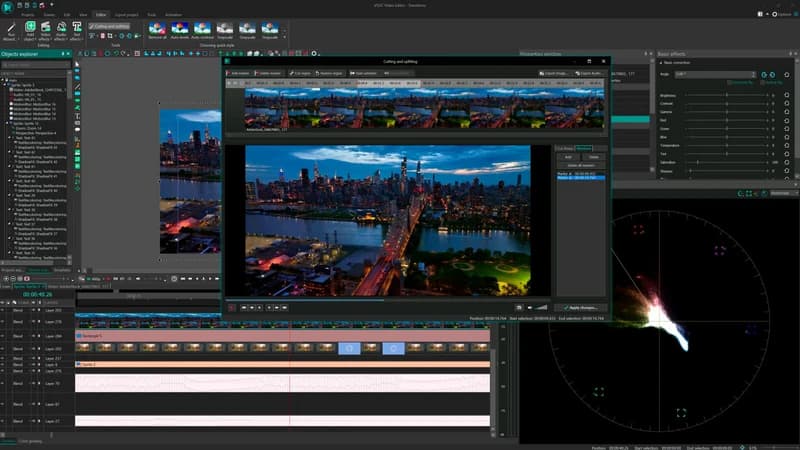
As one of the most popular editing software worldwide, VSDC Video Editor has more than 5 million users. It is only available for Windows. What makes it stand out to instead InShot for PC? The answer is this free multi-media PC video editor has almost all the tools you need. It offers basic functions like trimming, cutting and rotating clips as well as more advanced editing tasks below:
- Support all the popular video/audio formats and codecs.
- Powerful Chroma Key tool to remove green background.
- GPS telemetry tools for action cameras.
- Smoothy running even on low-end PCs.
But the interface of VSDC Video Editor is complex and hard for beginners to operate.
3. Movavi Video Editor
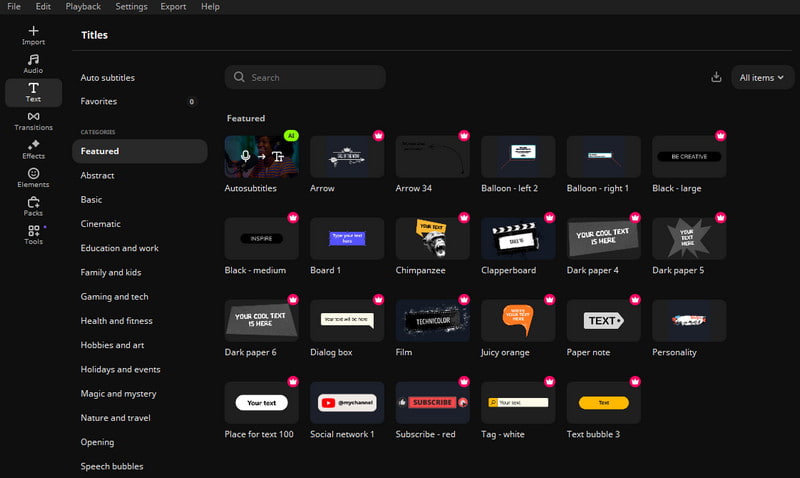
Movavi Video Editor is available for Windows, Mac, Android and iOS. You can quickly cut footage, crop clips, fine tune colors, and adjust speed. It also includes AI tools that save your time - such as generating automatic subtitles and removing background noise. It also provides hundreds of filters, transitions, titles, and overlays, making it a powerful InShot alternative for PC.
- Easy-to-use editing tools for beginners
- Rich effects and templates to enhance your videos
- One-click AI features reduce time-consuming
But many functions require payment, the free version only offers very limited selections.
4. Shotcut
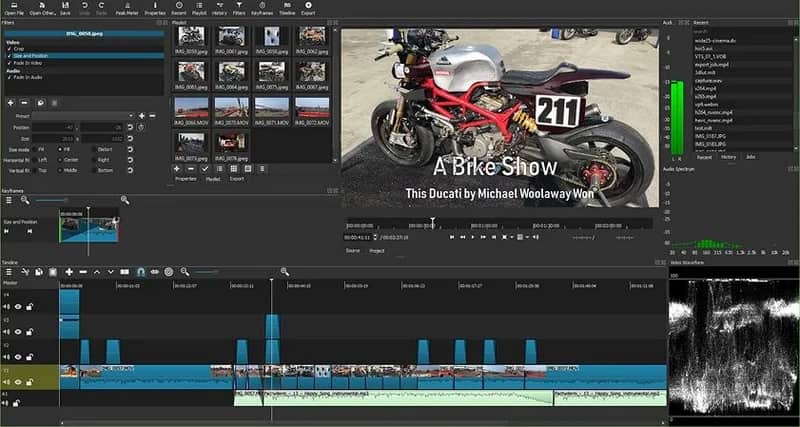
Shotcut is a free, open-source video editor available for Windows, Mac and Linux. While its interface is complex and overwhelming for beginners, it's a popular choice among intermediate and advanced users. As a common choice of InShot for PC alternative, Shotcut supports 4K video in multiple formats and includes tools for audio editing, video recording, transitions, and visual effects.
- Support advanced video editing tools and features
- A free & open-source with no hidden costs.
- Broad formats including 4K video.
But Shotcut is suitable for advanced editor, beginners are not recommended to use it.
5. Hitfilm Express
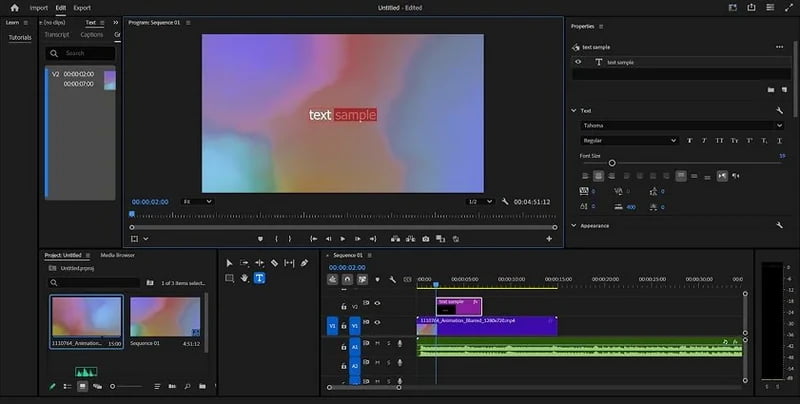
Hitfilm Express can run on Mac and Windows. It boasts a concise and easy interface along with plenty of features for editing. For social media enthusiasts, gamers, and content creators. this software is a great choice to work as InShot for PC.
- Tailored for social media lovers, content creators and gamers.
- User-friendly interface and easy to operate.
- Mac-compatible and iMovie alternative.
But you have to purchase extra features in the add-on store.
| Software | Supported OS | Ease of Use | Free Version | Best For |
| AVAide Video Converter | Windows Mac | Easy | Free | Beginners |
| VSDC Video Editor | Windows | Complex | Free | Advanced users |
| Movavi Video Editor | Windows Mac Android iOS | Easy | Limited | Fast editing with AI tools |
| Shotcut | Windows Mac Linux | Advanced | Free & Open-source | Intermediate & advanced users |
| HitFilm Express | Windows Mac | Easy | Limited | Content creators & gamers |
Although InShot doesn't have an official desktop version for PC, that doesn't mean your video editing has to stay on a small screen. By following this guide, you've explored several alternatives for InShot on PC. With the right alternative such as AVAide Video Converter, you can unlock more possibilities, like making a lyric video or music content. No matter which tool you use, just enjoy the creating progress – looking forward to your awesome work!
Your complete video toolbox that supports 350+ formats for conversion in lossless quality.