Do you still have Blu-ray discs or DVDs you want to watch again? Maybe you want to rewatch your favorite movies or shows at home. The best way to do that is with good Blu-ray DVD player software. Right in this write-up, we will show you the best options and give tips on how to choose the right one.
So, what are you waiting for? Please get to know each of them below!
Part 1: How to Choose the Blu-ray DVD Player Software
The right Blu-ray DVD player software makes watching movies on your computer simple and enjoyable. With many options available, it helps to know which features matter most before choosing one.
1. Compatibility
Check that the Blu-ray DVD player software works with your computer. Make sure it supports your operating system, has enough RAM, processor power, and disk space.
2. User Interface
Pick a program that is easy to use. Menus should be simple, clear, and visually nice. Helpful instructions or a guide are a big plus.
3. Video & Audio Quality
Look for high-quality video support, like HD, 4K, or 8K. A good Blu-ray DVD player software also supports strong sound with DTS, Dolby, or Surround Sound. Some players can improve older videos and make them look and sound better.
4. Features
The best Blu-ray DVD player software has extra features. You should be able to adjust subtitles, brightness, contrast, and color. Other helpful features include virtual remotes, casting, and creating playlists. Some software can organize your movies, music, or photos and add cover art automatically.
Part 2: 6 Best Blu-ray DVD Player Software for Your Reference
1. AVAide Blu-ray Player
Ideal for: Users who want high-quality video, immersive sound, and full control over playback with DVDs, Blu-rays, or ISO folders.
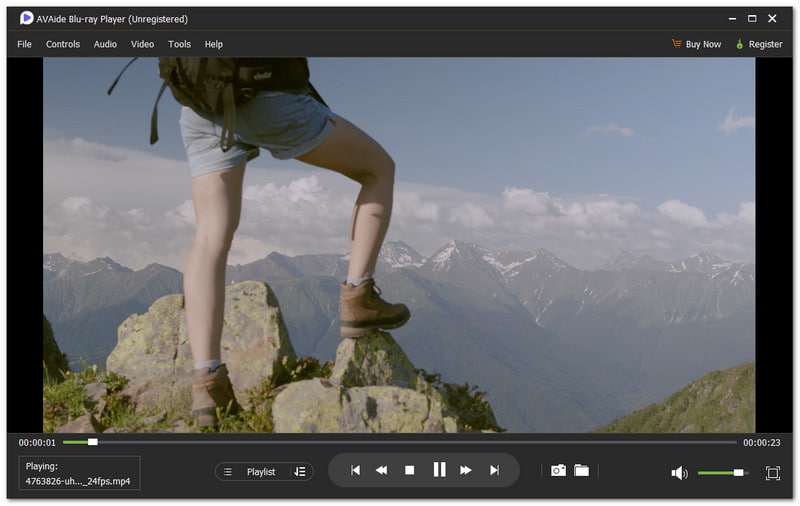
When it comes to the best Blu-ray DVD player software, AVAide Blu-ray Player takes the lead because it meets all the key qualities a great player should have. It supports DVDs, Blu-ray discs, and ISO folders. It also handles many video and audio formats such as MP4, MOV, MKV, AVI, FLAC, and MP3.

FREE DOWNLOAD For Windows 7 or later
 Secure Download
FREE DOWNLOAD For Mac OS X 10.13 or later
Secure DownloadWondering about picture clarity? It is stunning with 4K and 1080p. Curious about sound? Dolby Digital and DTS make every whisper and boom feel like a real theater. The flexible controls let you play, pause, boost volume, etc. Plus, you can make customized playlists to enjoy movies your way.
Key Features: It supports Blu-ray, DVD, and many media formats. It plays videos in high resolution. You can add audio tracks and subtitles. You can also take screenshots.
Upsides: You can control playback and adjust volume easily. You can change the preview screen size to full or custom. You can also change video effects like brightness, contrast, and saturation.
Downsides: There is a free version, but with limitations. To enjoy all functions, you need to upgrade to the paid version starting at $35.00.
2. Leawo Blu-ray Player
Ideal for: Users who want Blu-ray playback while doing other tasks.
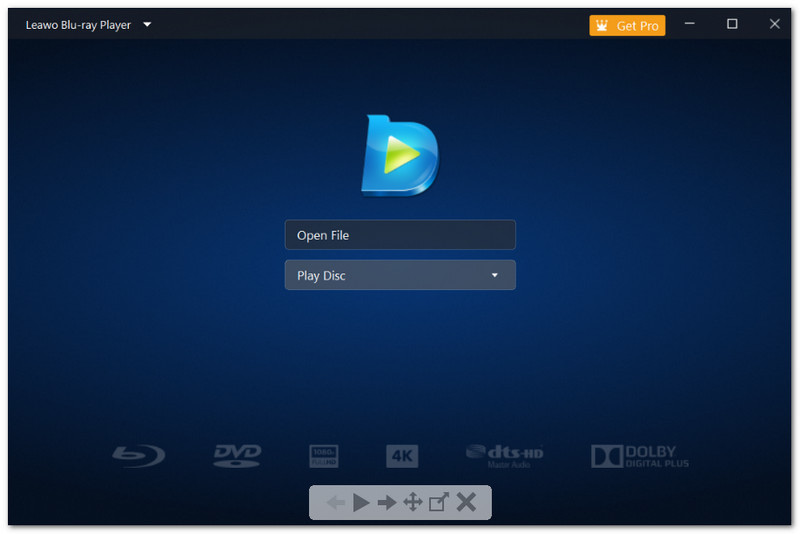
Working while a movie plays sounds risky, but Leawo Blu-ray Player makes it easy. This Blu-ray and DVD player software focuses on smooth playback without stressing your system. It plays Blu-rays and DVDs while using little CPU power.
It feels calm and stable during playback. You can keep editing files or browsing without slowdowns. That strength alone makes it a solid and dependable Blu-ray DVD player program choice.
Key Features: It includes a virtual remote for disc menus. It enables you to play Blu-ray ISO files. It also supports multi-angle playback for select movies.
Upsides: It runs light on system resources. It helps save battery power. It also stays smooth during long playback.
Downsides: It lacks video upscaling tools. Also, it does not support BD-Live features.
3. GOM Player
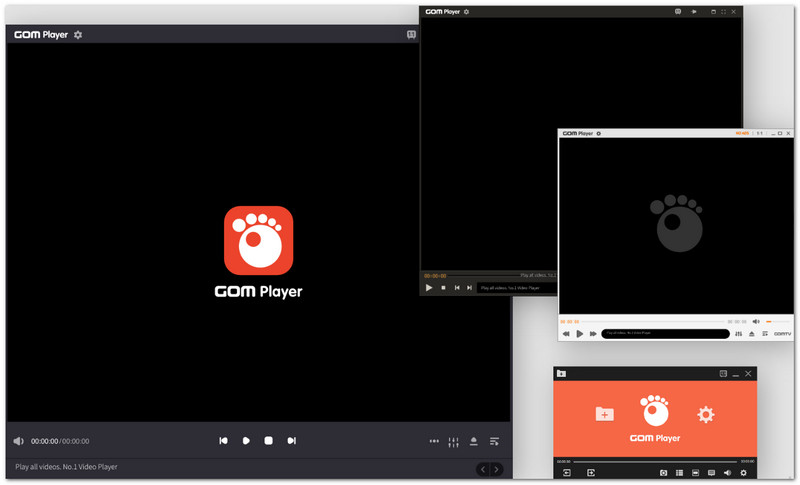
Ideal for: Viewers who rely on subtitles often.
Subtitles can ruin a movie when they fail, but GOM Player fixes that problem fast. This free-to-download Blu-ray DVD player software shines with subtitle handling. It finds, syncs, and fine-tunes subtitles with ease. It also helps when files refuse to play. Its codec support fills the missing gaps, so videos still open.
Key Features: It offers subtitle search and sync tools. It includes playback speed control. It also provides screen color adjustments.
Upsides: It handles subtitles well. It can play damaged files. It also supports many video formats.
Downsides: It installs bundled extras. Also, it may freeze or lag on some systems.
4. KMPlayer
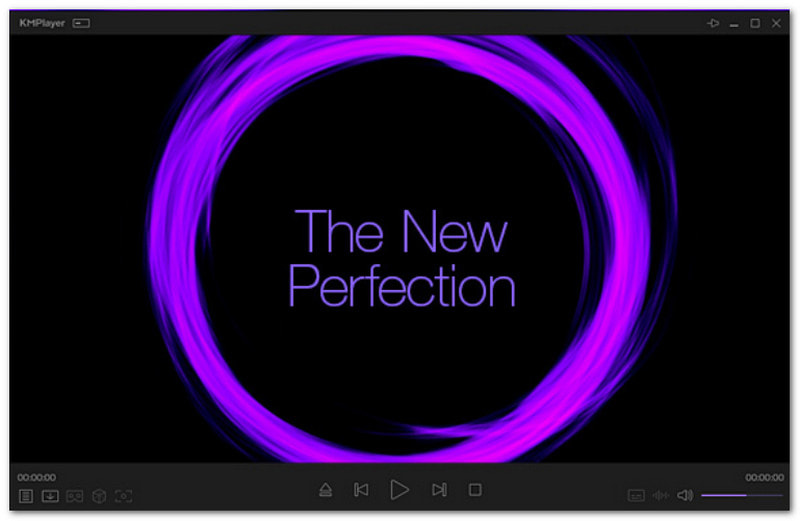
Ideal for: Intermediate users who want deep control.
Advanced controls are the heart of KMPlayer. This free DVD and Blu-ray player software gives deep control over video and sound. It supports high resolutions and many formats. It feels more like a toolbox for media playback. Once you learn it, the options feel powerful. From streaming links to playlist tools, it offers more than expected for a free player.
Key Features: It supports URL video streaming. It allows GIF capture from videos. It also lets users create custom playlists.
Upsides: It supports many formats and resolutions. It offers advanced playback tools. It also works with Chromecast.
Downsides: It uses more CPU power. Also, it takes time to learn.
5. PotPlayer
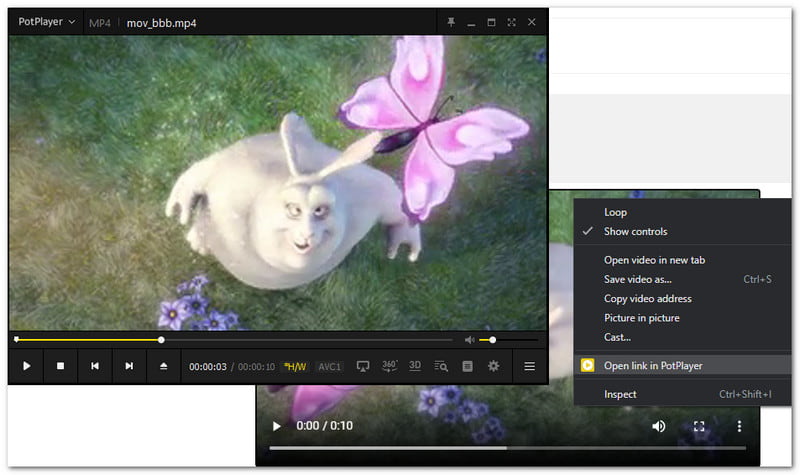
Ideal for: Users who watch 3D or large video files.
PotPlayer focuses on performance and flexibility. This Blu-ray DVD player software for Windows 10 stays fast even with large files. It supports 3D playback and many viewing modes. It feels technical at first, but it rewards patience. Once set up, playback feels smooth and stable. It works well with broken or heavy files. That makes it a strong choice for users with diverse video libraries.
Key Features: It allows detailed video tuning. It supports many subtitle formats. It also includes scene bookmarking.
Upsides: It runs fast with low resource use. It plays most file types. It also allows full interface control.
Downsides: It lacks online streaming. Also, it has weak Blu-ray menu support.
6. VLC Media Player
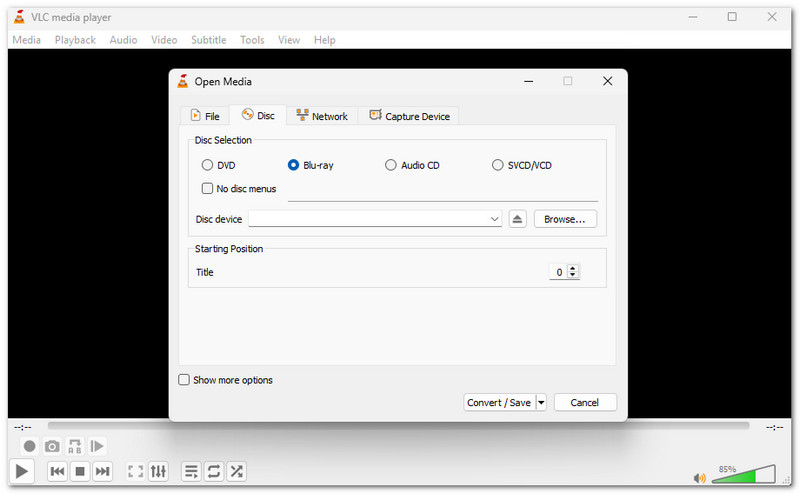
Ideal for: Linux users and format-heavy video collections.
VLC Media Player is known for playing almost anything. But can VLC play Blu-ray and DVD? Surprisingly, yes! It is also considered a free DVD and Blu-ray player software that works across many systems. Its open-source design keeps it clean and safe. While it can play Blu-ray discs, it often needs extra steps to handle commercial disc encryption by adding key files.
Key Features: It supports subtitle syncing. It allows a volume boost of up to 200 percent. It also includes a skin editor.
Upsides: It is fully free and safe. It plays rare file formats. It also runs light on hardware.
Downsides: It feels complex for beginners. It also struggles with Blu-ray region codes, often needing extra keys or software.
Part 3: Overview of All the Blu-ray DVD Player Software
To choose the best Blu-ray DVD player software, it helps to compare key features. The table below shows differences in operating systems, ease of use, video and audio clarity, etc. It makes it easier to pick the right player.
| Blu-ray DVD Player Software | Supported Operating Systems | Good for Starters | Playback Controls | Blu-ray & DVD Playback Quality | BD-Live & Blu-ray Menu Support |
| AVAide Blu-ray Player | Windows and Mac. | Yes | You can play, pause, rewind, fast-forward, change volume, and switch audio or subtitles. | Movies play in clear 4K and smooth 1080p, and sound is strong with Dolby Digital and DTS. | Yes |
| Leawo Blu-ray Player | Windows and Mac. | Yes | You can start, stop, skip, and change the volume. | It plays up to 1080p with lossless clarity and supports Dolby and TrueHD audio. | Yes for Blu-ray menu support, but not for BD-Live. |
| GOM Player | Windows and Mac. | Yes | You can play, pause, change speed, and adjust volume. | It shows vivid images and can play many formats with built-in codecs. | Only if you download the right codec. |
| KMPlayer | Windows only. | No | You can control playback, change video and audio settings, and use hotkeys. | It supports 4K and UHD with bright, clear images and built-in codecs. | Yes |
| PotPlayer | Windows only. | No | You can play, pause, skip, adjust volume, and bookmark scenes. | It plays videos with vivid images and built-in codecs. | No |
| VLC Media Player | Windows, Mac, and Linux. | No | You can play, pause, rewind, fast-forward, change volume, and sync subtitles. | It can play up to 8K and raise the volume to 200%. | Yes |
Like you, many people still prefer to use Blu-ray and DVD. Luckily, you no longer need a traditional player to watch them.
With the help of the DVD and Blu-ray player software mentioned above, watching movies becomes faster and easier. One great tool is AVAide Blu-ray Player, which can play Blu-ray discs, DVDs, and many video and audio formats without any trouble.
Time to relax and watch your movies!
Full-featured multimedia player to play Blu-rays, DVDs, 4K UHDs, and other video/audio files.