You have regained old videos that bring good memories. While they are still accessible, you will find that this kind of footage no longer scales well on modern displays, and you are looking for a way to upscale videos to 4K resolution. In this article, we have reviewed 8 different tools that help enhance videos via your phone, desktop, and even online. But first, let's get to know what a 4K enhancer is and how it affects upscaling videos.
Part 1. What Is a 4K Video Enhancer?
A 4K video enhancer is a tool that improves video quality by increasing the resolution to 4K, or about 4,000 pixels horizontally. It improves the overall visual quality by reducing video noise and grain and even sharpening blurry details.
1. What Does a 4K Video Enhancer Do?
While we give you a short answer for the video, here are the key factors to consider when choosing a 4K video upscaler.
- Definition
The tool works on video by stretching a low-resolution stream, such as 480p or 720p, to fit a 4K TV display. It can also recover background textures and smaller details on skin and hair in the video. In this way, the visual looks sharp as every object in the video is finely upscaled. - How AI Upscaling Works
AI 4K upscaling video upscales a video by adding a few extra pixels to fill in some missing data. In traditional upscaling, the tool copies the color of a nearby original pixel and then fills the resulting gaps. But with Modern AI enhancers, they can analyze the frames, textures, and details, then generate brand-new pixels instead of traditional upscaling. - Key Capabilities
The upscaling capabilities of a video enhancer include cleaning up low-light and grainy videos, recovering human textures and background details, and even boosting laggy frame rates. Some AI enhancers offer additional features, such as reducing video shakiness in shot videos. Moreover, some AI models can help with low-light scenes, animations, and general motion.
2. Why Do You Need a 4K Video Enhancer?
In most cases, using a paid or free 4K video enhancer improves the visuals or lets you watch older videos on a modern TV. It is especially needed when you are trying to save old videos captured with older camera models or phones.
Part 2. Best Professional 4K Video Enhancers (Desktop)
Nowadays, you can find many 4K video enhancers everywhere. However, you can narrow the list of reviews with the following recommendations for Windows and Mac.
1. AVAide Video Converter
Supported Platforms: Windows, Mac
Price: $18.00
The best solution to upscale videos to 4K is AVAide Video Converter. This is a multifunctional solution that includes a video upscaling option that can increase resolution to 4K. Not to mention, it supports a good number of video formats, allowing you to edit MP4, MOV, VOB, HEVC, MKV, and others without errors. Its advanced settings are accessible for tweaking, so you can adjust the frame rate, sample rate, quality, and more. AVAide Video Converter is the top choice as it has all the editing tools you need, including a converter, compressor, and video player.

FREE DOWNLOAD For Windows 7 or later
 Secure Download
FREE DOWNLOAD For Mac OS X 10.13 or later
Secure Download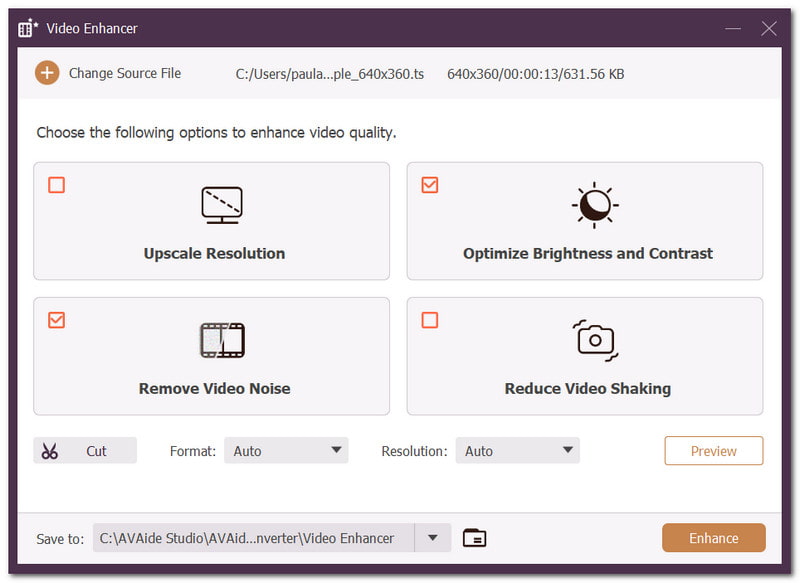
Key Features:
- An easy learning curve, but guaranteed great results.
- Upscale low-quality videos from 144p to 4K.
- Smooth frames and sharpen blurry parts of the videos.
- Provide other editing tools, such as a cropper and cutter.
- Pros
- Quick to process even for a larger video file.
- Options to increase the quality, brightness, resolution, etc.
- Cons
- The free version has some restrictions.
2. Wondershare Filmora
Supported Platforms: Windows, Mac, Android, iOS
Price: $49.99/annually
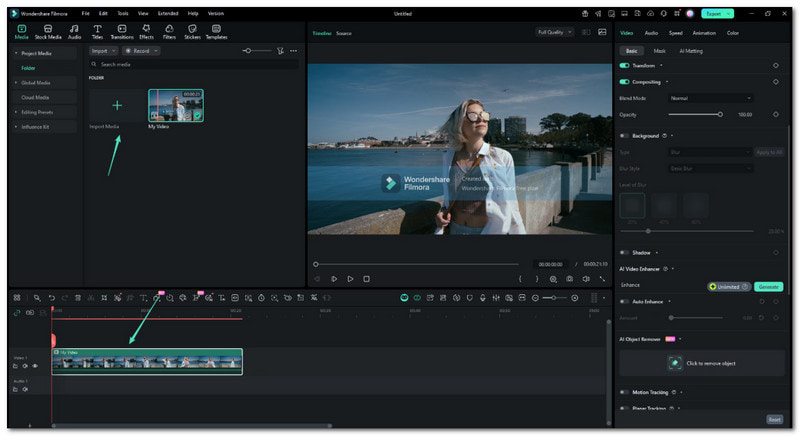
Wondershare Filmora is a widely known editing tool for beginners and pros. As it is AI-powered, enhancing videos with this solution is easier. Not only does it offer a standard way to upscale videos, but it also lets you choose other generative models, such as Topaz Starlight. Wondershare simply stretches pixels, but it takes care of important details in the video, like facial, skin, and more.
Key Features:
- Automatically improve video lighting, stability, and clarity.
- Offer AI Night View to reduce grain in dark scenes.
- Correct colors and hues for cinematic visuals.
- Pros
- Easy learning curve.
- Built-in libraries for thousands of transitions, effects, etc.
- Cons
- Its video upscaler is plan-dependent.
3. Topaz Video AI
Supported Platforms: Windows, Mac
Price: $299/annually
Topaz is another dedicated video editor that offers upscaling, denoising, and video restoration using artificial intelligence. It has specialized AI models like Nyx and Iris, tailored to optimize textures in low-light video, as well as objects and faces. It also provides interpolation to smooth laggy motion when upgrading to 60FPS.
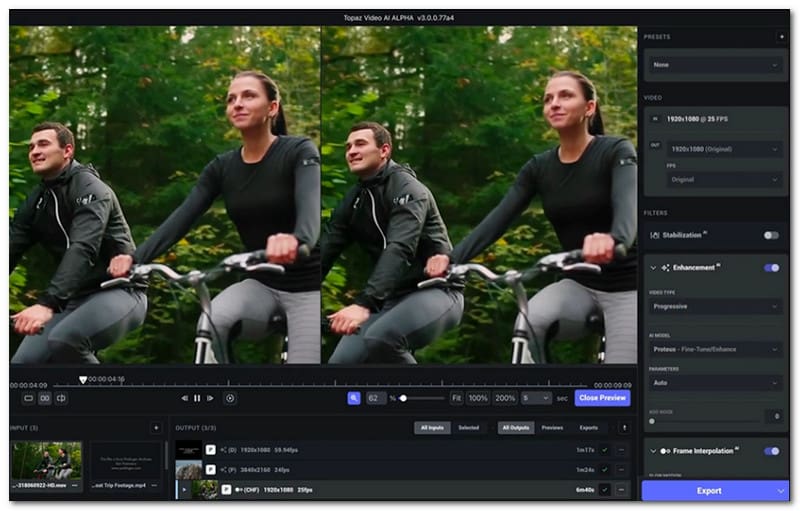
Key Features:
- Reconstruct pixels and fine lines.
- Offer more AI models for different upscaling options.
- Eliminate digital noise and macroblocking.
- Pros
- Excellent enhancement quality.
- Handle professional-grade interpolation.
- Offer a preview of the result before exporting.
- Cons
- Require modern equipment.
- Require balancing of AI parameters.
4. CapCut
Supported Platforms: Windows, Mac, Online, Android, iOS
Price: Free, $9.99/monthly
CapCut is one of the most used video editors today, and this is because social media creators often use it before posting videos online. CapCut is feature-rich, providing services from simple editing to professional filming. However, its AI Video Upscaling is also a feature many users look forward to, as it can convert low-resolution clips to Ultra-HD 4K.
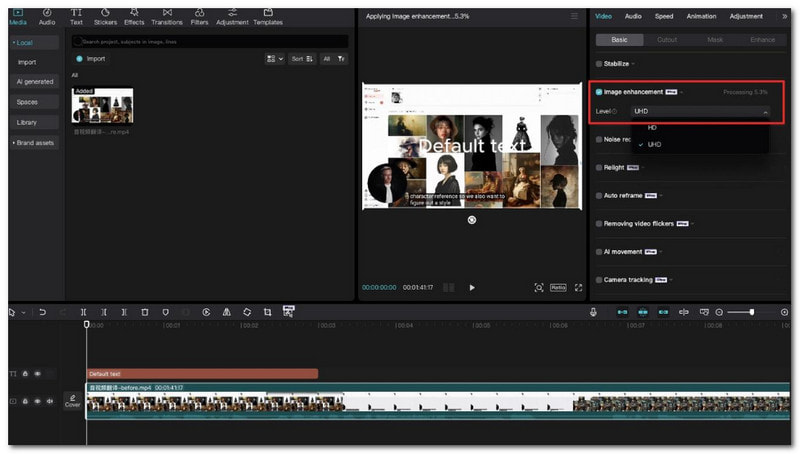
Key Features:
- Reduce noise and increase image resolution.
- Auto-detect and remove flickering lights in digital filming.
- Allow users to scale specific frame rates and bitrate when upscaling.
- Pros
- Available on many devices.
- Quick results for enhancing short clips.
- Easy to learn the navigation.
- Cons
- Require a stable internet connection when video enhancing.
- AI upscale creates unnatural textures sometimes.
Part 3. Best Free 4K Video Enhancers Online
While software is more recommended for enhancing videos, you can also find 4K video enhancers online for free. Let's see which one can provide the best features for your needs.
1. Wink
Supported Platforms: Windows, Mac, Online, Android, iOS
Price: Free, $19.99/monthly
Wink is an online tool that lets you fix blurry videos using AI. It sharpens and repairs low-quality videos in MP4 and MOV formats, while reconstructing missing details. The good thing about this alternative is that you can adjust the enhancement by lowering or intensifying the level, depending on what looks natural to you.
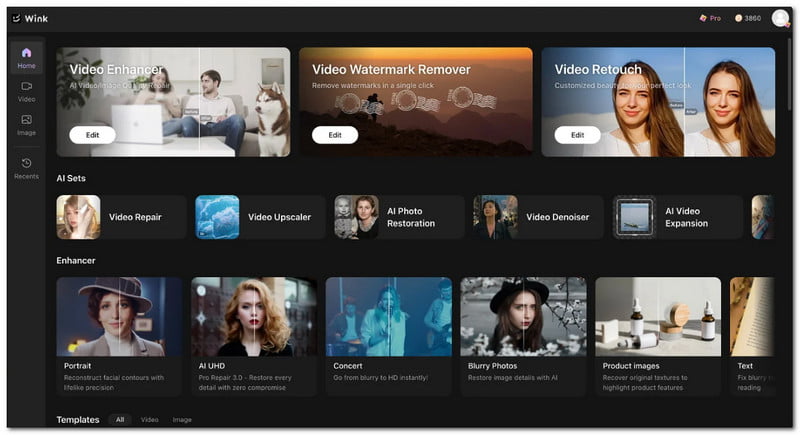
Key Features:
- Quick video enhancement online.
- No launcher installed to process videos.
- Offer batch processing.
- Pros
- Good for optimizing face and skin textures.
- Export videos up to 4K Ultra HD.
- Cons
- Not best for upscaling objects in the video.
2. VMake
Supported Platforms: Online, Android, iOS
Price: Free, $9.99
VMake is another free 4K video upscaler available online. The platform performs video editing and upscaling, even for heavily compressed files. Moreover, VMake offers other automated solutions, including background removers, subtitles/captions, and more.
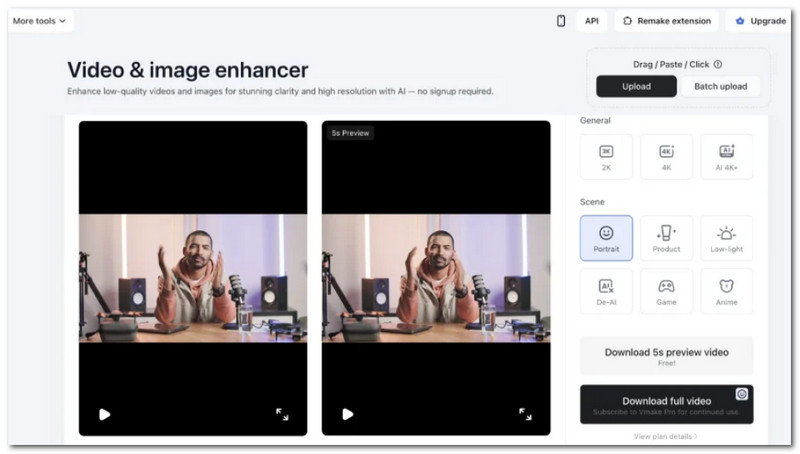
Key Features:
- Stretch pixels to generate extra details.
- Different AI modes for skin tones, faces, etc.
- Desensitized previous AI-processed videos.
- Pros
- No need to install a launcher.
- The interface is beginner-friendly.
- Cons
- Generate strange textures in the video.
Part 4. Best 4K Video Enhancer Apps for Mobile
You can perform AI upscaling to your videos using Android or Apple phones. To get started, try the following 4K video enhancers available on Google Play and the App Store.
1. PowerDirector
Supported Platforms: Windows, Mac, Android, iOS
Price: $4.99/monthly
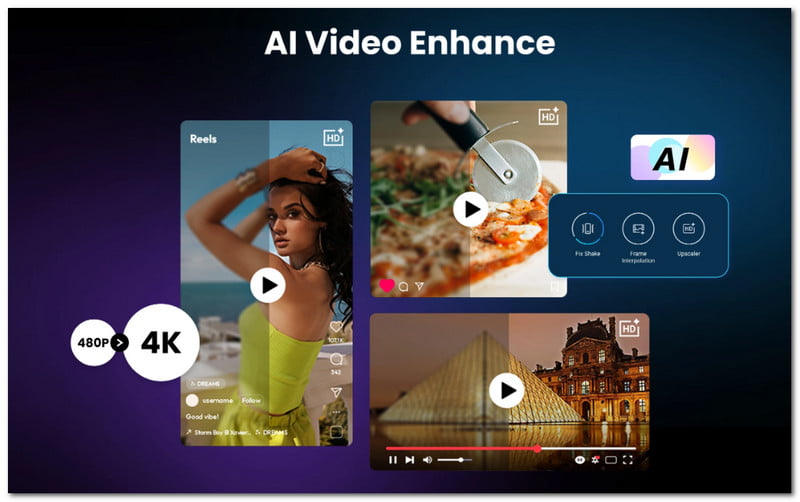
This app is known as an advanced video editor because of its AI features. One of its outstanding features is its ability to render and enhance both freshly filmed and existing videos.
Key Features:
- Support 4K video enhancement with higher frame rates.
- Offer various lighting and color presets.
- Suitable as an AI image upscaler.
- Pros
- All-in-one video editor.
- Balanced enhancement in color, frame, etc.
- Cons
- Video enhancement is through a credit system.
- Strict video duration and resolution.
2. InShot
Supported Platforms: Android, iOS
Price: $3.99/monthly
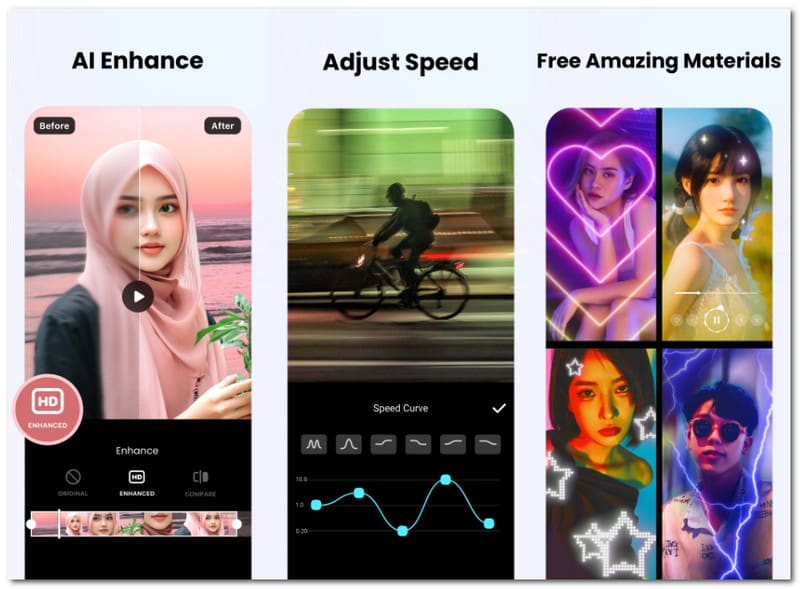
InShot is a good way to start enhancing videos on iPhone, as it has a beginner-friendly interface and good performance. Not only is it specialized in AI upscaling, but it also offers an extensive toolset for adjusting brightness, saturation, sound effects, and more.
Key Features:
- Quick to process and export videos.
- Able to export videos in the highest resolution.
- Offer built-in tools, such as a music library.
- Pros
- Able to enhance with one tap.
- Suitable for social media posting.
- Cons
- Not recommended for professional enhancement.
- Processing larger videos can cause lag on your phone.
Part 5. Which 4K Video Enhancer Is Best for You?
As mentioned, many video enhancers are available in the market. And, based on the recommendations in this article, here is a quick summary of all 4K video enhancers.
| 4K Video Enhancers | Supported Platforms | Best For | Price |
| AVAide Video Converter | Windows, Mac | Multifunctional editing and professional output quality | $18/monthly |
| Wondershare Filmora | Windows, Mac, Android, iOS | Topaz Starlight models for better details | $49.99/annually |
| Topaz Video AI | Windows, Mac | Advanced tuning of details | $299/annually |
| CapCut | Windows, Mac, Online, Android, iOS | Auto-upscale during video editing | Free, $9.99/monthly |
| Wink | Windows, Mac, Online, Android, iOS | 7 restoration models | Free, $19.99/monthly |
| VMake | Online, Android, iOS | AI-generative reconstructions | Free, $9.99 |
| PowerDirector | Windows, Mac, Android, iOS | Enhancing existing and raw videos | $4.99/monthly |
| InShot | Android, iOS | Upscale videos without heavy rendering suites | $3.99/monthly |
This article reviews tools that are downloadable on computers and phones, and video-quality enhancers 4K online for free. But most of all, AVAide Video Converter is our top choice because of its easy learning curve and professional-grade quality in enhancing, converting, compressing, and editing videos. Click Download to get the free trial version on Windows or Mac.
ABOUT THE AUTHOR

Your complete video toolbox that supports 350+ formats for conversion in lossless quality.