Are you searching for a tool that can help you with screen recording needs? You can turn to Apowersoft.
In this post, you will learn more about Apowersoft Screen Recorder. We will look at its online tool, Windows and Mac versions, and also its iPhone and Android options. Each one will be reviewed clearly!
Part 1. Apowersoft Product Ecosystem Overview
Apowersoft provides many tools for screen recording, editing, photo work, and file management. Each product is built for a specific task. Together, they form a complete digital tool set for different needs.
| Product | Platform | Best For |
| ApowerREC | Windows, Mac, iOS, and Android. | Professional screen recording with annotation tools. |
| ApowerMirror | Windows, Mac, iOS, and Android. | Real-time phone screen casting and control on a computer. |
| PicWish | Windows, Mac, iOS, and Android. | AI photo editing and background removal. |
| LightPDF | Web, Windows, Mac, iOS, and Android. | PDF editing, conversion, and AI document tools. |
| GitMind | Windows, Mac, iOS, and Android. | AI mind mapping and team collaboration. |
| Video Editor | Windows and Mac. | Creating and editing professional videos. |
| ApowerManager | Web, Windows, Mac, iOS, and Android. | Phone data management and transfer. |
| Online Screen Recorder | Web only. | Quick and free screen recording in a browser. |
| ApowerRescue | Windows and Mac. | Recovering deleted data from iOS devices. |
| Apowersoft Unlimited | Available across many platforms. | One subscription for full access to all Apowersoft tools |
Part 2. Apowersoft Free Online Screen Recorder Review
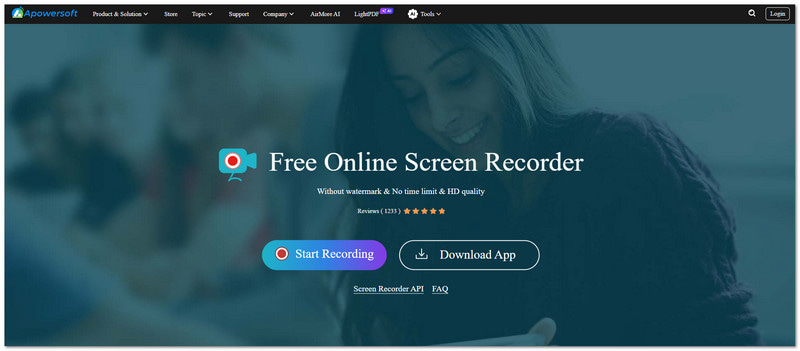
What It Is
Apowersoft Free Online Screen Recorder lets users capture screen activity. It works online. It does not need any downloads. It also does not require installation.
Key Features
- Unlimited recording time.
- No watermark on videos.
- Screen, microphone, and system sound recording.
- Picture-in-picture recording mode.
Limitations
It depends fully on a stable internet connection to work properly. It does not offer advanced editing tools for videos. It may also become unstable when used for long recording sessions.
Free Online Audio Recorder
Apowersoft Free Online Audio Recorder is a separate online platform. It is made for audio recording. It can capture system sound, microphone input, or streaming audio. For ease of usage, it can save files in MP3, OGG, or AAC formats.
Verdict
Apowersoft Free Online Screen Recorder is best for quick and simple recording tasks. It works well for casual users. However, it is not strong enough for professional editing or advanced production.
Part 3. Apowersoft Screen Recorder Pro for Windows & Mac
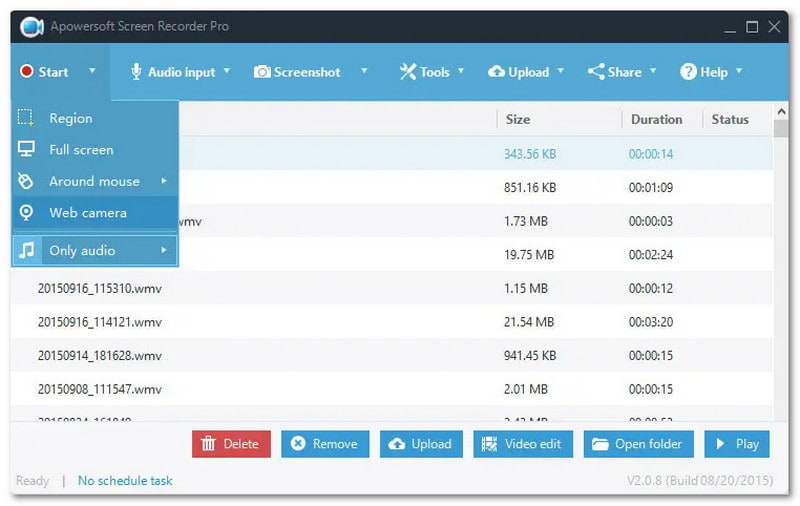
What It Is
A professional desktop screen recording program for Windows and Mac that supports advanced recording, editing, and screen capture functions.
Key Features
- Real-time editing during recording.
- Scheduled recording tasks.
- High-definition video output.
- Many recording modes, like game, webcam, and custom area.
Pros & Cons
This tool offers strong performance. It supports long and stable recordings. It has a simple interface. It also includes built-in trimming tools. However, the free version has limits and shows upgrade prompts. The Mac version also has fewer editing features compared to Windows.
Verdict
Apowersoft Screen Recorder Pro is best for professionals and content creators. It offers stable, high-quality recordings with editing support.
Part 4. Apowersoft iPhone/iPad Recorder
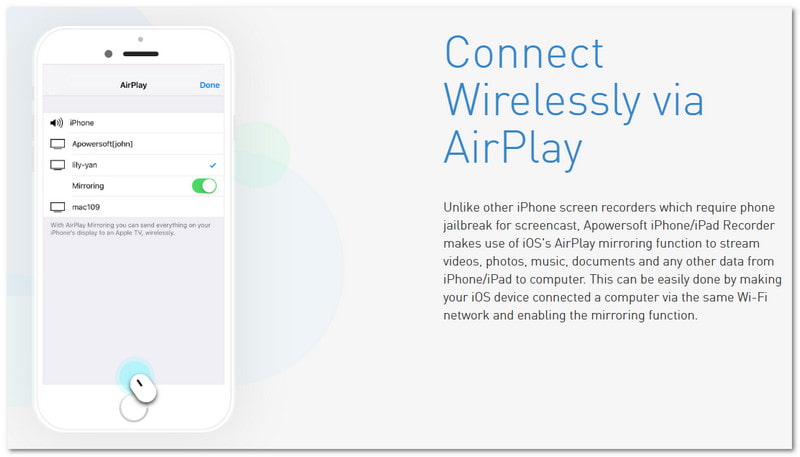
What It Is
A desktop application that uses AirPlay to mirror iPhone or iPad screens to a Windows or Mac. It also records the screen while it is being displayed.
Key Features
- AirPlay-based wireless screen recording.
- Superior audio and video recording.
- Live streaming from iOS to a computer.
Limitations
The Apowersoft iPhone/iPad Recorder requires both devices to be on the same Wi-Fi network. It depends heavily on the internet and network stability. It may affect smooth recording.
Use Cases
- Mobile game recording.
- App demonstrations.
- iOS tutorial creation.
Verdict
Apowersoft iPhone/iPad Recorder is a reliable choice. It is made for iOS users. It lets them record their screen and does not need jailbreaking.
Part 5. Apowersoft Screen Recorder for Android
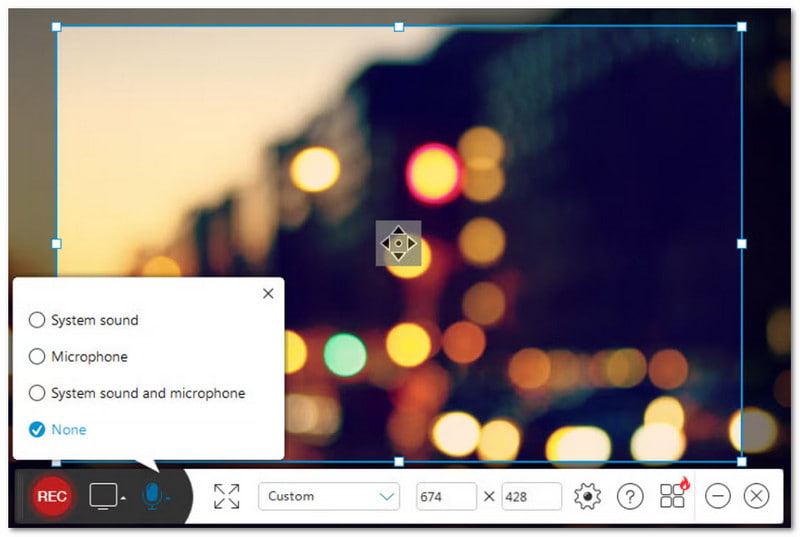
What It Is
A native Android application. It allows users to record screen activity. It also records audio and includes other recording features.
Key Features
- Screen recording with audio support.
- Facecam (front camera) overlay.
- Adjustable resolution and bitrate settings.
- Cloud storage options.
Pros & Cons
It is easy to use and does not require root access. It also gives flexible audio settings for different recording needs. However, some advanced features may require a paid version to unlock.
Verdict
Apowersoft Screen Recorder for Android is a strong and user-friendly tool. It is made for Android users. It works well for gameplay recording and app tutorials.
Part 6. Pricing & Plans
| Plan | Price |
| Lifetime | $69.95 |
| Annual | $49.95 |
| Monthly | $19.95 |
Part 7. Apowersoft Alternatives
1. AVAide Screen Recorder
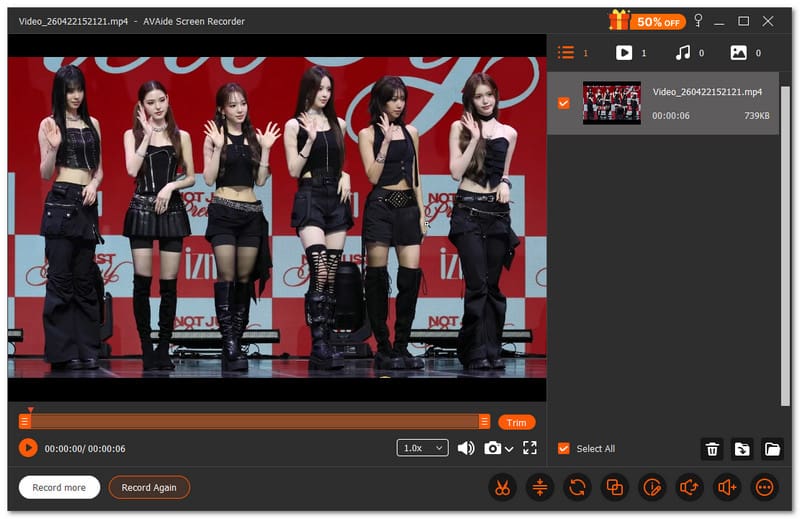
First on the Apowersoft Screen Recorder alternative list is AVAide Screen Recorder. It offers a screen recorder, audio recorder, game recorder, webcam recorder, and even a phone recorder. You can choose what to capture with ease. It also lets you set when recording starts and stops. It saves time and avoids extra steps.

FREE DOWNLOAD For Windows 7 or later
 Secure Download
FREE DOWNLOAD For Mac OS X 10.13 or later
Secure DownloadDo you need to fix your video right after recording? AVAide Screen Recorder lets you edit right away. You can trim, merge, compress, and convert files in one place. You can also extract or boost sound. No need for extra tools; everything is ready in this program.
- What works well:
- Records full screen, selected window, or custom area.
- Supports audio formats such as MP3, WMA, M4A, FLAC, and OGG.
- Supports video formats like MP4, MOV, AVI, MKV, and WMV.
- Captures gameplay in full HD up to 60 fps.
- Allows adding annotations during recording.
- What does not:
- Full access requires an upgrade for unlimited recording time.
2. Loom
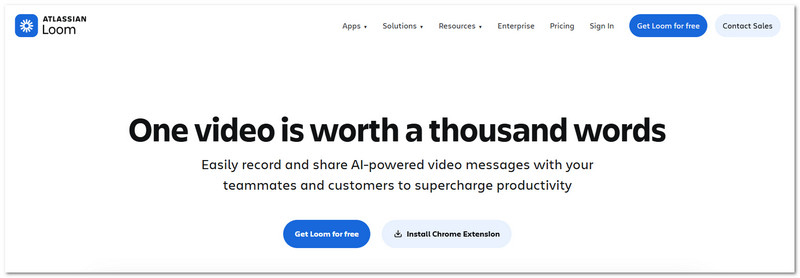
Loom is a modern screen recording option. It is used as an Apowersoft video recorder alternative. It is often considered one of the best screen recorders for Chrome. It is because it works as both a browser extension and a desktop app.
It allows you to record your screen, voice, and webcam together. After recording, it creates a shareable link instantly. It makes sending videos simple and fast without uploading files manually.
- What works well:
- Screen, microphone, and webcam recording support.
- Browser and desktop recording modes.
- Instant link sharing after recording.
- No watermark on videos.
- Simple and easy interface.
- What does not:
- The desktop version may have bugs.
- Free version limits recordings.
- Requires an internet connection.
- Recording time limits on the free plan.
3. Bandicam
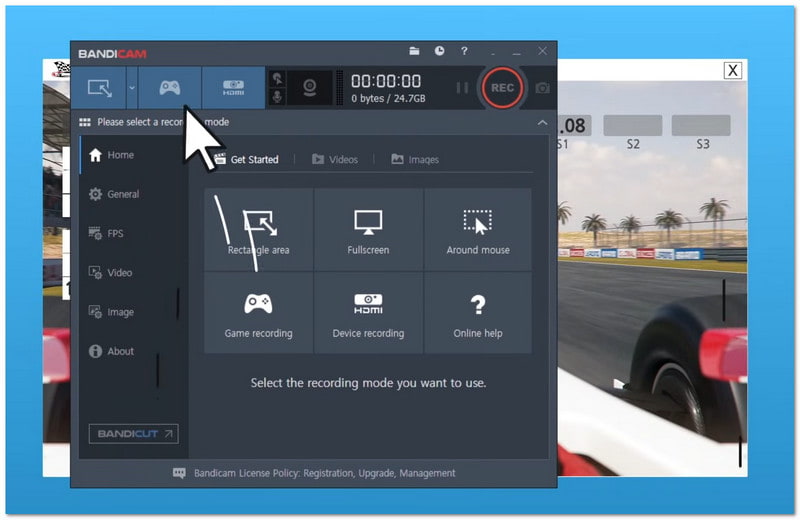
Last but not least, Bandicam is often seen as the best game recorder. It is great for gaming. It also supports high-clarity video capture. It is designed for Windows users and supports different recording modes. It includes full screen, area capture, and game recording.
Many users choose it for long gameplay recording and tutorial creation. It also supports device capture and real-time screen drawing tools.
- What works well:
- High-clarity 4K video recording.
- Very low CPU usage.
- Small file size output.
- Many recording modes are available.
- Screen drawing tools included.
- What does not:
- Some features need a paid version.
- The free version adds a watermark.
- Only available on Windows.
- Risk of file issues in rare cases.
In conclusion, Apowersoft gives many tools for screen recording. It is not only the Apowersoft Free Online Screen Recorder. It also includes tools that work on Windows, Mac, and mobile devices.
But if you want one simple program, you can try AVAide Screen Recorder. It can record your screen. It can also record audio, webcam, and phone. It is easy to use and works well for all users, whether beginner or advanced.
ABOUT THE AUTHOR

Capture the best moment with AVAide Screen Recorder. Screencast, customize, and share in seconds.