Photography has become part of everyday life, and we all want our photos to look their best. In this modern age, there are a lot of tools to enhance images. Is there also a tool to make an image bigger? Yes! There are already many photo enlargers available.
In this write-up, you will get to know six of the top image enlargers, including where you can use them, their pricing, pros, and cons. You will get complete details to help you choose the best one!
Part 1: What Is a Photo Enlarger
A photo enlarger is a tool that makes small images bigger while keeping them clear. In the past, people used physical enlargers in photo labs. Those tools took space, time, and skill. Today, digital photo enlargers do the same job with less effort.
AI photo enlargers are more advanced. They study the image and rebuild lost details. It makes photos look sharp, clean, and ready for sharing or printing. They are faster, easier to use, and more accurate than physical enlarger tools.
Part 2: Criteria for Choosing a Good Image Enlarger
Not all AI image enlargers give the same results. Knowing what matters most for your photos will help you make the best decision. Considering our key points first helps you save time, avoid mistakes, and get better results every time.
- 1. Price: Paid plans unlock higher scaling, better clarity, and batch features.
- 2. Compatibility: The image enlarger should work on modern browsers and common devices.
- 3. Ease of Use: Online tools are faster since no install is needed. All you need to do is just upload and enlarge.
- 4. Image Quality: A good image enlarger can fix blurry pictures and reduce noise instead of making them worse.
- 5. Processing: Useful for enlarging many images at once without clarity loss.
- 6. AI Enhancement: Advanced AI tools improve details, which helps for prints and pro work.
Part 3: Top 6 AI Image Enlargers You Cannot Miss
You have learned the criteria for choosing a good image enlarger, and the tools below meet all those qualifications. Find out why each tool is worth trying!
1. AVAide Image Upscaler
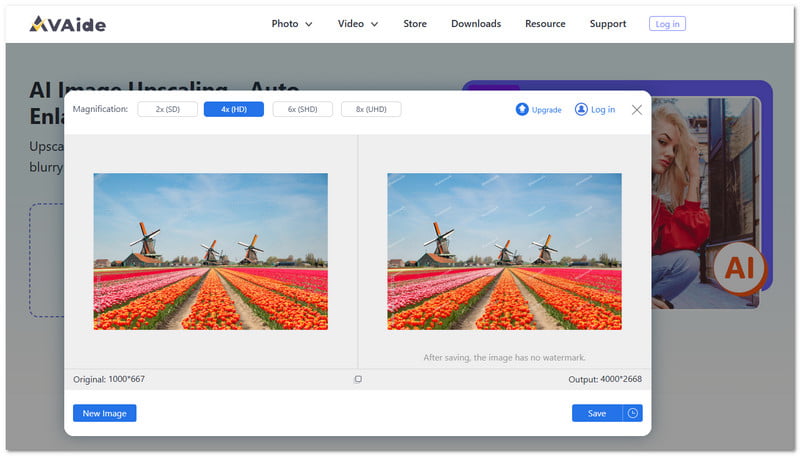
Top AI image enlargers you cannot miss start strong with AVAide Image Upscaler. This image enlarger works in your browser, so you save time and space. Powered by AI, it studies details and rebuilds them clear.
It lets you enlarge small photos by 2×, 4×, 6×, and up to 8× for crisp results. With one click, your image gets bigger with no hard steps. On top of that, it supports multiple image formats, like JPG, JPEG, and BMP. Do you want to know what the best part is? You can use it for free.
Supported Operating Systems: Web
Price: Free
- Pros
- Your data stays private and fully protected.
- No watermark is added to your enlarged image.
- Automatically reduces noise, blur, and sharpens portraits.
- Cons
- The free plan only allows up to 4× image enlargement.
2. Topaz Gigapixel
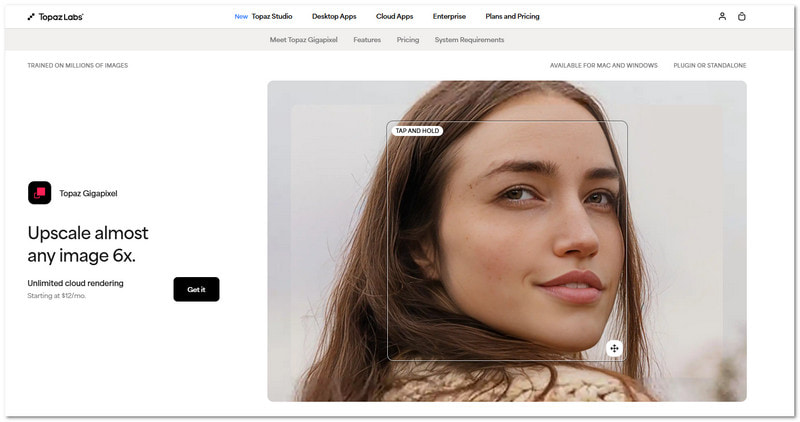
Small photos often lose life when stretched. Fortunately, Topaz Gigapixel fixes that problem with care and skill. Built for serious image work, it uses trained AI models to rebuild texture and edges the right way.
It can enlarge images up to 6× while keeping them sharp and clean. It is trusted by many users for professional projects, prints, and old photos. Large folders can be completed more quickly without sacrificing image clarity thanks to its support for batch work.
Supported Operating Systems: Windows & Mac
Price: $99.99
- Pros
- Reliable for print and professional work.
- Handles faces, landscapes, and art well.
- Restores fine details lost in small images.
- Produces sharp and realistic enlargements.
- Cons
- Not beginner-friendly at first use.
- High upfront cost for casual users.
- Slow on weak or older computers.
3. Let's Enhance
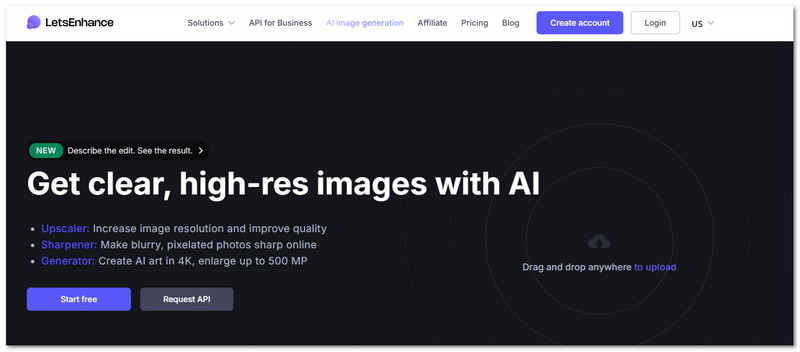
If speed and color matter, Let's Enhance stands out. It focuses on fast results with little effort. It can enlarge an image online up to 16× and even reach 500 megapixels for print jobs. The colors look brighter, and the details look cleaner. Many sellers use it for product photos and ads. It also supports batch edits and API access for large image tasks.
Supported Operating System: Web
Price: Free with 10 credits, and paid plans start at $9 per month.
- Pros
- Supports batch work and API use.
- Strong AI upscaling for web and print.
- Improves colors and lighting automatically.
- Good choice for product and marketing photos.
- Cons
- Free credits run out fast.
- Monthly cost increases with heavy use.
- Images may look too processed sometimes.
4. Vance AI
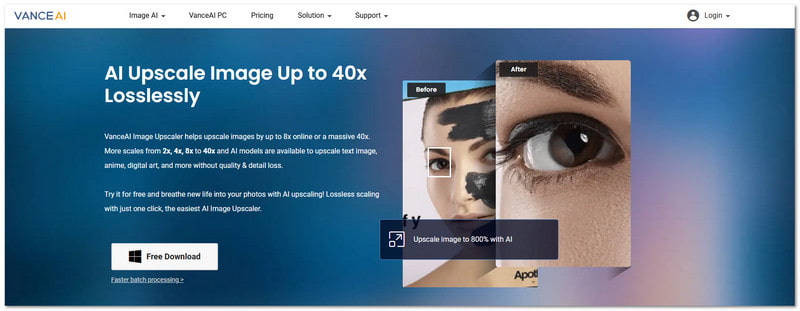
Vance AI is made for users who want fast results offline. The process is simple from start to finish. The only thing you need to do is upload, choose a scale, and please wait for a few seconds.
It offers photo enlargement from 2× up to 8×, and even higher with special modes. AI helps reduce noise and blur during scaling. It also offers models for anime, text, and art. Many users like it for quick web and print upgrades.
Supported Operating System: Windows & Mac
Price: Free with limited credits, and paid plans start at $4.95 per month.
- Pros
- Works well for anime, text, and art.
- Extra tools like denoise and sharpen.
- Fast offline upscaling with clean results.
- Multiple AI models for different image types.
- Cons
- Free credits are limited.
- Fewer file format options.
5. Photoaid Enlarger
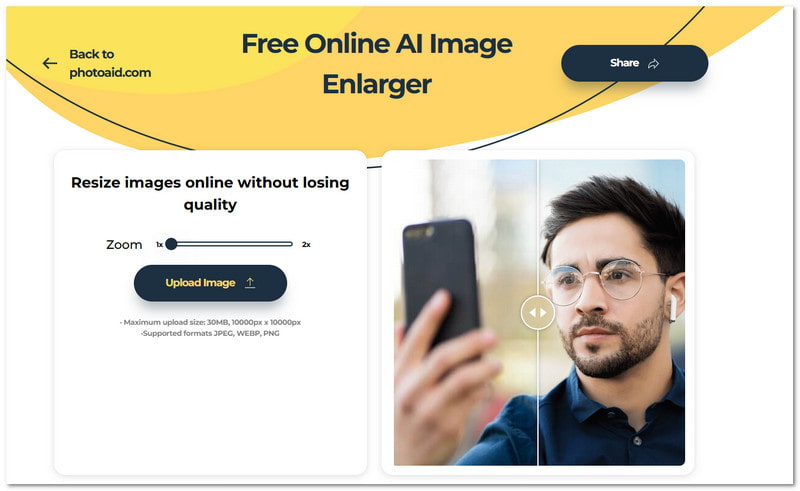
Some tools focus on faces more than anything else. This free image enlarger does exactly that. It is designed to keep skin, eyes, and hair looking real after scaling. The AI usually enlarges photos by 2× while staying smooth and clean.
It works fully online and needs no install, which is perfect if you want to enlarge a picture for printing or wall art right away. It is free and simple, which makes it friendly for quick personal tasks.
Supported Operating System: Web
Price: Free
- Pros
- No payment or signup needed.
- Safe choice for ID and portrait photos.
- Impressive face and skin detail handling.
- Simple photo enlarger with no distractions.
- Cons
- Lacks advanced controls.
- Limited to basic enlargement sizes.
6. PicWish
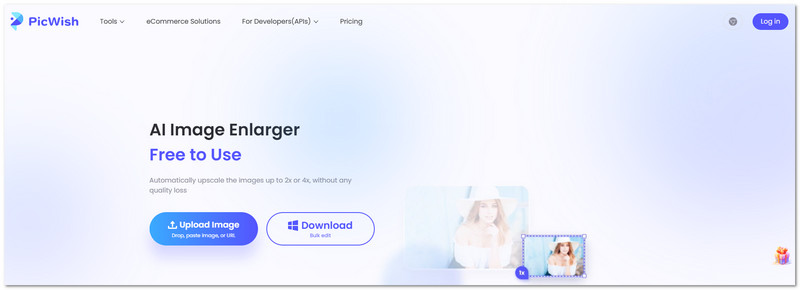
This AI photo enlarger is light, simple, and helpful for daily use. It works well for small photos that need an immediate boost. With AI support, it can enlarge images up to 2× or 4× without strong blur. It also reduces noise on its own.
The drag-and-drop approach makes it easy for anyone. Many users combine it with background removal for social or product images. It works across many devices, which adds extra value.
Supported Operating System: Android, iOS, Windows & Mac
Price: $5.99 per week and $9.99 per month.
- Pros
- Available on many platforms.
- Automatic noise reduction included.
- Works well with background removal.
- Cons
- Free credits are limited.
- Higher quality needs paid plans.
- Results vary on complex images.
The abovementioned photo enlargers are really dependable. Now, it is in your hands to pick the one that suits you best.
We know it can be hard to choose, but if you want to enlarge an image without losing quality, AVAide Image Upscaler is a great choice. It can make your photo up to 8× bigger and keep it clear and sharp.
Try it yourself and see the difference. Experience how easy it is to get big, high-quality results in seconds!

Our AI technology will automatically enhance the quality of your images, remove noise and fix blurry images online.
PROCESS NOW