AVAide Image Upscaler



 My Account
 Logout
Upscale Images, increase photo resolution and fix blurry images online.

Upload Photos in Batches
Or drop and paste your image file here!
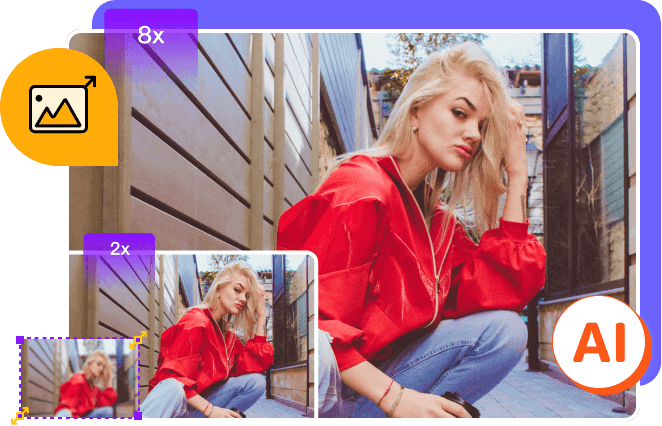
 Image Upscaler
1. Upload
Upload a photo from your own photo library.
2. Upscale & Enhance
After uploading, the photo will be upscaled and enlarged instantly.
3. Download
Download your clear and big image to your computer.
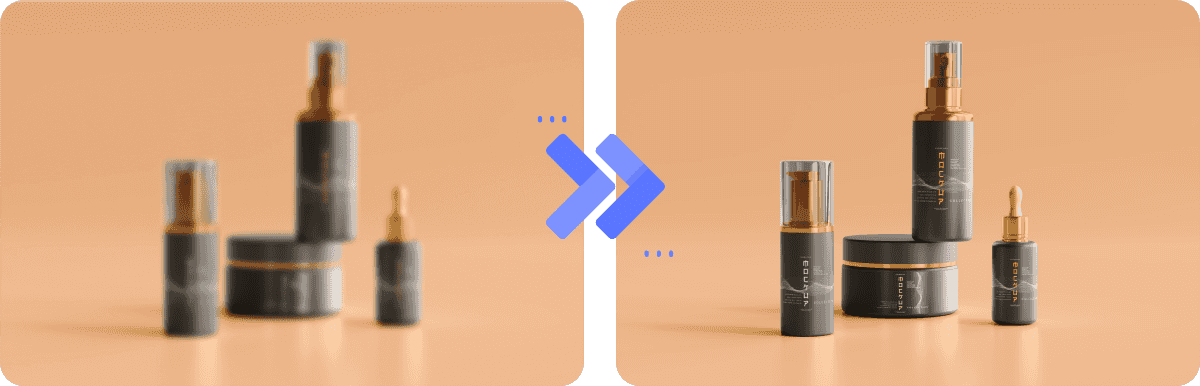
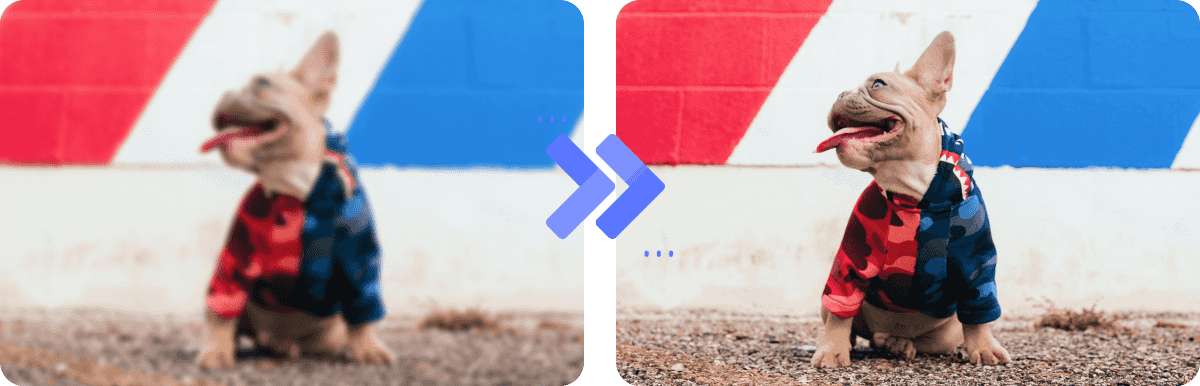
Once you upload your photo, you can watch as our AI technology automatically enhances the quality of your JPG, BMP, etc., removes noise and blur, fixes picture quality, and sharpens blurry portrait photos automatically. It works best with photos containing people, products, cars, animals, or other objects. With this stunning image quality enhancer, you can say goodbye to blurry pictures and hello to clear and big shots.

 People
 Products
 Animals
 Cars
Cars 
 Graphics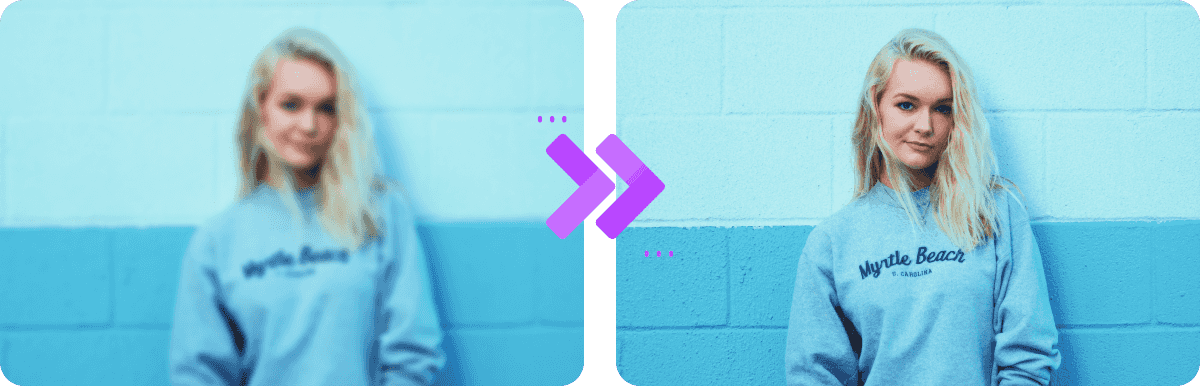
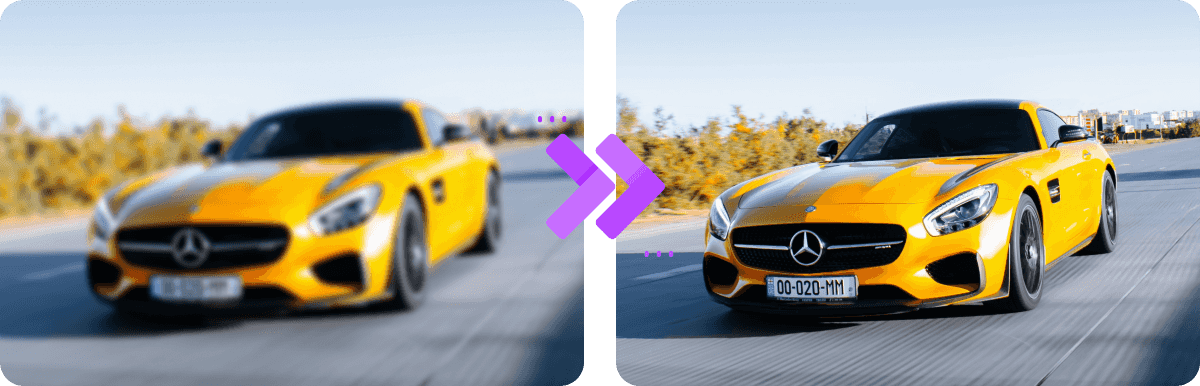
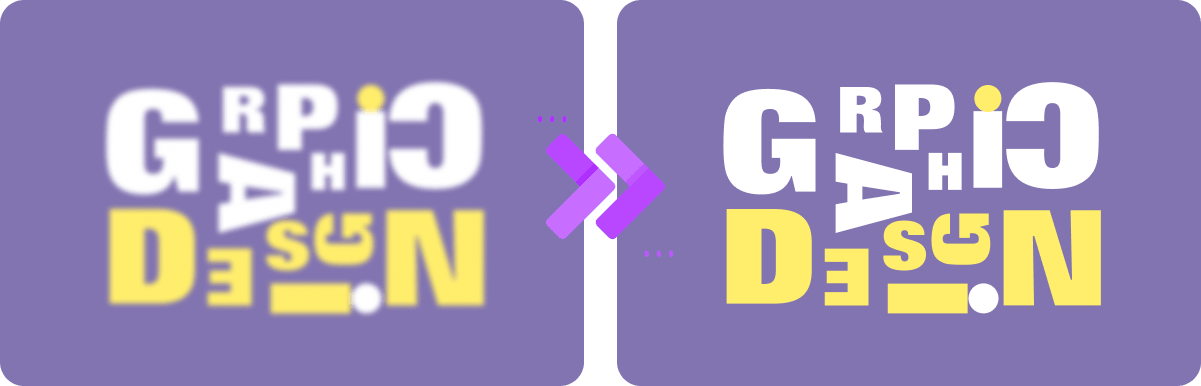
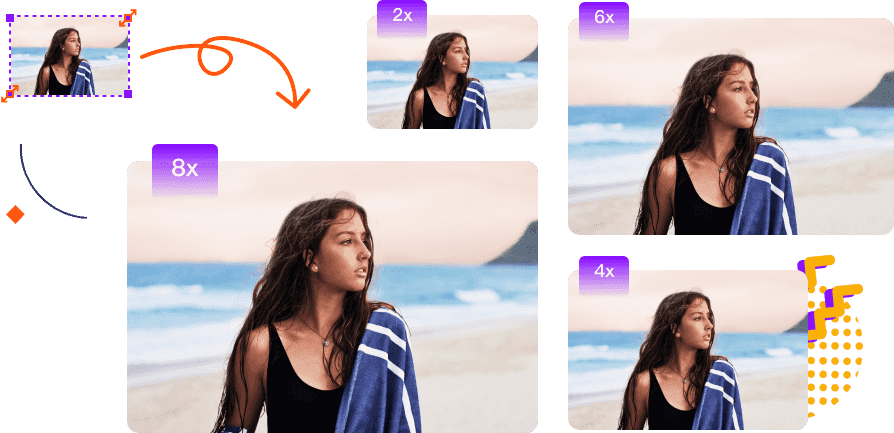
Look for a way to bring clarity to your small and blurry photos? AVAide Image Upscaler enables you to enlarge your small photo size by 2x, 4x, 6x, and even up to 8x for a crisp result. After sharpening the image, you will see more details on those pixelated pictures or damaged pictures.

Free
It is accessible to any web browser and doesn't require any charge.

No Watermark Added
Watermarks won't be added to the result. You can feel free to use it.

Safe
Your information is 100% safe and we won't access or use them.

Works for Various Images
You can upload images in JPG, JPEG, or BMP format.

Multiple Usage
The enhanced photos can be used for any purpose, like e-commerce, printing, etc.

Easy to Use
The tool applies AI and enhances the photo quality automatically. No experience needed.
 Achilles
What an amazing image upscaler! It's just like magic to improve the quality of my pictures with this AI-driven tool.
 Dora
Dora
Thanks for this tool which helps me upscale my photo for my social media profile. It's quite fast and convenient.
 Leo
Leo
This online tool is really beginner-friendly! Only with a few clicks can I make my image clearer and with high resolution!
Is AVAide Image Upscaler free?
Yes. With AVAide Image Upscaler, you can upscale your personal image for free online. There are no registration requirements and no annoying ads.
What image formats does AVAide Image Upscaler support?
It supports almost all the popular image formats like JPG, JPEG, PNG, BMP, etc.
How can I improve the resolution of an image?
You can visit the AVAide Image Upscaler online platform and upload your photo online. Then, AI will automatically upscale your photo in a few seconds.
Besides improving the resolution, what else can AVAide Image Upscaler do?
Besides resolution improvement, this tool can also be used to make blurry pictures clear, improve the picture quality, sharpen photos, enlarge photos, etc.


Copyright © 2026 AVAide. All rights reserved.