Watermarks protect photos, but they can also get in the way when you need a clean version of an image you own or have rights to use. AI tools make removal faster than the old clone-stamp method.
We tested 7 AI watermark removers with the same set of sample images. In this review, you'll find a quick comparison table, then a closer look at each tool, including our real test results.
Quick Comparison of the 7 Best AI Watermark Removers
| Platform | Free Limit | Format | Signup Required | Best for |
| AVAide Watermark Remover | 10 images/day | JPG, PNG, BMP | No for basic use | Quick browser edits on images |
| Dr.Watermark | 3 credits/day | PNG, JPG, WebP, AVIF, MP4, MOV, AVI | Yes (free account) | Full-screen marks |
| Dewatermark | 3 credits/day | JPG, PNG, WebP, AVIF, MP4, MOV, WebM | Yes | Auto + manual brush |
| Unwatermark | 3 times/day for images, and 6 times/week for videos | JPG, PNG, WebP, BMP, TIFF | Optional | Quick removal from photos or videos |
| PixelBin | 10 free credits upon signing up | JPG, PNG, WebP, BMP, HEIC, HEIF, AVIF, MP4, MOV, Webm | Yes | Batch + API users |
| Media.io | 3 daily check-in credits, export up to 720p | JPG, JPEG, PNG | Yes | All-in-one AI media toolkit |
| Fotor | Free credits earned via daily tasks | JPG, PNG, WebP, HEIC, MP4, MOV, WebM, M4V | Yes | Photo & video editing |
Top 1: AVAide Watermark Remover
Rating: 9/10
Our test result:

Free limits:
10 images for free per day. Plans start at $9 for 100 credits.
- Pros
- A watermark remover features two Brush and Lasso tools for watermark removal.
- It offers a Retouch Image feature, which smoothens the erased details on photos.
- This online tool is 100% safe, preventing users from experiencing data invasion.
- Cons
- Users should manually highlight areas to remove with its built-in tools.
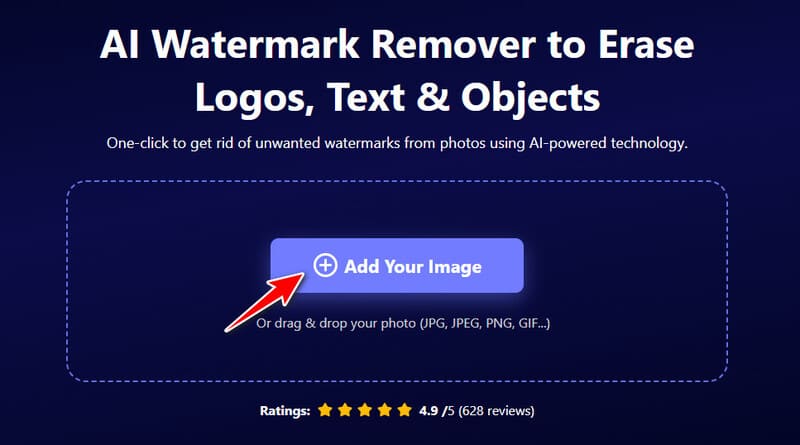
- AVAide Watermark Remover is a free online tool that uses AI to remove watermarks, text, logos, or other objects from images. It’s beginner-friendly, shows a real-time preview while you edit, and works with common formats like JPG, PNG, GIF, and SVG.
Top 2: Dr.Watermark
Rating: 9/10
Our test result:

Free limits:
3 free credits per day after signup, and each successful high-quality download uses one credit. Pro packs start around $10/month on yearly billing for larger credit pools, batch processing, and upscaling.
- Pros
- The output image can be downloaded on HD quality image.
- Integrate powerful AI technology that can remove the watermark on the document.
- It supports full-screen watermark removal on images without leaving an old photo trace.
- Cons
- Take several processes to remove a watermark.
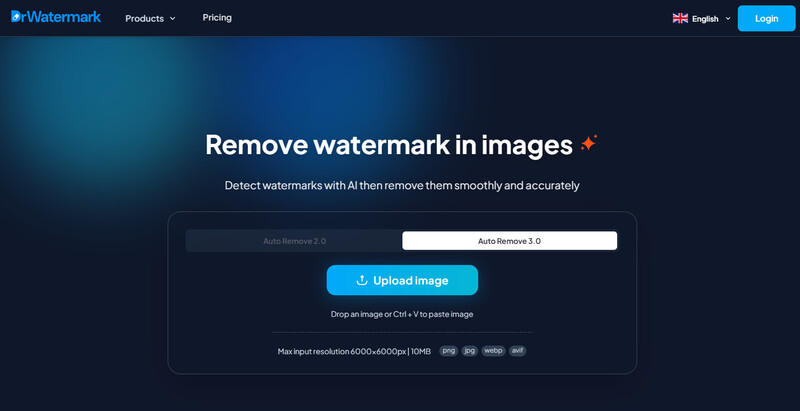
- Dr.Watermark is another free online AI tool for removing watermarks. It has pretty much no learning curve. You can use the brush tool to target large or small objects manually, and there’s a side-by-side preview so you can compare the original with the result. It also supports a bunch of languages (Portuguese, Korean, French, etc.) and supports a few extra formats like AVIF.
Top 3: Dewatermark
Rating: 8/10
Our test result:

Free limits:
3 free credits per day. One credit covers one image on the standard models; the higher-quality Pro model costs more credits. Paid Pro packs start at about $10/month (yearly) and unlock batch processing, upscaling, and full video support.
- Pros
- Dewatermark is an excellent free online watermark remover.
- It blends removed watermarks on photos, making them look clean and sophisticated.
- Cons
- The website contains pop-up advertisements.
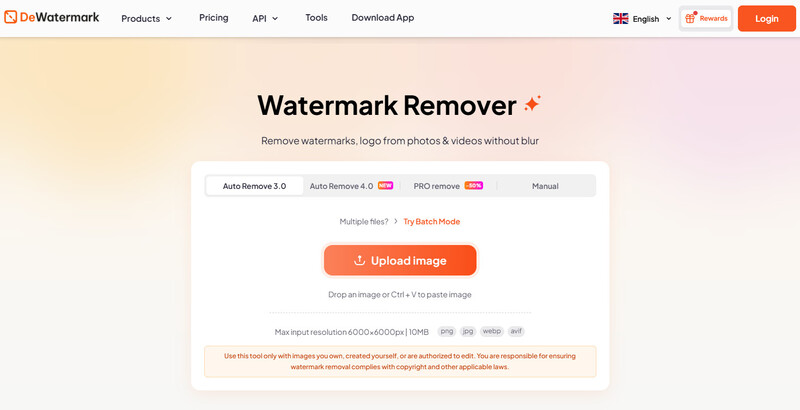
- Dewatermark is a free AI tool that automatically detects and removes watermarks the moment you upload an image. If you prefer better precision, there’s a manual edit mode with a brush tool for removing objects, text, or logos. It’s a good choice if you occasionally need video cleanup as well as images.
Top 4: Unwatermark
Rating: 8/10
Our test result:

Free limits:
You can try the AI photo watermark removal 3 times per day for free, and the video removal 6 times every week. Credit packs include monthly subscriptions and one-time licenses.
- Pros
- Works on both images and videos
- Offers both auto mode and manual brush option
- Simple interface, almost no learning curve
- Cons
- Free tier is limited (especially for video)
- Complex or dense watermarks can leave faint traces
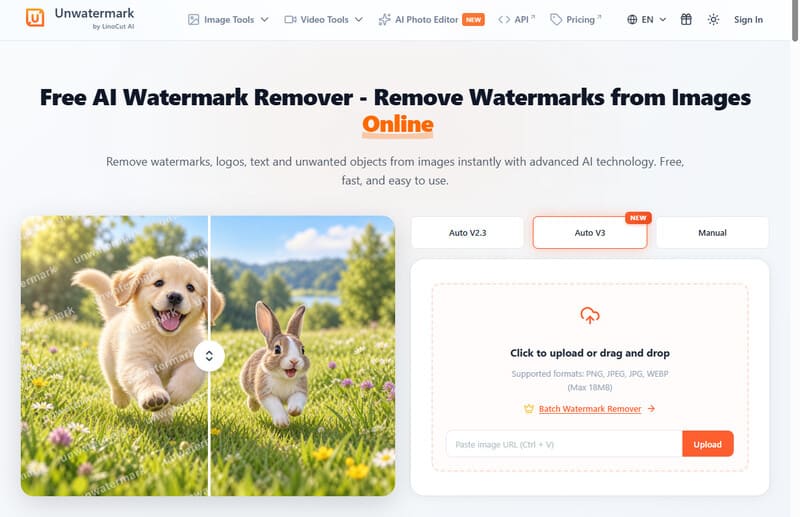
- Unwatermark is an online AI tool with a free tier, good for wiping watermarks off images and videos. It’s very easy to use: auto-detect or brush the area yourself, with a quick preview. Handles both photos and short clips without much fuss.
Top 5: PixelBin Watermark Remover
Rating: 9/10
Our test result:

Free limits:
You can try 3 images for free without an account. After signing up for free, you get another 3 uses. Paid plans start at 250 credits/month for $15.00, and each removal costs 1 credit.

- Pros
- This tool is one of the few AI watermark removers offering batch processing.
- Render a smooth output, making deleted objects less noticeable.
- Cons
- It contains unwanted pop-up advertisements.
- PixelBin’s Watermark Remover is part of a larger AI image suite. It supports automatic removal and batch work, which helps when you have more than a couple of files. Useful if you need to remove from multiple images.
Top 6: Media.io
Rating: 9/10
Our test result:

Free limits:
3 daily check-in credits. Free exports are capped at 720p and carry a Media.io watermark. Standard plan unlocks 1080p watermark-free exports and more credits; Premium goes higher.
- Pros
- Combines image and video tools in one place
- Brush-based control is easy to understand
- Welcome credits let you test before paying
- Cons
- Free exports add a Media.io watermark and only support resolution up to 720p
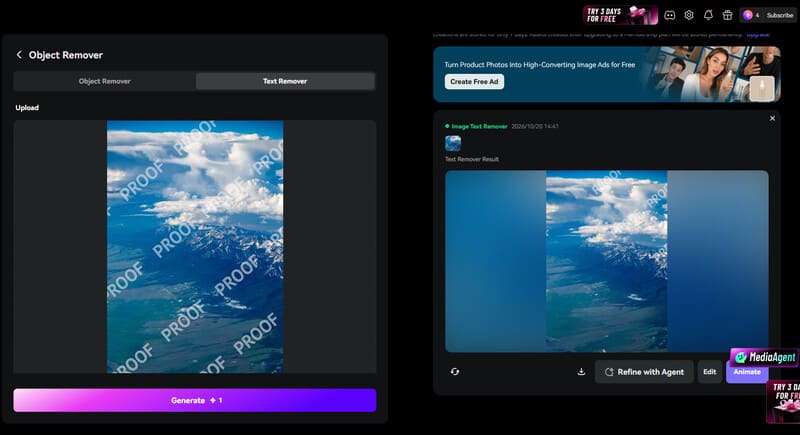
- Media.io is an all-in-one browser toolkit that includes an AI object/watermark remover alongside video and audio tools. You brush the area you want removed, and the model reconstructs it.
- Worth a look if you already use Media.io for other media tasks. For dedicated watermark work, the free tier is mainly useful for testing.
Top 7: Fotor
Rating: 8/10
Our test result:

Free limits:
You can get free credits by accomplishing daily tasks, but they last shorter than paid credits, for only 1 day.
- Pros
- Fotor's impressive watermark removal capacity suits both beginners and professionals.
- It can remove full-screen watermarks on portraits.
- Cons
- Manual editing may be required on images with detailed objects to erase.
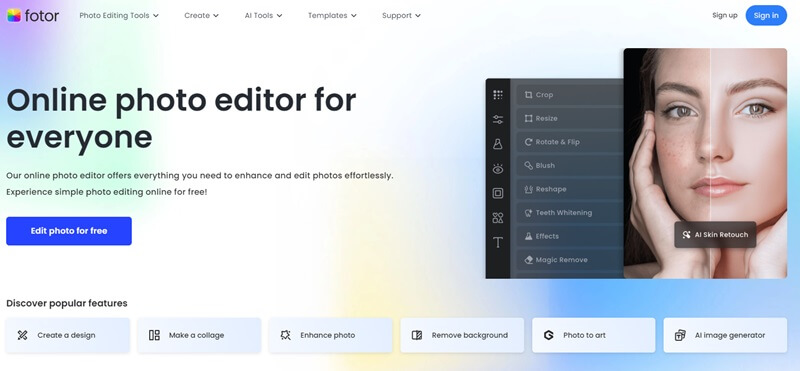
- Fotor is a full online photo editor that also offers AI object and watermark removal. It’s handy when watermark cleanup is just one step in a larger edit.
How AI Watermark Removal Works
Most modern AI watermark removers rely on a technique called inpainting. The idea is simple: the original pixels under a watermark are gone, so the tool has to analyse the existing pixels, compare them with its training materials, and generate new ones that look like they belong.
Semi-transparent watermarks are often easier to handle than fully opaque logos. In the transparent case some of the original signal still exists in the blended pixels, giving the model more information to work with.
Important practical note: no AI remover recovers the exact original pixels that were covered. It creates a plausible reconstruction. For critical or commercial work, always check the result carefully and keep the source file.
FAQs About AI Watermark Removers
How do I remove a watermark from a video in free AI?
There are tons of AI watermark removers online for videos on the internet, such as Media.io. This online tool supports vast media formats like MOV, MPG, AVI and MKV. Additionally, this online tool helps you remove objects that do not have visual appeal, like watermarks, date stamps, and text.
Is it legal to remove a watermark from an image?
Only if you own the image or have clear permission from the copyright holder. Removing a watermark from someone else's photo or stock image without authorization is generally considered copyright infringement. Many stock licenses also prohibit removing identifying marks. When in doubt, use images you created or properly licensed ones.
How do I get rid of watermarks for free?
With all the tools mentioned above, you can remove watermarks on images for free. With AVAIde Watermark Remover, this online tool allows users to process their images without charge and offers unlimited daily watermark removal.
With this walkthrough, removing the watermarks on your images becomes easier. All the mentioned programs integrated with AI get rid of watermarks efficiently and effectively. However, if you want a tool that can cater to this activity among beginners and professionals, AVAide Watermark Remover is highly recommended.
ABOUT THE AUTHOR


Easily get rid of annoying watermarks and unwanted objects from your photos without quality loss.
PROCESS NOW