オンライン会議は今や日常生活の一部となっています。仕事、学校、グループディスカッションなどに利用されています。しかし、インターネット接続の問題、気が散る、あるいは重要な詳細を聞き逃してしまうといった問題が発生することもあります。幸いなことに、会議レコーダーを使えば、すべてを後で保存できます。 会議録音機 以下のツールを使えば、すべてを鮮明に捉えることができます!
会議録音機を選ぶ際に注目すべき点
会議録音機を選ぶ際にまず何に注目すべきかを知っておくことが重要です。以下のポイントをよくお読みください。
- 転写精度 音声を、エラーの少ない、正確で分かりやすいテキストに変換するはずです。
- AI要約の品質 ・要点と行動項目を盛り込んだ、簡潔で分かりやすい会議議事録を作成する必要があります。
- プライバシーとデータ管理 - 録音データを保護し、データの保存方法や共有方法を制御できる機能が必要です。
- プラットフォームの互換性 - Zoom、Teams、Google Meetなどのツールと、デバイスを問わず問題なく連携できるはずです。
- 価格設定モデル 無料か有料か、そして各プランでどのような機能が利用できるかを明確に表示する必要があります。
パート1. プラットフォームネイティブの会議録音ツール
会議はもはや単なる電話会議ではありません。2026年までには、Zoom、Teams、Meetといった会議録画ツールが、録画、メモ作成、要約作成まで自動で行ってくれるようになるでしょう。
1. ズーム
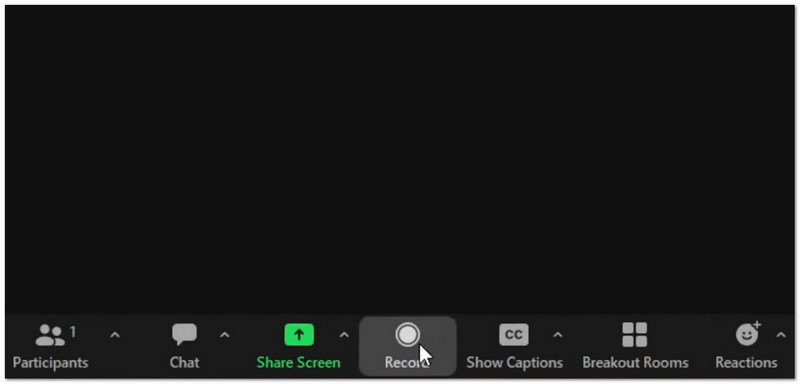
その機能: 動画と音声を録画し、AIによる要約やスマートチャプターを作成するほか、AI Companionを使用してリアルタイム翻訳を行うことができ、ローカル録画とクラウド録画の両方のオプションを提供します。
- 長所
- インターネット接続が弱い場合でも強力
- アンケートやホワイトボードなど、多くのツール
- スマートAIによるメモとアクションアイテム
- 短所
- AIツールはより高価です
- クラウドストレージには制限があります
最適な用途:
- 大規模な会議
- ウェビナー
- インターネット接続が不安定なチーム
評価: ★★★★★ (5/5)
2. チーム
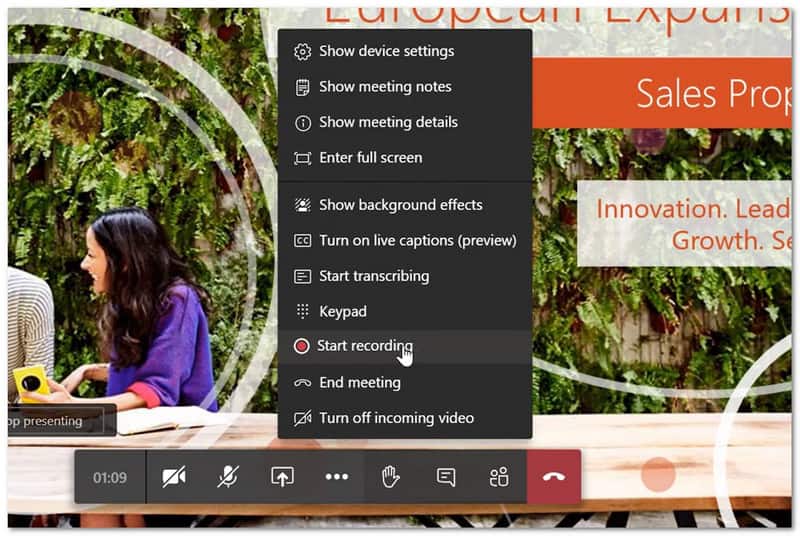
その機能: 会議の録音と文字起こしを行うだけでなく、Copilotを使用してスマートな要約、アクションアイテム、発言者別のサマリーを1か所で作成します。
- 長所
- Microsoft 365との連携も良好です。
- ファイルとチャットを1か所にまとめて保存します
- 強力なノイズキャンセリング機能
- 短所
- 古いデバイスでは動作が遅く感じることがあります
- ゲストアクセス用のハードセットアップ
- 録音データは120日後に期限切れとなります。
最適な用途:
- Microsoft 365を日常的に使用しているチーム
評価:★★★★ (4.5/5)
3. 会う
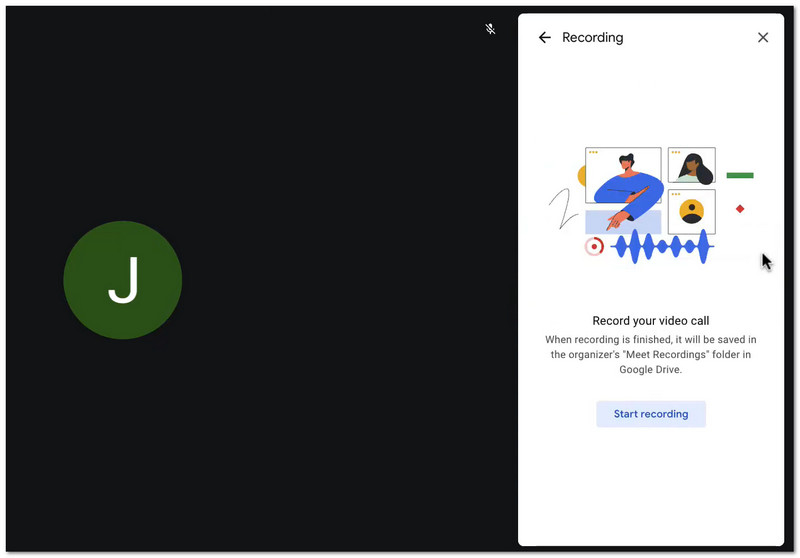
その機能: 会議を録画してGoogleドライブに保存し、Geminiを使って自動的に議事録を作成します。また、アプリをインストールすることなく、ウェブブラウザから簡単に会議に参加できます。
- 長所
- 参加は簡単
- 迅速なセットアップ
- Drive によるシンプルなファイルストレージ
- 短所
- 基本プランには含まれていません
- AIはZoomよりもシンプルだ
最適な用途:
- Google Workspaceユーザー
- 手軽で簡単な会議
評価:★★★★ (4/5)
パート2:AI会議録音・議事録作成ツール
会議中にメモを取ることは、作業効率を低下させる原因となります。幸いなことに、AIを活用した会議録音ツールを使えば、この作業を自動で行ってくれます。
1. ファゾム
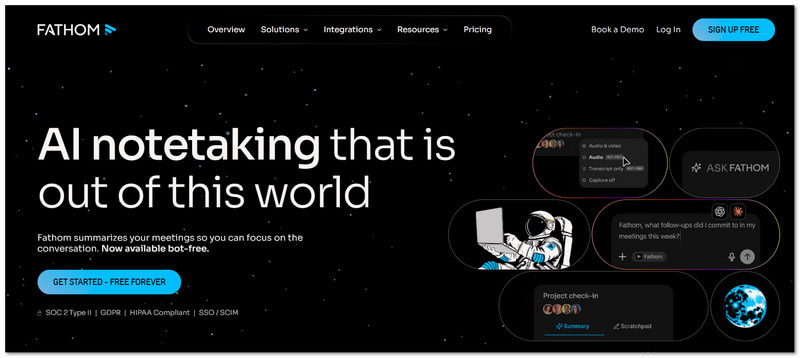
その機能: Fathomは、Zoom、Meet、Teamsの通話を録音・要約する無料のAIツールです。
主な機能:
- 無制限の録音と文字起こし
- 即時要約
- ハイライトクリップ
- CRM同期
- 長所
- 個人利用は無料
- 使いやすい
- 迅速な結果
- 短所
- 無料プランには高度なツールがほとんどありません
- 会議でボットを使用する
価格:
- 無料プラン
- 給与は月額$19から
最適な用途:
- 個人
- 少人数チーム
評価:★★★★ (4.7/5)
2. カワウソ
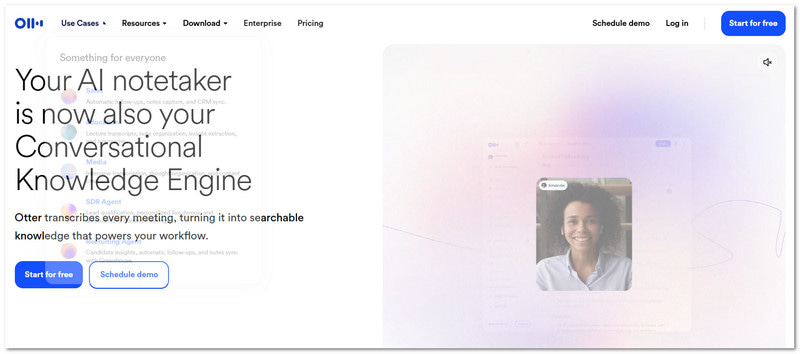
その機能: Otterは、リアルタイムの文字起こしやチームメモ作成のための、よく知られたAI会議録音・文字起こしツールです。
主な機能:
- リアルタイム文字起こし
- チームチャット
- スピーカーID
- スライドキャプチャ
- 長所
- リアルタイムのチームワークに最適
- 信頼できるツール
- 短所
- 数分間の自由時間
- 全機能を利用するには有料プランが必要です
価格:
- 無料プラン
- 給与は月額$10から
最適な用途:
- チームでのメモ取り
- ライブ文字起こし
評価:★★★★ (4.2/5)
3. ホタル
その機能: Firefliesは、高度な統合機能を備え、会議の録音や会話の追跡を行うAIツールです。
主な機能:
- 自動会議メモ
- 感情分析
- カスタムテンプレート
- 90以上の連携機能
- 長所
- 多くの機能
- 強力な検索
- 優れたCRMログ記録
- 短所
- コストが高い
- 複雑に感じるかもしれない
- 追加クレジット費用
価格:
- 無料プラン
- 給与は月額$16から
最適な用途:
- 営業チーム
- CRMユーザー
評価:★★★★ (4.5/5)
パート3. ChatGPTミーティングレコーダー
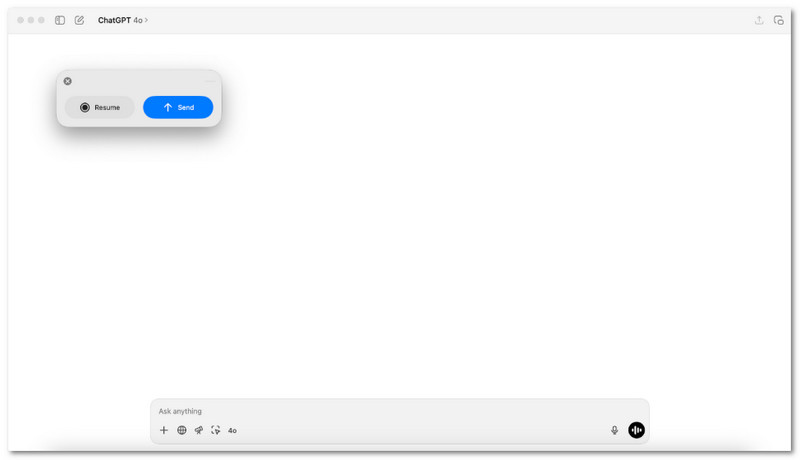
会議後に、会話内容を役立つメモに簡単に変換する方法をお探しですか?
macOSでは、ChatGPT Meeting Recorderがその役割を果たします。音声を録音し、明確な要約と具体的な手順をまとめたレポートを作成します。会議中に余分なツールを使わずに、素早く内容を確認したいユーザーに最適です。
パート4. 無料の会議録音ツール
会議はテンポよく進み、細かいことは見落とされがちです。無料の会議録音アプリは、すべての会話を静かに録音してくれるので、何も見逃すことはありません。そこで、このセクションでは、おすすめのアプリを以下にご紹介します。
1.AVAideスクリーンレコーダー
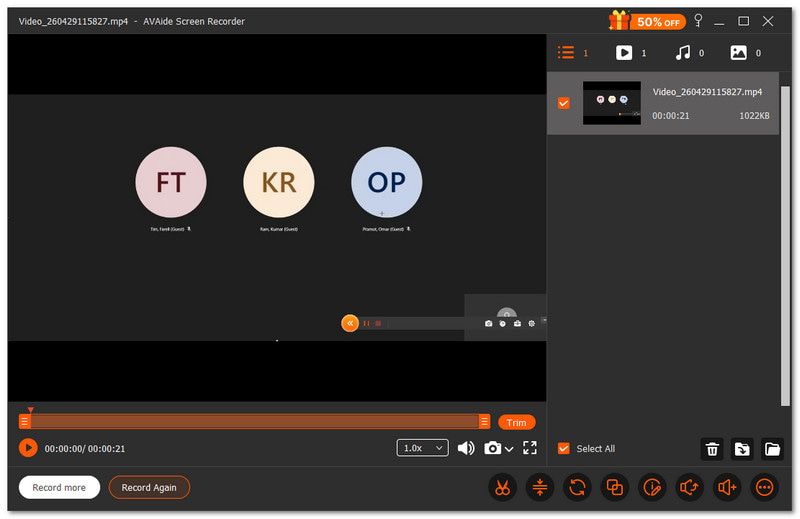
会議を録画中に、描画、ハイライト、メモの追加などの注釈ツールを使用する必要がある場合は、この無料の会議レコーダー、 AVAideスクリーンレコーダーがお手伝いできます。
- 最大1080pまたは4K解像度の高画質で録画できます。
- 画面録画中にスクリーンショットを撮ることができます
- 録画後に動画をトリミングしたり調整したりするための編集ツールが含まれています。
- 自動開始・停止のためのスケジュール録画に対応しています。
- 動画をさまざまな形式でエクスポートして簡単に共有できます

 安全なダウンロード
画面全体をキャプチャすることも、必要な部分だけをキャプチャすることもできます。まるで会議で画面のどの部分を「フレーム」に入れるかを選ぶような感覚です。さらに、システム音とあなたの声も同時にキャプチャするので、何も聞き逃すことはありません。
2. OBSスタジオ
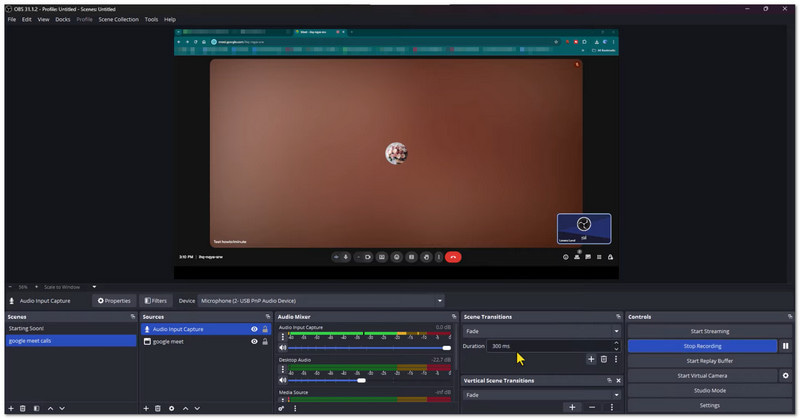
OBS Studioは、会議や画面操作を録画するための無料のオープンソース録画ソフトウェアです。画面、ウェブカメラ、マイクを同時に高画質でキャプチャできます。また、録画中にカスタムシーンを作成・切り替えることも可能です。高度な制御とプロフェッショナルな結果を求めるユーザーに最適です。
3. QuickTime Player
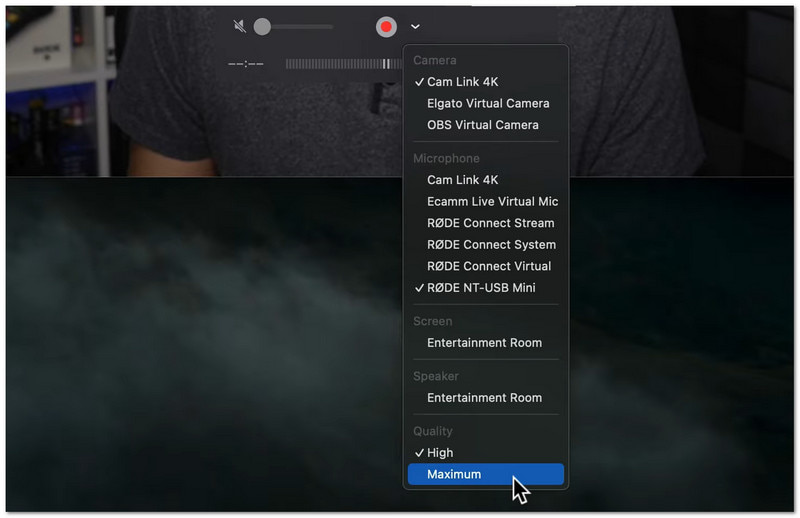
これはMacに標準搭載されている、画面録画や会議録画のためのツールです。Macに既にインストールされているため、ダウンロードは不要です。ユーザーは「ファイル」メニューから数秒で録画を開始できます。基本的な編集を伴う、手軽で迅速な録画に最適です。
第5部 オンライン会議録画ツール(ダウンロード不要)
ダウンロードしたくないですか?以下のウェブベースのツールを使えば、ブラウザ上で簡単に会議を録画できます。
1. ヴィード
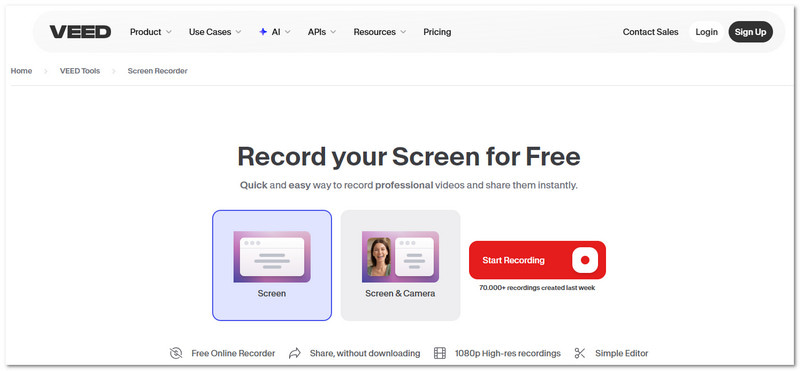
VEEDは オンライン画面録画 会議、プレゼンテーション、チュートリアルなどに活用できるアプリです。画面、カメラ、音声を一度にキャプチャできます。ノイズ除去や視線補正などの編集ツールも搭載。共有やプレゼンテーションにすぐに使える、見栄えの良い録画済み会議を求めるユーザーに最適です。
2. コムモド
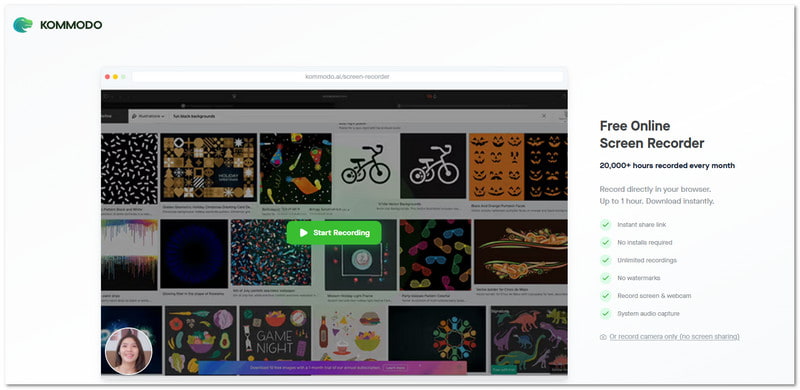
インストール不要で使える軽量な会議録画ソフトとして、Kommodoがあります。ブラウザ上で画面、音声、ウェブカメラの映像を直接録画できます。録画した映像はプライベートリンクを使ってすぐに共有することも可能です。会議を録画して素早く送信したい場合に最適です。
第6部 会議録画用ハードウェア
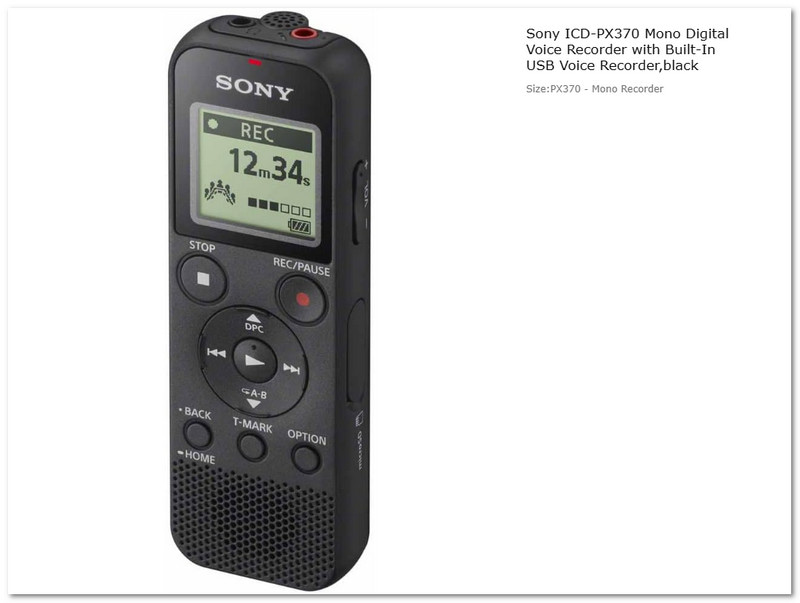
会議録音アプリではなく、実際の録音機器が必要な場合もあります。ソニーのICD-PX370デジタルボイスレコーダーは、会議、講義、インタビューなどに最適な小型ハードウェアレコーダーです。クリアな音声をMP3形式で録音し、長時間の録音も保存できます。シンプルで持ち運びやすく、インターネット接続や専用ソフトなしで長時間使用できる設計です。
第7部 最高の会議録音ソフト比較
会議録画ソフトには様々な種類があります。それぞれに明確な目的があります。ビデオ通話に特化したもの、メモ機能に特化したもの、インターネット接続なしで動作するものなど様々です。以下に、選択の参考となる簡単な比較表を示します。
- プラットフォームネイティブの会議録音ツール
Zoom、Teams、Google Meetに組み込まれています。簡単で安全。定期的なオンライン会議に最適です。 - AI会議録音・議事録作成ツール
AIを活用して会議の要約やメモを作成しましょう。自動文字起こし機能を使えば時間を節約できます。生産性向上に最適です。 - ChatGPTミーティングレコーダー
会議後に要約やタスクを作成します。レビューと計画に重点を置いています。結果の整理に最適です。 - 無料の会議録音機
これらは 無料のスクリーンレコーダー 基本的な録画機能以上の機能を提供するソフトウェアもあります。例えば、トリミングやノイズ除去といった簡単な編集ツール、スケジュール録画機能、そしてAVAide Screen Recorderのように長時間の録画セッションを可能にする機能などです。そのため、会議、講義、ウェビナーなどに役立ちます。 - オンライン会議録画ツール(ダウンロード不要)
インストール不要でブラウザ上で動作します。録画と共有も高速。ちょっとした作業に最適です。 - 会議録画用ハードウェア
オフラインでの音声録音が可能な物理デバイス。インターネット接続は不要。講義やインタビューに最適です。
上記のように多くの選択肢があるため、 会議の録画 これで簡単にできます。より多くの機能を備えた無料ツールが必要な場合は、 AVAideスクリーンレコーダー長時間の会議にも問題なく対応し、毎回スムーズで信頼性の高い録音を実現します。
著者について

画面、オーディオ、ウェブカメラ、ゲームプレイ、オンライン会議、およびiPhone/Android画面をコンピューターに記録します。