Online lectures come in many forms. You may watch Zoom classes. You may join Google Meet lessons. You may also attend training sessions or school discussions. Sometimes, you do not want to miss important points. Sometimes, you want to review them later. You may also want to share them with others.

That is why we will offer you the best lecture recorder, along with a simple guide to help you choose the right one.

Part 1. Why You Need a Dedicated Lecture Recorder

1. The Case for Recording Lectures

Lectures are fast and full of information. You cannot write everything down. Recording helps you replay lessons. It makes studying easier and clearer. It also helps during exams and reviews.

2. Dedicated Recorder vs Smartphone

A dedicated recorder provides better audio and video quality. It records with less lag and more smoothness. Plus, it has learning-oriented tools like notes and screen capture.

A smartphone is easy to use. But it has limits. It may stop during long recording. It may also give lower quality. It is not made for full lecture sessions.

So, a dedicated recorder is more reliable for serious study.

Part 2. How to Choose the Best Lecture Recorder

Of course, we want you to have the best lecture recorder. The details below will help you choose the right one.

  • It should support high video clarity, like HD or 4K, because clear video helps you see every detail in class.
  • It should record clear audio with no delay. The sound and video must stay in sync.
  • It should run smoothly with no lag, which helps during long lectures.
  • It should have useful tools like screen recording, audio recording, and annotation tools.
  • It should be easy to use, because simple controls save time and effort.
  • It should work on your device, like Windows or Mac. Remember that compatibility is important.
  • It should offer stable performance for long recording sessions.

Part 3. The 7 Best Lecture Recorders - Full Reviews

You already have an idea of how to choose the best lecture recorder, so now we will list the tools you can use.

1. Screen Recorder

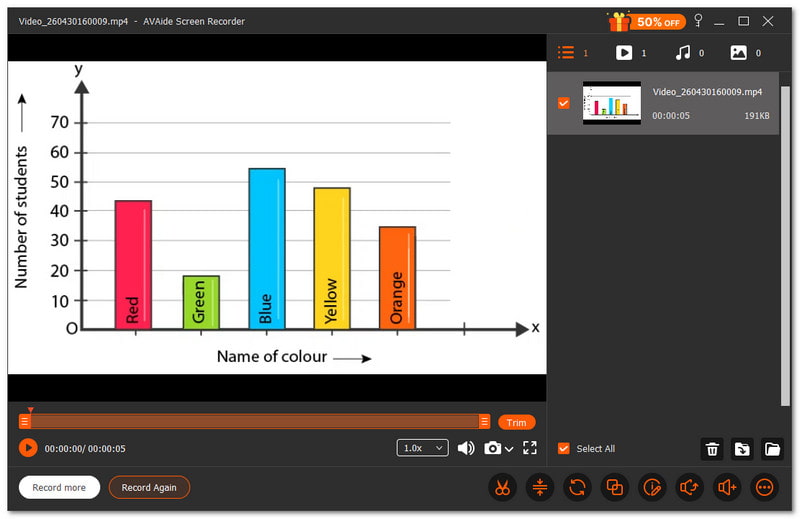
AVAide Screen Recorder Best Lecture Recorder

The best lecture recorder helps students and teachers capture lessons clearly. It is helpful for training sessions, lectures at school, and online courses. Every detail should be easy to follow, and the recording should be seamless.

AVAide 屏幕录像 is one of the best lecture recorders for this job. It allows you to capture the full screen or choose a specific area. It also records the voice clearly with no delay, making the lesson simple to comprehend.

You can also add text, whiteboard, images, and focus tools while recording, which helps you highlight important parts of the lecture. It makes studying and reviewing much easier. If you ask, can it record lecture videos in high clarity without lag? The answer is yes, it can.

优点:
Lets you take screenshots during lectures.
Supports auto-stop for easier recording control.
一个 free screen recorder without a watermark for clean output.
Has tools like a trimmer, compressor, converter, and sound booster.
Offers different modes like screen, audio, game, and phone recording.
What is bad:
The free version has limits, so you need to upgrade for full access.

Main selling point: It offers all-in-one lecture recording with no lag and high-quality output for smooth, clear, and easy-to-follow lessons.

2. Otter.ai

Otter.ai Best Lecture Recorder

Otter.ai feels like having a smart helper during class, especially when looking for the best voice recorder for lectures. It listens, writes, and organizes your lecture notes for you. It turns speech into text in real time and builds useful summaries you can review anytime.

价钱: $19.99 a month.

优点:
Transcribed in real time.
Automatic notes and summaries.
Compatible with numerous apps.
Searching for recordings is simple.
What is bad:
Needs internet to work well.
Accuracy may vary with noise.

Main selling point: It records lectures and turns them into searchable notes and summaries without extra effort.

3.OBS工作室

OBS Studio Best Lecture Recorder

Many users want full control when recording lectures. This lecture recording app, OBS Studio, gives you that control with powerful tools. It lets you mix video, audio, and scenes to create a more detailed and flexible lecture recording setup.

价钱: Free and open source.

优点:
完全免费使用。
Excellent recording quality.
Unique layouts and scenes.
Robust audio controls.
What is bad:
Hard for beginners.
Setup takes time.

Main selling point: It offers full control and advanced features for users who want detailed and flexible lecture recordings.

4. Loom

Loom Best Lecture Recorder

Students benefit more from lectures that are shared quickly. Lecture videos can be quickly recorded and sent with Loom. You can immediately share a link for convenient viewing after capturing your screen and camera.

价钱: A business subscription starts at $18 per month, while the free plan is available.

优点:
Fast recording and sharing.
Works on many devices.
Built-in video editing.
Easy link sharing.
What is bad:
Limited features in the free plan.
Needs internet for sharing.

Main selling point: It makes lecture recording and sharing quick and simple with just a few clicks.

5. Camtasia

Camtasia Best Lecture Recorder

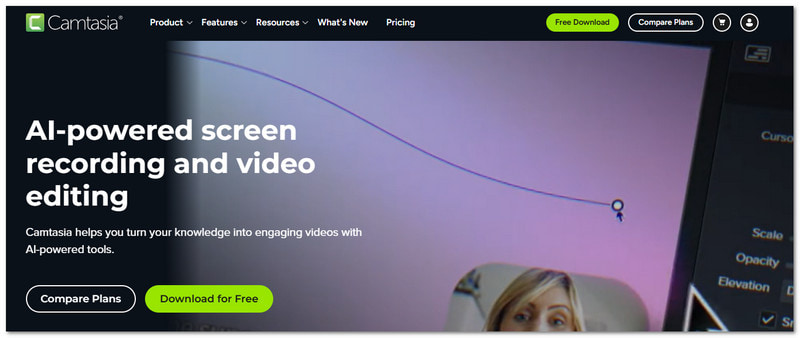
Polished lectures help students stay focused. Camtasia gives the best way to record lectures for students because it lets you record and edit in one place. It also uses AI tools to clean audio and improve your video without much effort.

价钱: There is a free trial available, and paid plans start at $39.00.

优点:
内置视频编辑器。
Text-based editing.
AI tools for cleanup.
Professional output.
What is bad:
Expensive for some users.
Needs good computer specs.

Main selling point: It combines recording and editing to create clean and professional lecture videos in one tool.

6. ScreenPal

ScreenPal Best Lecture Recorder

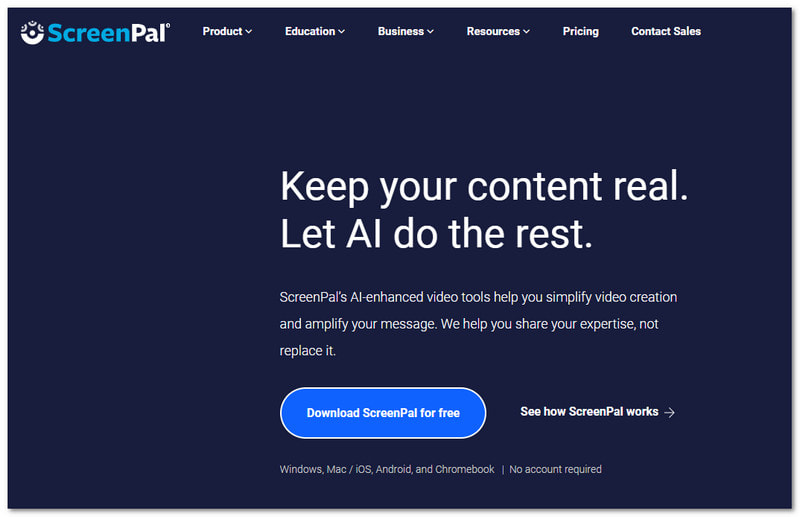
Simple tools can still do a lot. ScreenPal helps you record, edit, and share lectures with ease. It is one of the apps that record lectures that works smoothly for students and teachers. It also adds AI features like captions and translations to make your content easier to understand.

价钱: A free plan is available, and premium access costs $4.00.

优点:
使用方便。
Built-in editor.
AI captions and summaries.
Works on many devices.
What is bad:
Some features need payment.
Editing tools are basic.

Main selling point: It offers simple recording with helpful AI tools to make lectures clearer and more engaging.

7. Bandicam

Bandicam Best Lecture Recorder

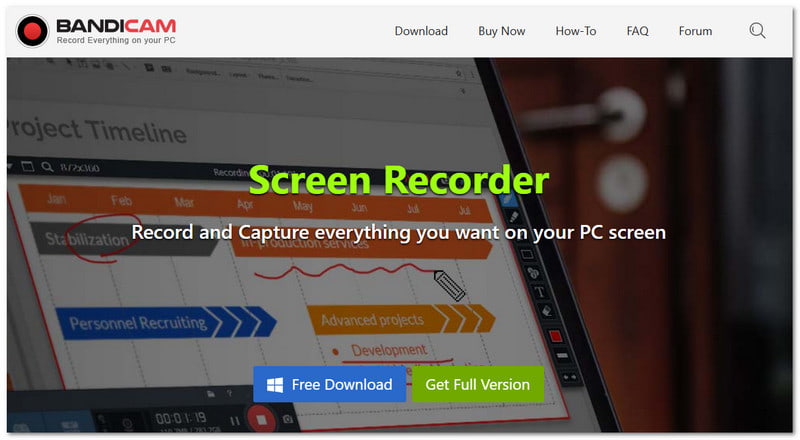
Lightweight tools are great for smooth recording, especially screen recorders for Windows like Bandicam, which records lectures in high clarity while keeping file size small. It can also capture webcam and system audio at the same time.

价钱: Premium subscriptions start at $2.78 per month, and there is a free version.

优点:
High-quality recording.
Small file size output.
Supports webcam overlay.
Scheduled recording option.
What is bad:
免费版本中有水印。
Windows-focused tool.

Main selling point: It delivers high-quality lecture recording with low file size and stable performance.

Part 4. In-Depth Comparison

To make your choice easier, the comparison table below shows the key differences between each lecture recorder.

Lecture Recorders 使用方便 兼容性 视频质量 声音的 Lag 水印
AVAide 屏幕录像 简单 Runs on Windows & Mac. 4K Clear synced audio. No lag performance. ×
Otter.ai 简单 Web, iOS & Android. No video recording focus. Strong speech to text. Cloud-based. ×
OBS工作室 难的 Runs on Windows, Mac, and Linux. 4K Strong audio control. Smooth but setup needed. ×
织机 简单 Runs on Windows, Mac, Web, and Mobile. 1080 Clear audio capture. Smooth for short use. ×
卡姆塔西亚 中等的 Runs on Windows & Mac. 4K Strong audio recording. Smooth but heavy. ×
ScreenPal 简单 Runs on Windows, Mac, Web, and Mobile. 4K Clear audio. Smooth performance.
班迪卡姆 中等的 Runs on Windows only. 4K Clear audio support. Very low system load.
结论

Worry no more about missing important lessons. You can now record lectures with the help of the tools above. There are 7 best lecture recorders, including AVAide 屏幕录像. It works well for Windows and Mac users. With it, you will never miss key points again!

经过 艾莎·约翰逊 on 5 月 12, 2026

关于作者

艾莎·约翰逊
艾莎·约翰逊

艾莎·约翰逊是一位多媒体制作技术员,专长于屏幕录制和音频采集工作流程。她曾帮助教育工作者、培训师和播客团队搭建稳定的录制环境,并解决常见的硬件和配置问题。她的实践经验能够帮助创作者提升录制清晰度,制作出更可靠的内容。

相关文章