Ever experienced getting so lost in shooting a video that it turned out inverted or not in the orientation you expected? With the modern devices and apps that allow you to record, you can easily get lost when your videos are mirrored. One example is TikTok, which is a popular app for recording content, but it has a habit of flipping videos automatically. This is why it is recommended to use a aplicativo de vídeo flip, a tool that will allow you to invert a video horizontally or vertically. With that said, this article has gathered the best apps to help you invert videos on your PC, Android, or iPhone. Without further ado, let’s get started.
Part 1. Best Flip Video App for Windows/Mac
What makes it easier to flip a video is to use AVAide Video Converter for Windows and Mac. It is a delightful software that offers multiple tools for every need, such as converting, compressing, and even video flipping. This is the flip video app for PC you should use, as it is designed with a sleek interface for easy use and even supports a wide range of video formats. It means that you don’t have to worry about compatibility, as the Video Converter can easily edit MP4, VOB, MOV, WMV, and more. Furthermore, it offers more options for editing, especially if you need to add audio, filters, or text. Its best-selling feature is offering a great outcome, resulting in your videos getting edited but without losing the original quality. No doubt, AVAide Video Converter is the top choice for one-click video flipping.
Passo 1 Clique no Download grátis button to get AVAide Video Converter on your PC. Install the software and launch to get started.

DOWNLOAD GRATUITO Para Windows 7 ou posterior
 Download seguro
DOWNLOAD GRATUITO Para Mac OS X 10.13 ou posterior
Download seguroPasso 2De Caixa de ferramentas guia, escolha o Rotador de vídeo option. Upload the video you want to edit.
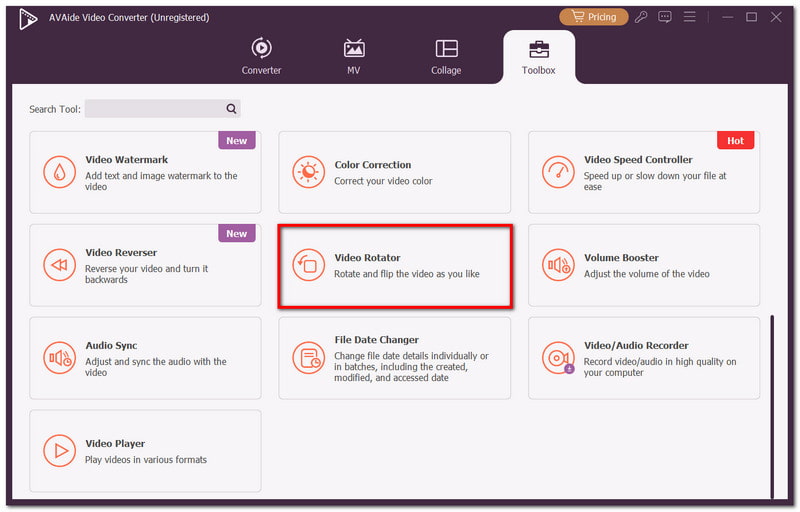
etapa 3Click any of the Rotação options as desired. The second video from the right will allow you to preview the changes.
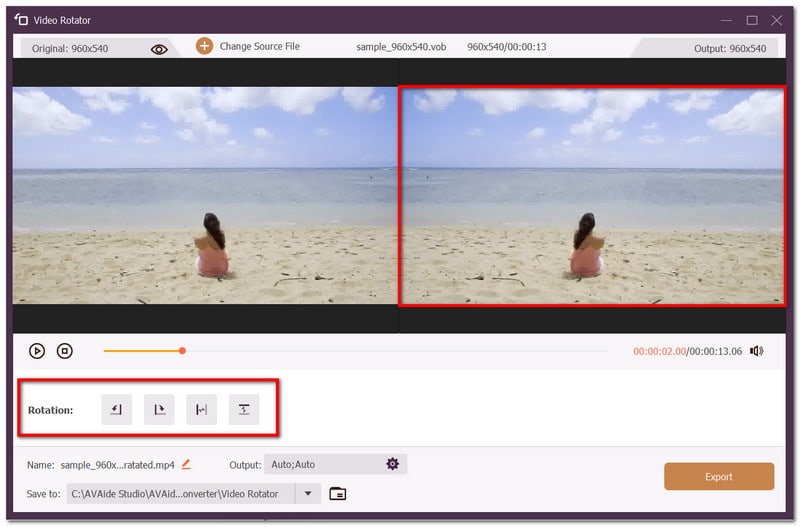
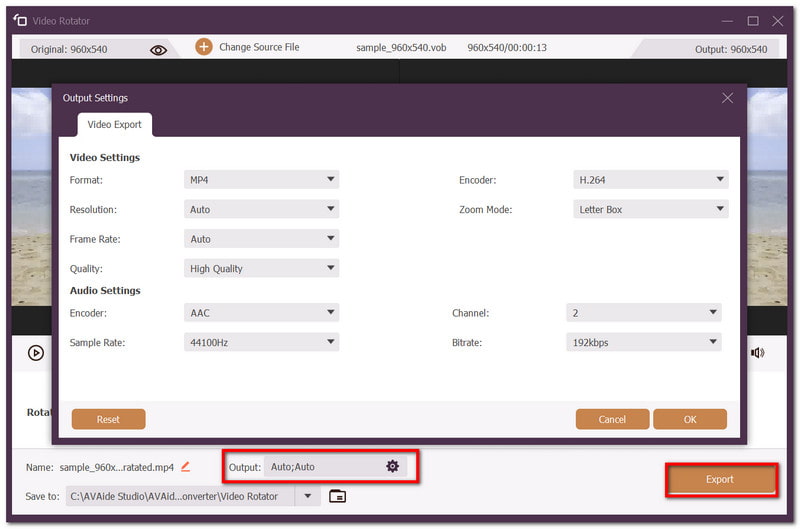
Passo 4Optionally, you can change the output settings, such as the format, encoder, etc. Preview your work and once done, click the Exportar button to save the flipped video.
Part 2. Top 3 Apps to Flip Videos on iPhone
1. Crop Video Square Editor
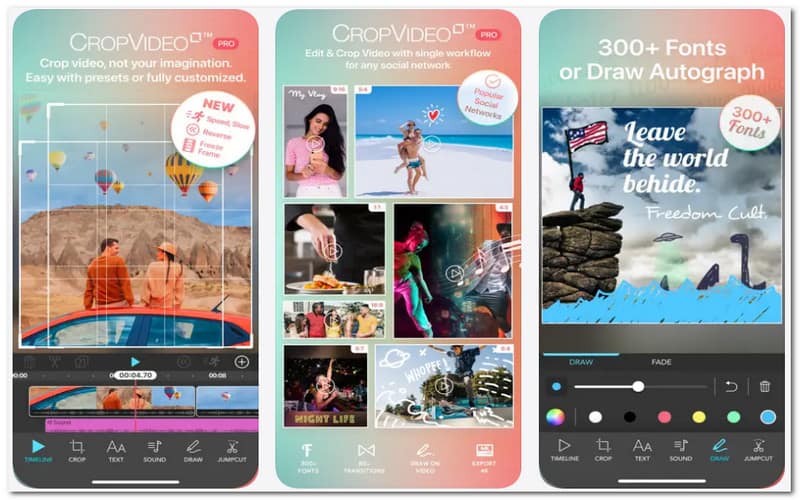
One of the most exclusive apps to flip a video on iOS is Crop Video Square Editor. It presents flipping videos to be quite easy, alongside other editing options, such as splitting and cropping. Its interface is also easy to navigate, so pinching, zooming, and cropping will not be a challenge. It mirrors front camera videos, whether vertically or horizontally. The only thing that can be a downside is that this app does not offer its features for free, so you will be required to purchase them within the app.
2. Apple Photos
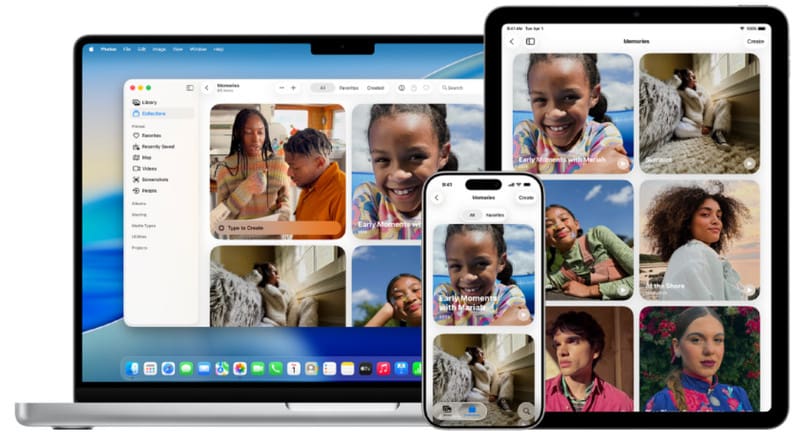
If you are looking for a free app to flip videos on iPhone, then the native Apple Photos app is the place you should go to. Any iOS devices have this pre-installed, and there is no need to upload your videos, as it is your gallery that collects any content taken. The Apple Photos app has basic editing tools, including video flipping, lighting adjusting, and more. It is by far the recommended tool as it is promising when it comes to keeping the quality of the video. Still, it is not the application you should be using if you want advanced editing features. However, this native iOS tool will be a convenient way for a quick edit.
3. iMovie
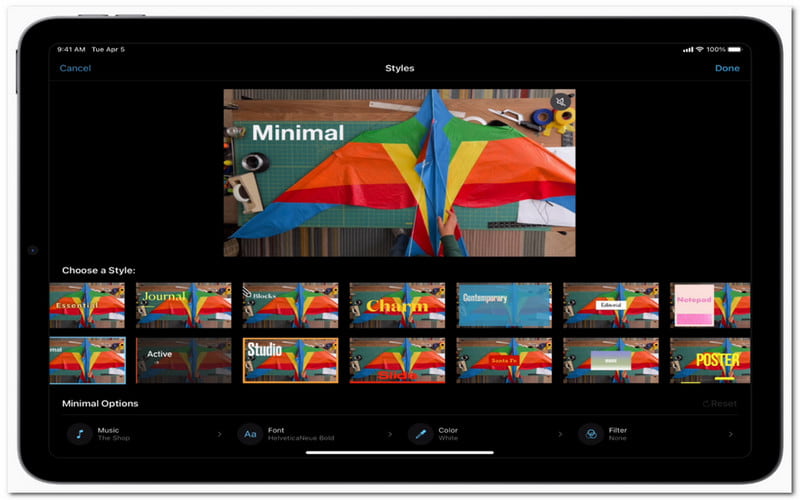
With the Apple Photos app being limited for video editing, iOS offers iMovie as your flip video app for free. It introduces more engaging tools for editing needs, including rotating, mirroring, speed adjusting, and many more. The best thing about this alternative is that you can effortlessly import videos from different iOS devices, and exporting them will not distort the original quality. If you are a beginner, you may find iMovie to be overwhelming at first, and spend some time getting familiarized with it. Moreover, you need to have iOS 17 as older versions may be incompatible with the app. Still, it is a good time since eventually you can even fazer um filme no iMovie.
Part 3. Top 3 Flip Video Apps for Android
1. PowerDirector
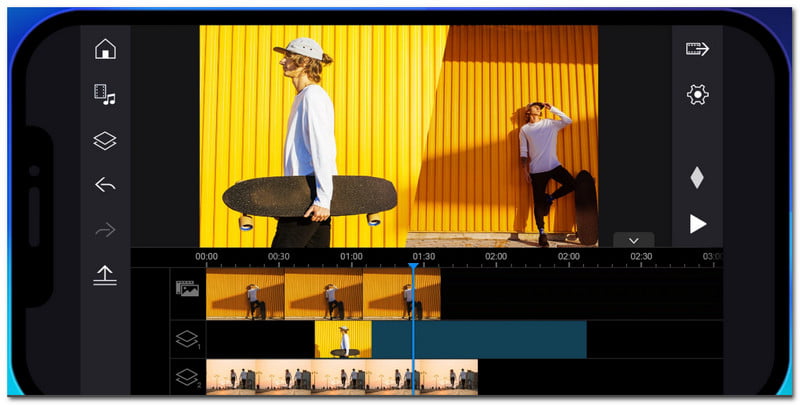
PowerDirector is not just an app to flip videos, as it is designed to cater to all video editing needs. Whether you are a beginner or a pro, the app offers flexible control and functionality for rotating, color adjusting, and enhancing videos. Since it is available on Android, it will cover the lack of editing tools on your phone and get you editing without limitation. This also means it is guaranteed to be your companion for creating content for social media. Only, many of its features are locked unless you paid a subscription to PowerDirector. It will be a great investment in the long run, but if you’re into quick editing, then you can check the other alternatives.
2. Google Photos
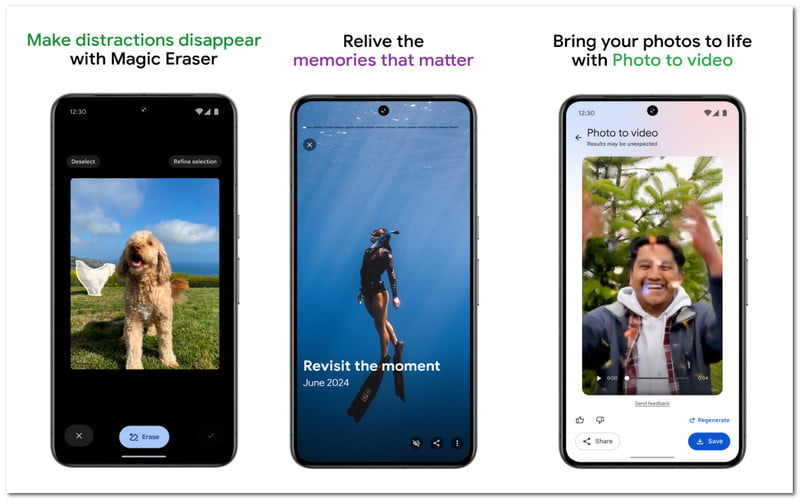
Just like the iPhone, Android still offers some basic editing options for your videos and photos. In this case, Google Photos will be a simple app to flip a video, with its offer of 15GB storage and auto-organize feature. Still, the only way to flip a video is through rotating, so mirroring or inverting the video will not be present in Google Photos. To rotate a video, open the video via Google Photos. Tap the Edit button and proceed to Crop. There, you will find the Rotate option, which can rotate the video 90 degrees at a time. Tap Save a copy, so you will still have the original copy.
3. Flip Video FX
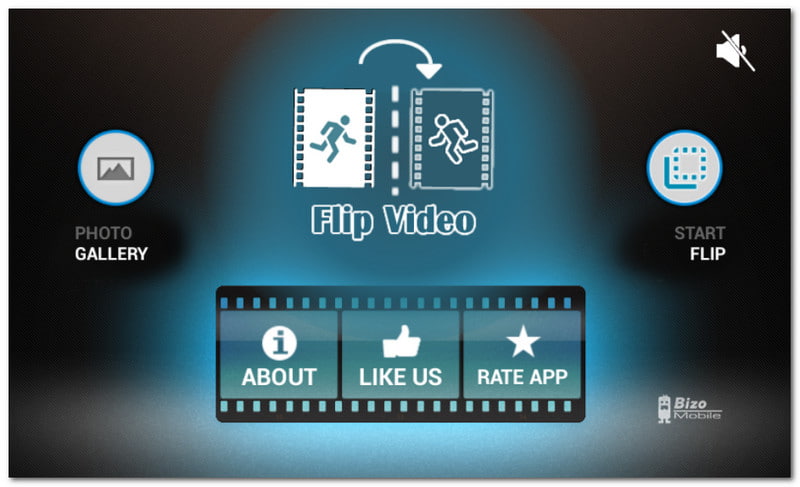
Flip Video FX is a dedicated flip video app on Android, which means its sole purpose is to mirror, rotate, or invert videos from your phone. It has a native recording feature, so you can shoot a video in real-time if you don’t have videos to flip yet. It is very sleek, so navigation through the app only takes a couple of minutes. Ultimately, it is lightweight, so fast performance is guaranteed with quick video processing. Flip Video FX is free to use, unlike many editing apps that require subscriptions. However, this alternative can’t be expected for heavier editing as it only has limited features.
Part 4. Side-By-Side App Comparison
To have a solid decision on which program to use, this comparison chart may help you out:
| Ferramenta | Virar/Girar | Mais recursos de edição | Livre | Sistemas operacionais suportados |
| AVAide Video Converter | Sim | Sim | Não | Windows, Mac |
| Crop Video Square Editor | Sim | Sim | Não | iOS |
| Apple Photos | Sim | Não | Sim | iOS |
| iMovie | Sim | Sim | Sim | iOS |
| PowerDirector | Sim | Sim | Não | Android, iOS |
| Google Fotos | Sim | Não | Sim | Android, iOS |
| Flip Video FX | Sim | Não | Sim | Android |
With this article, you have discovered apps to flip videos for PC, Android, and iPhone. More or less, editing apps can fix the inverted videos, but there are also dedicated apps only for flipping. On the other hand, you can rely on AVAide Video Converter for its ease of use and packed functionality. Ultimately, it is the best choice for quick and professional editing, whether it be converting, compressing, or flipping videos. You can download the software for free and try its awesomeness firsthand.
SOBRE O AUTOR

O conversor de mídia mais completo para converter vídeo e áudio sem perda de qualidade.
Editar vídeo
- Vídeo sofisticado de IA
- Remover marca d'água do vídeo
- Remover texto do vídeo
- Reduza a escala de 4K para 1080p/720p
- Remover ruído de fundo do vídeo
- Editor de metadados MP4
- Melhorar a qualidade do vídeo
- Vídeo reverso
- Corrigir vídeo de má qualidade
- Remover metadados de vídeo/áudio
- Espelhar/Desespelhar Vídeo da Câmera Frontal