Wykłady online występują w wielu formach. Możesz oglądać zajęcia na Zoomie. Możesz dołączyć do lekcji na Google Meet. Możesz również uczestniczyć w szkoleniach lub dyskusjach szkolnych. Czasami nie chcesz przegapić ważnych punktów. Czasami chcesz je później przejrzeć. Możesz też chcieć się nimi podzielić z innymi.
Dlatego zaoferujemy Ci to, co najlepsze rejestrator wykładów, a także prosty przewodnik, który pomoże Ci wybrać ten właściwy.
Część 1. Dlaczego potrzebujesz dedykowanego rejestratora wykładów
1. Argumenty za nagrywaniem wykładów
Wykłady są szybkie i pełne informacji. Nie da się wszystkiego zapisać. Nagrywanie pozwala na odtworzenie lekcji. Dzięki temu nauka staje się łatwiejsza i bardziej przejrzysta. Przydaje się również podczas egzaminów i powtórek.
2. Dedykowany rejestrator kontra smartfon
Dedykowany rejestrator zapewnia lepszą jakość dźwięku i obrazu. Nagrywa z mniejszym opóźnieniem i większą płynnością. Dodatkowo, oferuje narzędzia ułatwiające naukę, takie jak notatki i zrzuty ekranu.
Smartfon jest łatwy w obsłudze. Ma jednak swoje ograniczenia. Może się zacinać podczas długiego nagrywania. Może też zapewniać niższą jakość. Nie nadaje się do pełnych sesji wykładowych.
Dlatego do poważnej nauki bardziej niezawodny jest dedykowany rejestrator.
Część 2. Jak wybrać najlepszy rejestrator wykładów
Oczywiście zależy nam na tym, abyś miał najlepszy rejestrator wykładów. Poniższe informacje pomogą Ci wybrać odpowiedni.
- Powinien obsługiwać rozdzielczość HD lub 4K, ponieważ dzięki wyraźnemu obrazowi możesz zobaczyć każdy szczegół na raz.
- Powinien nagrywać czysty dźwięk bez opóźnień. Dźwięk i obraz muszą być zsynchronizowane.
- Powinien działać płynnie, bez opóźnień, co jest pomocne podczas długich wykładów.
- Powinien zawierać przydatne narzędzia, takie jak nagrywanie ekranu, nagrywanie dźwięku i narzędzia do adnotacji.
- Powinno być łatwe w użyciu, ponieważ proste sterowanie oszczędza czas i wysiłek.
- Powinno działać na Twoim urządzeniu, takim jak Windows lub Mac. Pamiętaj, że kompatybilność jest ważna.
- Powinien zapewniać stabilną pracę podczas długich sesji nagraniowych.
Część 3. 7 najlepszych rejestratorów wykładów – pełne recenzje
Wiesz już, jak wybrać najlepszy rejestrator wykładów, więc teraz wymienimy narzędzia, z których możesz skorzystać.
1. Rejestrator ekranu
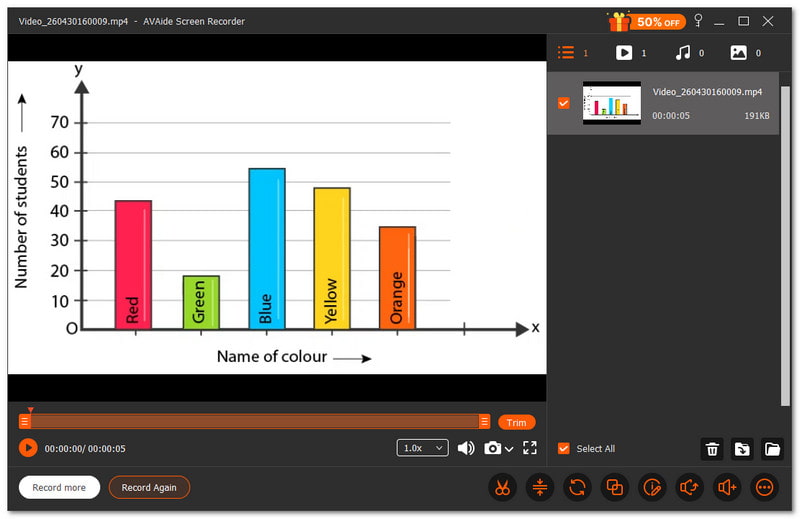
Najlepszy rejestrator wykładów pomaga uczniom i nauczycielom wyraźnie nagrywać lekcje. Przydaje się podczas szkoleń, wykładów w szkole i kursów online. Każdy szczegół powinien być łatwy do zrozumienia, a nagranie płynne.
Rejestrator ekranu AVAide to jeden z najlepszych rejestratorów wykładów do tego celu. Pozwala na przechwycenie całego ekranu lub wybranego obszaru. Nagrywa również głos wyraźnie i bez opóźnień, dzięki czemu lekcja jest łatwa do zrozumienia.

BEZPŁATNE POBIERANIE W systemie Windows 7 lub nowszym
 Bezpieczne pobieranie
BEZPŁATNE POBIERANIE Dla systemu Mac OS X 10.13 i nowszych
Bezpieczne pobieraniePodczas nagrywania możesz również dodawać tekst, tablicę, obrazy i narzędzia do ustawiania ostrości, co ułatwia zaznaczanie ważnych fragmentów wykładu. To znacznie ułatwia naukę i powtarzanie materiału. Jeśli zapytasz, czy nagrywanie wykładów jest możliwe z wysoką jakością i bez opóźnień? Odpowiedź brzmi: tak.
- Co jest dobre:
- Umożliwia wykonywanie zrzutów ekranu podczas wykładów.
- Obsługuje funkcję automatycznego zatrzymywania, co ułatwia kontrolę nagrywania.
- A darmowy rejestrator ekranu bez znaku wodnego dla czystego wyjścia.
- Posiada narzędzia takie jak trymer, kompresor, konwerter i wzmacniacz dźwięku.
- Oferuje różne tryby, takie jak nagrywanie ekranu, dźwięku, gier i telefonu.
- Co jest złe:
- Wersja bezpłatna ma ograniczenia, dlatego aby uzyskać pełny dostęp, należy dokonać uaktualnienia.
Główna zaleta: Oferuje kompleksowe nagrywanie wykładów bez opóźnień i wysoką jakość dźwięku, co pozwala na prowadzenie płynnych, przejrzystych i łatwych do zrozumienia lekcji.
2. Otter.ai
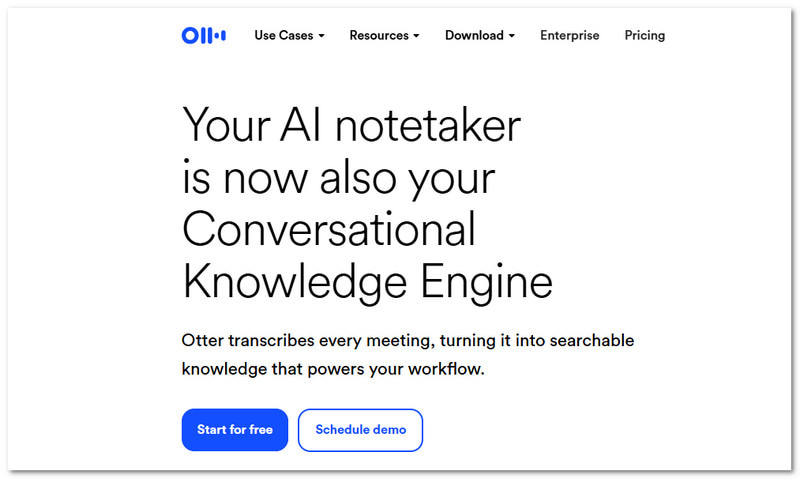
Otter.ai to inteligentny pomocnik podczas zajęć, zwłaszcza gdy szukasz najlepszego dyktafonu do wykładów. Słucha, zapisuje i porządkuje Twoje notatki z wykładów. Zamienia mowę na tekst w czasie rzeczywistym i tworzy przydatne podsumowania, które możesz przejrzeć w dowolnym momencie.
Cennik: $19,99 miesięcznie.
- Co jest dobre:
- Transkrypcja w czasie rzeczywistym.
- Automatyczne notatki i podsumowania.
- Kompatybilny z wieloma aplikacjami.
- Wyszukiwanie nagrań jest proste.
- Co jest złe:
- Wymaga dostępu do Internetu, aby działać prawidłowo.
- Dokładność może się zmieniać w zależności od szumu.
Główna zaleta: Nagrywa wykłady i bez zbędnych problemów zamienia je w przeszukiwalne notatki i podsumowania.
3. Studio OBS
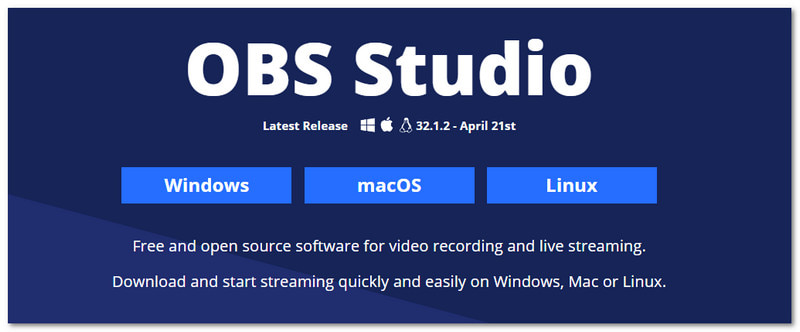
Wielu użytkowników chce mieć pełną kontrolę podczas nagrywania wykładów. Ta aplikacja do nagrywania wykładów, OBS Studio, zapewnia tę kontrolę dzięki zaawansowanym narzędziom. Umożliwia miksowanie obrazu, dźwięku i scen, aby stworzyć bardziej szczegółową i elastyczną konfigurację nagrywania wykładów.
Cennik: Oprogramowanie bezpłatne i o otwartym kodzie źródłowym.
- Co jest dobre:
- Całkowicie darmowy w użyciu.
- Doskonała jakość nagrania.
- Unikalne układy i sceny.
- Solidne sterowanie dźwiękiem.
- Co jest złe:
- Trudne dla początkujących.
- Konfiguracja zajmuje trochę czasu.
Główna zaleta: Zapewnia pełną kontrolę i zaawansowane funkcje dla użytkowników, którzy oczekują szczegółowych i elastycznych nagrań wykładów.
4. Krosno
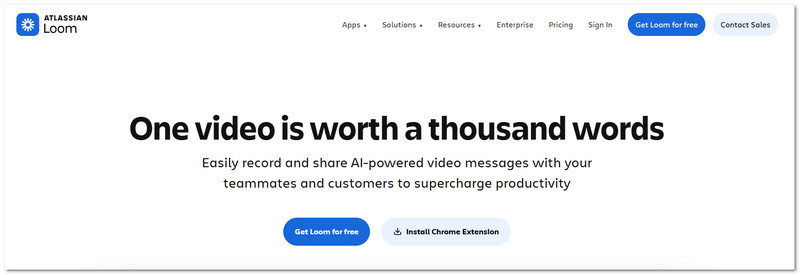
Studenci odnoszą większe korzyści z wykładów udostępnianych szybko. Filmy z wykładów można szybko nagrywać i przesyłać za pomocą Loom. Po zrobieniu zrzutu ekranu i kamery możesz natychmiast udostępnić link do wygodnego oglądania.
Cennik: Abonament biznesowy kosztuje od $18 miesięcznie, dostępny jest również plan bezpłatny.
- Co jest dobre:
- Szybkie nagrywanie i udostępnianie.
- Działa na wielu urządzeniach.
- Wbudowana edycja wideo.
- Łatwe udostępnianie linków.
- Co jest złe:
- Ograniczone funkcje w planie bezpłatnym.
- Do udostępniania potrzebny jest internet.
Główna zaleta: Dzięki niemu nagrywanie i udostępnianie wykładów stanie się szybkie i proste – wystarczy kilka kliknięć.
5. Camtasia
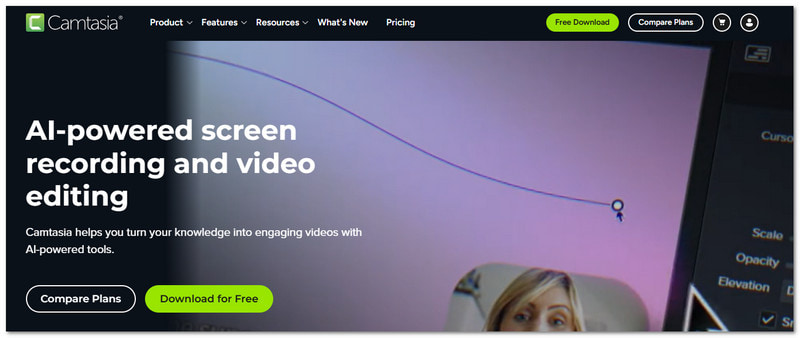
Dopracowane wykłady pomagają studentom utrzymać koncentrację. Camtasia to najlepszy sposób na nagrywanie wykładów dla studentów, ponieważ pozwala nagrywać i edytować w jednym miejscu. Wykorzystuje również narzędzia AI do oczyszczania dźwięku i ulepszania wideo bez większego wysiłku.
Cennik: Dostępna jest bezpłatna wersja próbna, a ceny planów płatnych zaczynają się od $39.00.
- Co jest dobre:
- Wbudowany edytor wideo.
- Edycja oparta na tekście.
- Narzędzia AI do czyszczenia.
- Profesjonalny wydruk.
- Co jest złe:
- Dla niektórych użytkowników może być to kosztowne.
- Wymagana jest dobra specyfikacja komputera.
Główna zaleta: Łączy w sobie funkcje nagrywania i edycji, umożliwiając tworzenie przejrzystych i profesjonalnych wykładów wideo w jednym narzędziu.
6. ScreenPal
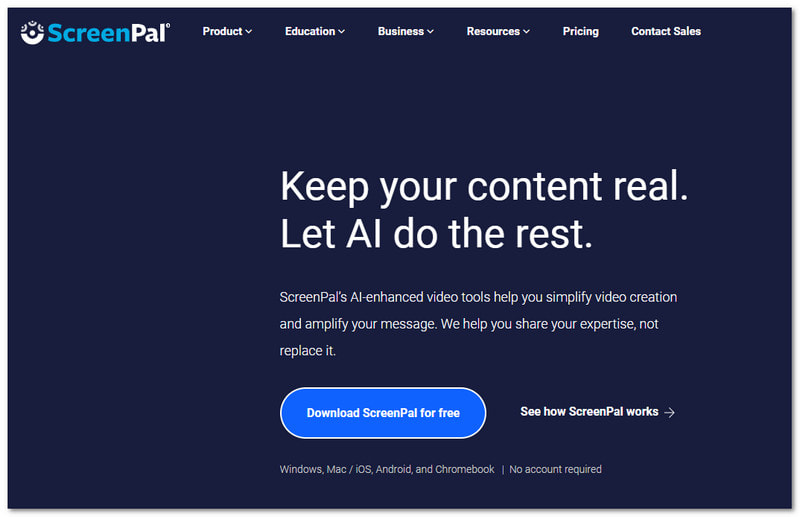
Proste narzędzia wciąż potrafią wiele zdziałać. ScreenPal pomaga z łatwością nagrywać, edytować i udostępniać wykłady. To jedna z aplikacji, która płynnie nagrywa wykłady, zarówno dla uczniów, jak i nauczycieli. Dodaje również funkcje sztucznej inteligencji, takie jak napisy i tłumaczenia, aby ułatwić zrozumienie treści.
Cennik: Dostępny jest bezpłatny plan, a dostęp premium kosztuje $4.00.
- Co jest dobre:
- Łatwy w użyciu.
- Wbudowany edytor.
- Napisy i podsumowania AI.
- Działa na wielu urządzeniach.
- Co jest złe:
- Niektóre funkcje są płatne.
- Narzędzia do edycji są podstawowe.
Główna zaleta: Oferuje proste nagrywanie z wykorzystaniem przydatnych narzędzi AI, dzięki którym wykłady stają się bardziej przejrzyste i angażujące.
7.Bandicam
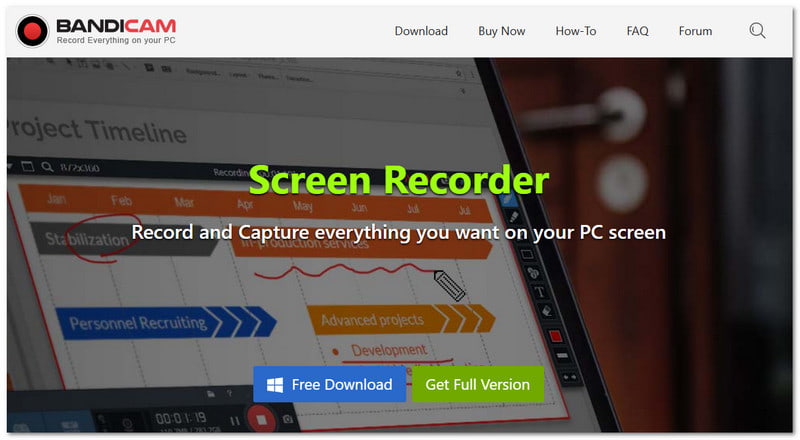
Lekkie narzędzia świetnie nadają się do płynnego nagrywania, zwłaszcza rejestratory ekranu dla systemu Windows Podobnie jak Bandicam, który nagrywa wykłady z wysoką jakością obrazu i jednocześnie zachowuje niewielki rozmiar pliku. Może również jednocześnie przechwytywać dźwięk z kamery internetowej i systemu.
Cennik: Abonamenty premium kosztują od $2,78 miesięcznie, dostępna jest też wersja bezpłatna.
- Co jest dobre:
- Nagranie wysokiej jakości.
- Mały rozmiar pliku wyjściowego.
- Obsługuje nakładkę kamery internetowej.
- Opcja zaplanowanego nagrywania.
- Co jest złe:
- Znak wodny w wersji darmowej.
- Narzędzie przeznaczone dla systemu Windows.
Główna zaleta: Zapewnia wysokiej jakości nagrania wykładów przy niewielkim rozmiarze pliku i stabilnej pracy.
Część 4. Porównanie szczegółowe
Aby ułatwić Ci wybór, poniższa tabela porównawcza przedstawia najważniejsze różnice między poszczególnymi rejestratorami wykładów.
| Rejestratory wykładów | Łatwość użycia | Zgodność | Jakość wideo | Audio | Opóźnienie | znak wodny |
| Rejestrator ekranu AVAide | Łatwo | Działa w systemach Windows i Mac. | 4K | Wyraźnie zsynchronizowany dźwięk. | Brak opóźnień w działaniu. | × |
| Otter.ai | Łatwo | Internet, iOS i Android. | Brak ostrości nagrywania wideo. | Mocna konwersja mowy na tekst. | Oparte na chmurze. | × |
| Studio OBS | Twardy | Działa w systemach Windows, Mac i Linux. | 4K | Mocna kontrola dźwięku. | Gładkie, ale wymaga konfiguracji. | × |
| Warsztat tkacki | Łatwo | Działa w systemach Windows, Mac, Web i Mobile. | 1080 | Wyraźne przechwytywanie dźwięku. | Gładki do krótkotrwałego użytku. | × |
| Camtasia | Średni | Działa w systemach Windows i Mac. | 4K | Mocne nagranie audio. | Gładki, ale ciężki. | × |
| ScreenPal | Łatwo | Działa w systemach Windows, Mac, Web i Mobile. | 4K | Czysty dźwięk. | Płynna praca. | ✓ |
| Bandicam | Średni | Działa tylko w systemie Windows. | 4K | Obsługa czystego dźwięku. | Bardzo niskie obciążenie systemu. | ✓ |
Nie martw się już o pominięcie ważnych lekcji. Teraz możesz nagrywać wykłady z pomocą powyższych narzędzi. Istnieje 7 najlepszych rejestratorów wykładów, w tym Rejestrator ekranu AVAideDziała dobrze na komputerach Windows i Mac. Dzięki niemu nigdy więcej nie przegapisz ważnych informacji!
O AUTORZE

Uchwyć najlepszy moment dzięki AVAide Screen Recorder. Screencast, dostosuj i udostępnij w kilka sekund.