Online vergaderingen maken tegenwoordig deel uit van ons dagelijks leven. We gebruiken ze voor werk, school en groepsdiscussies. Maar soms kunnen internetproblemen, afleidingen of gemiste details voor problemen zorgen. Het goede nieuws is dat je alles kunt opslaan voor later met behulp van een vergaderingsrecorder. En de vergaderingsverslaggever Met behulp van onderstaande tools kunt u alles duidelijk vastleggen!
- Waarop te letten bij de aanschaf van een vergaderingsrecorder
- Deel 1. Platform-eigen vergaderingsopnamefuncties
- Deel 2. AI-vergaderverslaggevers en -notulisten
- Deel 3. ChatGPT-vergaderingsrecorder
- Deel 4. Gratis vergaderopnameapparaten
- Deel 5. Online vergaderopnameprogramma's (geen download nodig)
- Deel 6. Hardware voor het opnemen van vergaderingen
- Deel 7. Vergelijking van de beste vergaderopnameprogramma's
Waarop te letten bij de aanschaf van een vergaderingsrecorder
Het is essentieel om eerst te weten waar je op moet letten bij de aanschaf van een vergaderingsrecorder. Lees daarom de onderstaande punten aandachtig door.
- Nauwkeurigheid van de transcriptie Het programma moet spraak omzetten in correcte en foutloze tekst.
- Kwaliteit van AI-samenvatting Het is de bedoeling dat er korte en duidelijke notulen van de vergadering worden gemaakt met de belangrijkste punten en actiepunten.
- Privacy en gegevensbeheer Het moet je opnames beschermen en je controle geven over hoe gegevens worden opgeslagen of gedeeld.
- Platformcompatibiliteit Het zou goed moeten werken met tools zoals Zoom, Teams of Google Meet op verschillende apparaten.
- Prijsmodel - Er moet duidelijk vermeld staan of het gratis of betaald is en welke functies je bij elk abonnement krijgt.
Deel 1. Platform-eigen vergaderingsopnamefuncties
Vergaderingen zijn niet langer alleen maar telefoongesprekken. Tegen 2026 kunnen tools voor het opnemen van vergaderingen, zoals Zoom, Teams en Meet, vergaderingen voor je opnemen, notities maken en samenvattingen geven.
1. Zoom
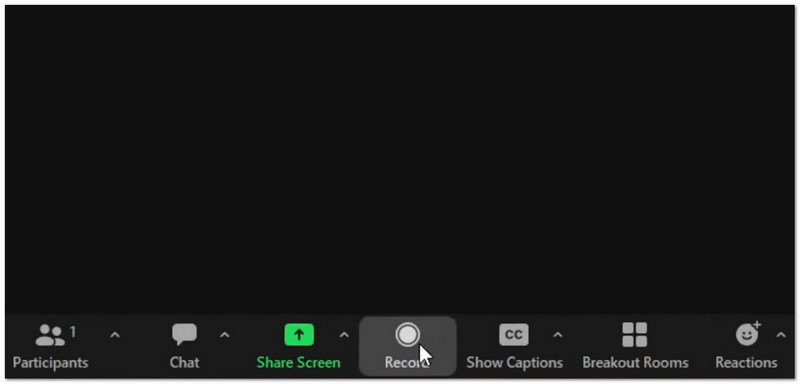
Wat het doet: Het neemt video en audio op, maakt AI-samenvattingen en slimme hoofdstukken, en kan ook live vertalen met behulp van AI Companion, terwijl het zowel lokale als cloudopnameopties biedt.
- Pluspunten
- Sterk, zelfs met een zwakke internetverbinding.
- Veel hulpmiddelen, zoals enquêtes en whiteboards.
- Slimme AI-notities en actiepunten
- nadelen
- AI-tools kosten meer.
- Cloudopslag is beperkt.
Best voor:
- Grote bijeenkomsten
- Webinars
- Teams met een slechte internetverbinding
Beoordeling: ★★★★★ (5/5)
2. Teams
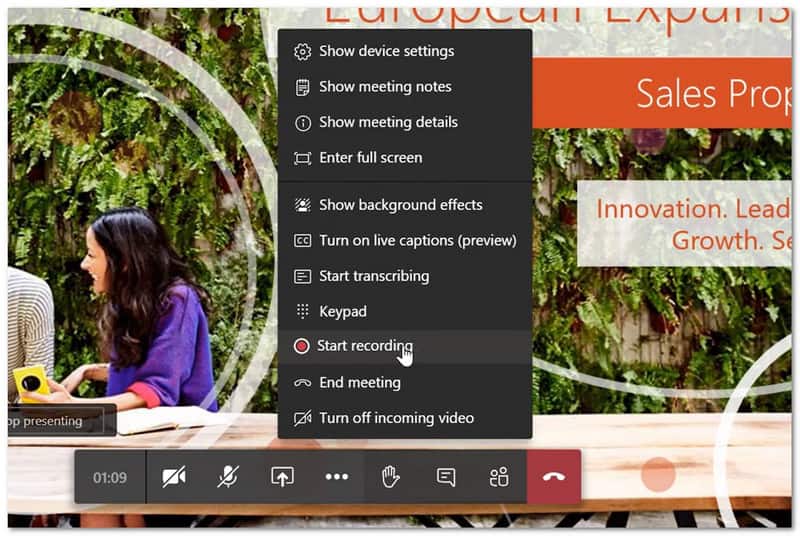
Wat het doet: Het systeem neemt vergaderingen op en transcribeert ze, terwijl Copilot wordt gebruikt om slimme samenvattingen, actiepunten en op sprekers gebaseerde overzichten op één plek te creëren.
- Pluspunten
- Werkt goed samen met Microsoft 365.
- Bewaart bestanden en chats op één plek.
- Sterke ruisonderdrukking
- nadelen
- Kan traag aanvoelen op oudere apparaten.
- Een harde schijf voor gasttoegang
- Opnames vervallen na 120 dagen.
Best voor:
- Teams gebruiken Microsoft 365 dagelijks.
Beoordeling: ★★★★ (4.5/5)
3. Ontmoeten
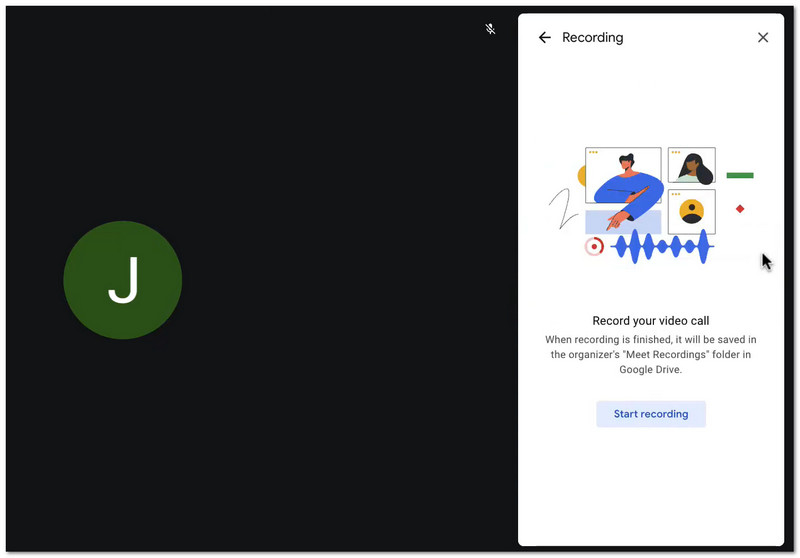
Wat het doet: Het programma neemt vergaderingen op en slaat ze op in Google Drive, terwijl Gemini automatisch notities aanmaakt. Bovendien kunnen gebruikers eenvoudig deelnemen via een webbrowser zonder apps te hoeven installeren.
- Pluspunten
- Makkelijk om lid te worden
- Snelle installatie
- Eenvoudige bestandsopslag met Drive.
- nadelen
- Niet inbegrepen in de basisplannen.
- AI is eenvoudiger dan Zoom.
Best voor:
- Google Workspace-gebruikers
- Snelle en eenvoudige vergaderingen
Beoordeling: ★★★★ (4/5)
Deel 2. AI-vergaderverslaggevers en -notulisten
Het maken van aantekeningen tijdens vergaderingen kan je vertragen. Gelukkig zijn er nu AI-tools voor het opnemen van vergaderingen die dit werk voor je doen.
1. Vadem
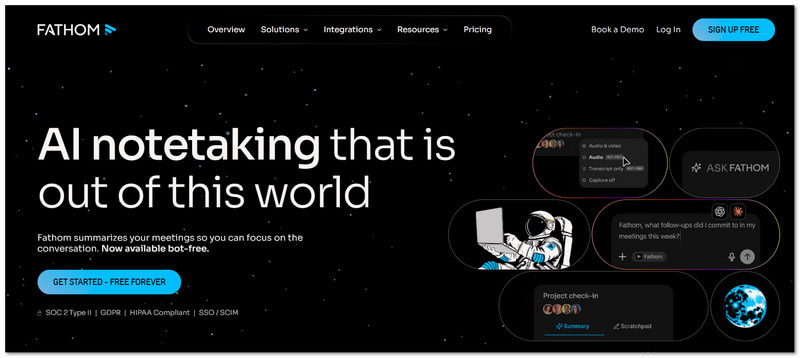
Wat het doet: Fathom is een gratis AI-tool die Zoom-, Meet- en Teams-gesprekken opneemt en samenvat.
Belangrijkste kenmerken:
- Onbeperkte opname- en transcriptiemogelijkheden
- Directe samenvattingen
- Hoogtepunten
- CRM-synchronisatie
- Pluspunten
- Gratis voor persoonlijk gebruik
- Makkelijk te gebruiken
- Snelle resultaten
- nadelen
- Beperkte geavanceerde functies in het gratis abonnement.
- Gebruikt een bot tijdens vergaderingen.
Prijzen:
- Gratis abonnement
- Het salaris begint bij $19/maand.
Best voor:
- Individuen
- Kleine teams
Beoordeling: ★★★★ (4.7/5)
2. Otter
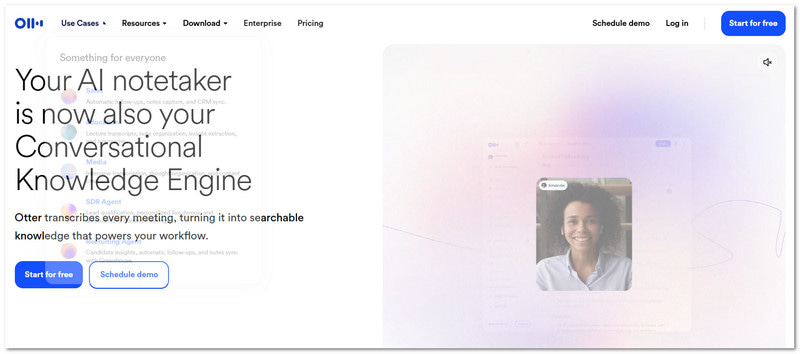
Wat het doet: Otter is een bekende AI-tool voor het opnemen en transcriberen van vergaderingen, live transcripties en teamnotities.
Belangrijkste kenmerken:
- Realtime transcriptie
- Teamchat
- Spreker-ID
- Dia-opname
- Pluspunten
- Uitstekend geschikt voor realtime teamwork
- Betrouwbaar hulpmiddel
- nadelen
- Een paar minuten vrije tijd
- Voor volledig gebruik is een betaald abonnement vereist.
Prijzen:
- Gratis abonnement
- Het salaris begint bij $10/maand.
Best voor:
- Teamnotities maken
- Live transcriptie
Beoordeling: ★★★★ (4.2/5)
3. Vuurvliegjes
Wat het doet: Fireflies is een AI-tool die vergaderingen opneemt en gesprekken bijhoudt met behulp van uitgebreide integraties.
Belangrijkste kenmerken:
- Automatische vergaderingsnotities
- Sentimentanalyse
- Aangepaste sjablonen
- Meer dan 90 integraties
- Pluspunten
- Veel functies
- Grondige zoekopdracht
- Goede CRM-registratie
- nadelen
- Hogere kosten
- Kan complex aanvoelen
- Extra kosten voor studiepunten
Prijzen:
- Gratis abonnement
- Het salaris begint bij $16/maand.
Best voor:
- Verkoopteams
- CRM-gebruikers
Beoordeling: ★★★★ (4.5/5)
Deel 3. ChatGPT-vergaderingsrecorder
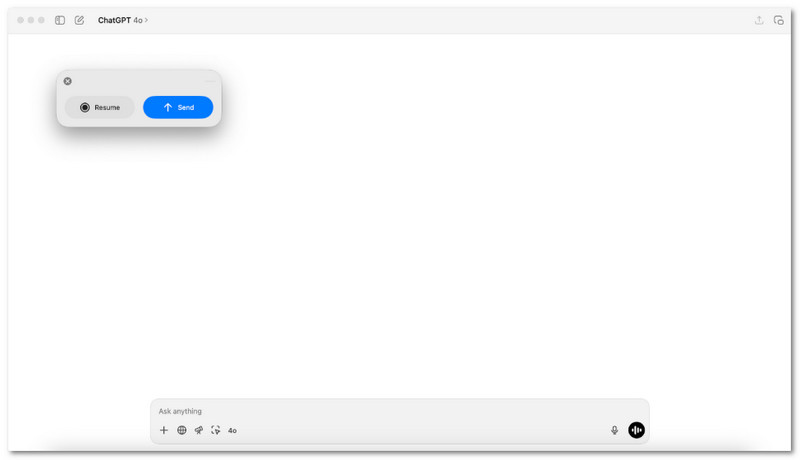
Zoekt u een eenvoudige manier om na een vergadering gesproken woorden om te zetten in bruikbare notities?
Op macOS doet ChatGPT Meeting Recorder precies dat. Het neemt audio op en zet die vervolgens om in duidelijke samenvattingen met actiestappen. Het is ideaal voor gebruikers die snel een overzicht willen, een overzichtelijke output en geen extra tools nodig hebben tijdens vergaderingen.
Deel 4. Gratis vergaderopnameapparaten
Vergaderingen verlopen snel en details kunnen gemakkelijk over het hoofd worden gezien. Gratis vergaderopnameprogramma's slaan onopvallend elk woord op, zodat niets gemist wordt. In dit gedeelte presenteren we daarom de aanbevolen programma's.
1. AVAide-schermrecorder
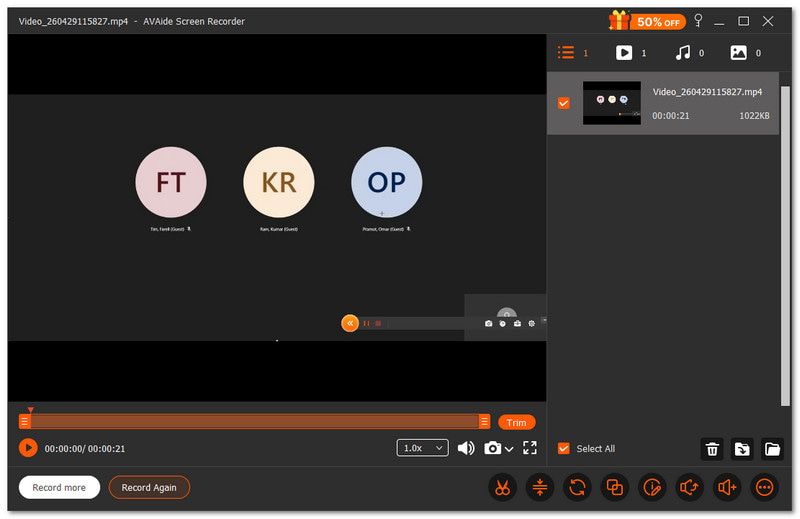
Als je tijdens het opnemen van een vergadering annotatietools zoals tekenen, markeren of notities toevoegen nodig hebt, dan is deze gratis vergaderingsrecorder ideaal. AVAide-schermrecorder, kan helpen.
- Opnames in hoge kwaliteit tot 1080p of 4K-resolutie.
- Hiermee kunt u schermafbeeldingen maken tijdens het opnemen van uw scherm.
- Inclusief bewerkingshul Hulpmiddelen om video's na de opname bij te snijden en aan te passen.
- Ondersteunt geplande opnames voor automatisch starten en stoppen.
- Exporteert video's in verschillende formaten voor eenvoudig delen.

 Veilige download
Je kunt je hele scherm vastleggen of alleen het gedeelte dat je nodig hebt. Het voelt alsof je zelf kiest wat je in beeld wilt brengen tijdens je vergadering. Het neemt ook tegelijkertijd systeemgeluid en je stem op. Zo mis je niets.
2. OBS-Studio
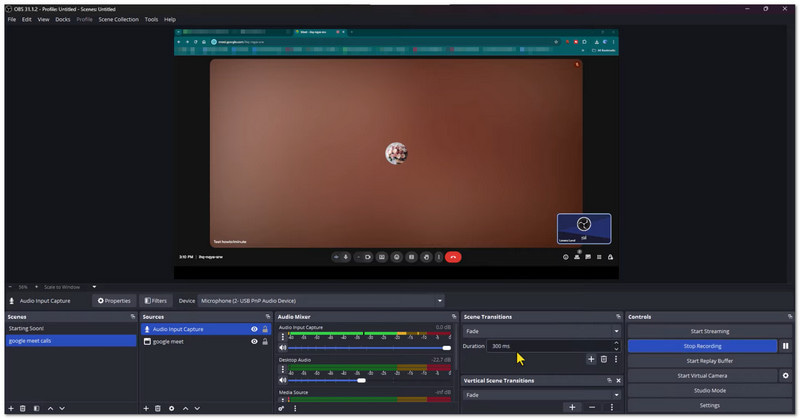
OBS Studio is gratis open-source software voor het opnemen van vergaderingen en schermactiviteit. Het kan tegelijkertijd het scherm, de webcam en de microfoon in hoge kwaliteit vastleggen. Gebruikers kunnen tijdens de opname ook aangepaste scènes maken en ertussen schakelen. Het is bij uitstek geschikt voor gebruikers die geavanceerde controle en professionele resultaten willen.
3. QuickTime Player
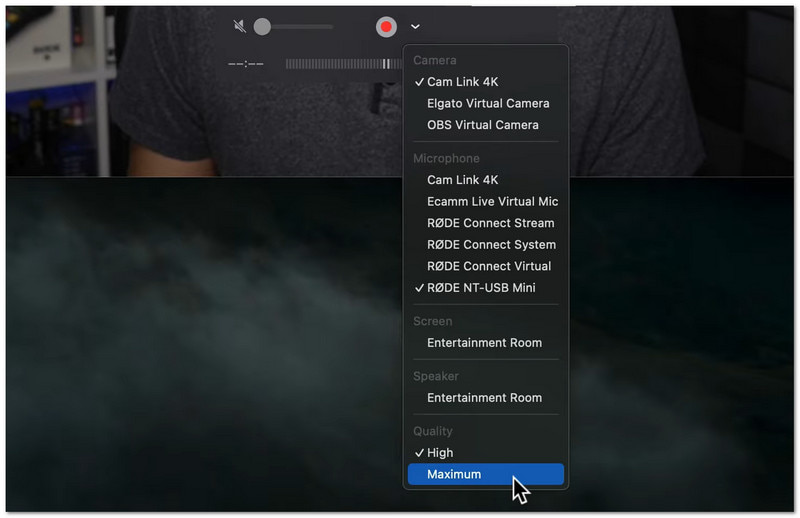
Het is een ingebouwde Mac-tool voor eenvoudige scherm- en vergaderingsopnames. Het is al op de Mac geïnstalleerd, dus downloaden is niet nodig. Gebruikers kunnen binnen enkele seconden beginnen met opnemen via het menu 'Bestand'. Het is het meest geschikt voor snelle, eenvoudige opnames met basisbewerking.
Deel 5. Online vergaderopnameprogramma's (geen download nodig)
Liever niets downloaden? Met de onderstaande webtools kunt u vergaderingen eenvoudig rechtstreeks in uw browser opnemen.
1. VEED
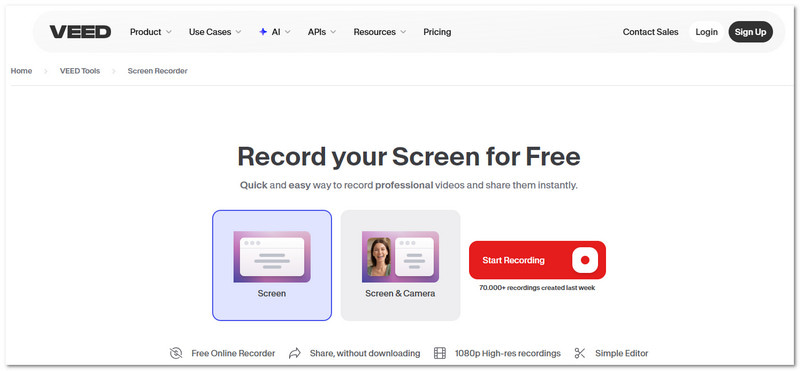
VEED is een online schermrecorder Deze app is geschikt voor vergaderingen, presentaties en tutorials. Hij legt scherm, camera en audio vast op één plek. Ook bevat hij bewerkingshul Hulpmiddelen zoals ruisonderdrukking en oogcontactcorrectie. Hij is speciaal ontwikkeld voor mensen die opgenomen vergaderingen willen die er direct klaar uitzien om te delen of te presenteren.
2. Kommodo
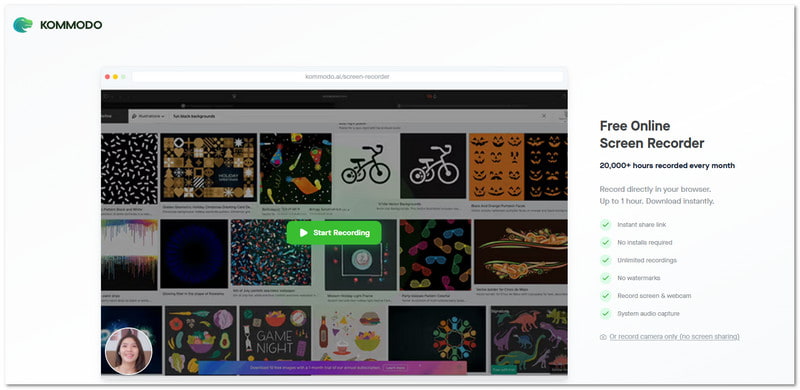
Kommodo is een lichtgewicht vergaderingsrecorder die ook zonder installatie werkt. Het neemt scherm, spraak of webcam rechtstreeks in je browser op. Je kunt opnames ook direct delen via een privélink. Het is ideaal als je vergaderingen snel wilt opnemen en versturen.
Deel 6. Hardware voor het opnemen van vergaderingen
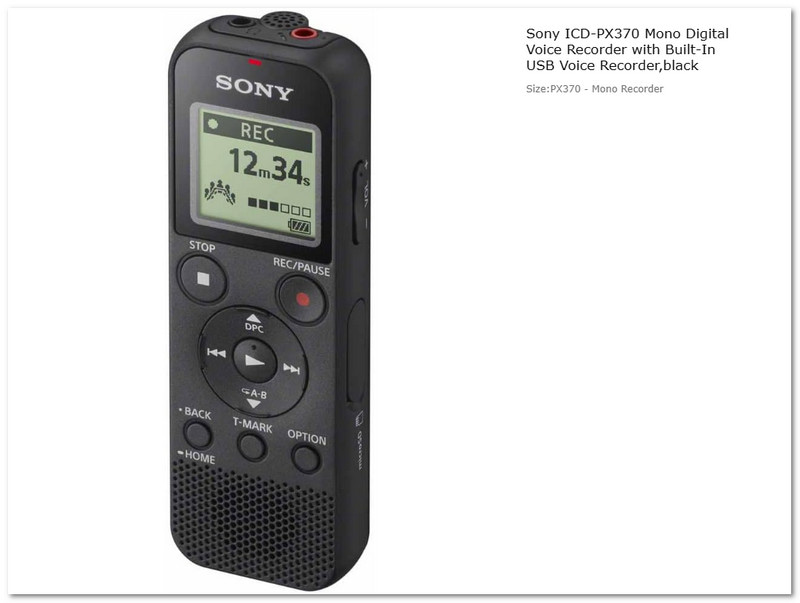
Soms heb je een echt apparaat nodig, geen app voor het opnemen van vergaderingen. De Sony ICD-PX370 digitale spraakrecorder is een kleine hardware-recorder, speciaal ontworpen voor vergaderingen, lezingen en interviews. Hij neemt heldere audio op in MP3-formaat en kan lange sessies opslaan. Het apparaat is eenvoudig, draagbaar en gebouwd voor langdurig gebruik zonder internetverbinding of een programma.
Deel 7. Vergelijking van de beste vergaderopnameprogramma's
Er bestaan verschillende soorten vergaderrecorders. Elk type heeft een duidelijk doel. Sommige zijn gericht op videogesprekken. Andere op notities. Sommige werken zonder internetverbinding. Hieronder vindt u een eenvoudige vergelijking om u te helpen bij uw keuze:
- Platform-native vergaderingsrecorders
Geïntegreerd in Zoom, Teams en Google Meet. Eenvoudig en veilig. Ideaal voor regelmatige online vergaderingen. - AI-vergaderopnameprogramma's en notitieprogramma's
Gebruik AI om samenvattingen en notities van vergaderingen te maken. Bespaar tijd door automatische transcriptie te gebruiken. Ideaal voor productiviteit. - ChatGPT-vergaderingsrecorder
Maakt samenvattingen en taken na vergaderingen. Richt zich op evaluatie en planning. Het meest geschikt voor het organiseren van resultaten. - Gratis vergaderrecorders
Dit zijn gratis schermrecorder die meer bieden dan alleen basisopname. Denk bijvoorbeeld aan eenvoudige bewerkingsfuncties zoals bijsnijden en ruisonderdrukking, ondersteuning voor geplande opnames en de mogelijkheid tot lange opnamesessies, zoals bij AVAide Screen Recorder. Daardoor zijn ze handig voor vergaderingen, lezingen en webinars. - Online vergaderopnameprogramma's (geen download nodig)
Werk rechtstreeks in uw browser, zonder installatie. Snel opnemen en delen. Ideaal voor korte taken. - Hardware voor het opnemen van vergaderingen
Fysieke apparaten voor offline audio-opname. Geen internetverbinding nodig. Ideaal voor colleges en interviews.
Met zoveel opties hierboven is het zeker dat vergaderingsopname is nu eenvoudig voor u. Als u een gratis tool met meer functies wilt, probeer dan AVAide-schermrecorderHet apparaat kan lange vergaderingen prima aan en zorgt elke keer voor een vloeiende en betrouwbare opname.
OVER DE AUTEUR

Opnamescherm, audio, webcam, gameplay, online vergaderingen, evenals iPhone/Android-scherm op uw computer.
Schermopname